

Updates for one year, unlimited sites, auto updates, and regular updates.
$3.99
 BookmarkBookmarked
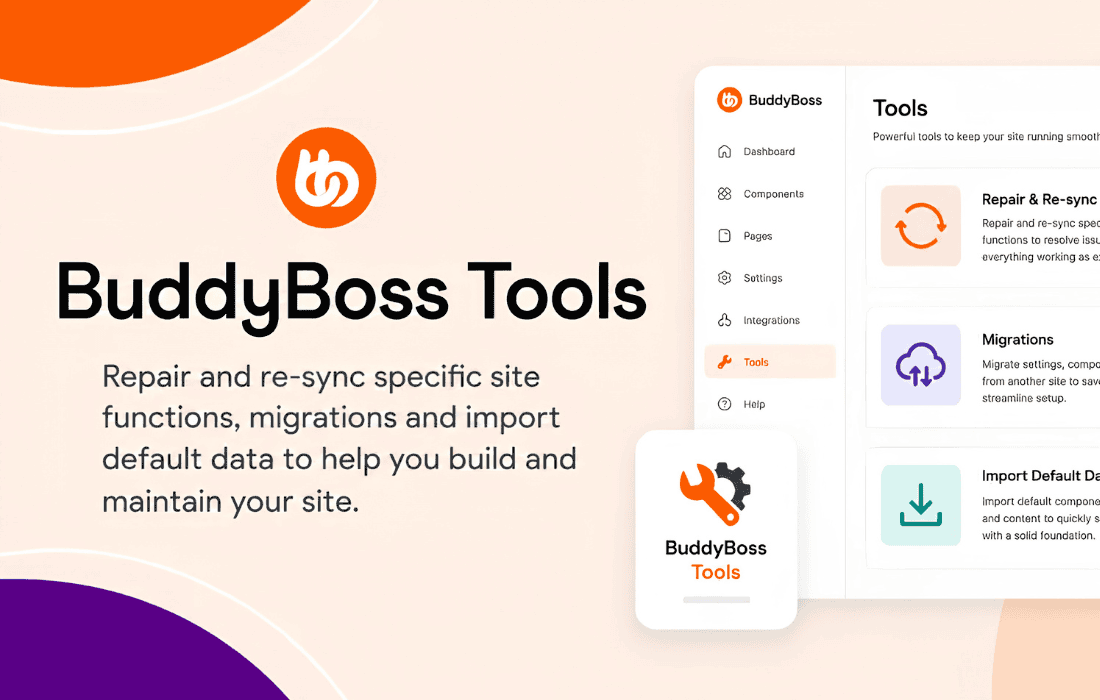
 BuddyBoss Tools is a specialized utility plugin designed to enhance the functionality and performance of WordPress websites built using the BuddyBoss Platform. It serves as a bridge between the core BuddyBoss ecosystem and specific site requirements, offering administrators granular control over community features, data management, and site optimization. By streamlining complex administrative tasks, this plugin ensures that community-driven websites remain performant and easy to manage as they scale.
The primary purpose of BuddyBoss Tools is to provide a centralized dashboard for managing the unique requirements of a social network or e-learning platform. Because BuddyBoss sites often handle high volumes of user-generated content, activity streams, and complex database queries, this toolset is engineered to handle maintenance tasks that would otherwise require custom coding or multiple third-party plugins. It acts as a maintenance suite that keeps the BuddyBoss Platform running smoothly, ensuring that user data remains consistent and site performance does not degrade over time.
The plugin offers a variety of features aimed at site administrators who need to maintain a healthy community environment. These features are focused on database integrity, performance optimization, and administrative efficiency.
Database and Data Management
One of the most critical aspects of managing a large BuddyBoss community is maintaining database health. BuddyBoss Tools provides utilities to clean up orphaned data, optimize database tables, and manage activity stream logs. By regularly purging unnecessary data, administrators can prevent the database from becoming bloated, which directly impacts page load speeds and overall server responsiveness.
Performance Optimization
Performance is paramount for social networking sites. BuddyBoss Tools includes features that help manage how data is cached and retrieved. It allows administrators to fine-tune how the platform interacts with the WordPress database, ensuring that heavy queries are handled efficiently. This is particularly useful for sites with thousands of active members where real-time notifications and activity updates can put a significant strain on server resources.
Administrative Utilities
The plugin simplifies common administrative workflows. This includes tools for bulk-managing user profiles, resetting specific community settings, and troubleshooting common configuration issues that may arise when integrating BuddyBoss with other WordPress plugins. By providing a unified interface for these tasks, BuddyBoss Tools reduces the time spent navigating through various WordPress settings menus.
BuddyBoss Tools is particularly effective in several common community-building scenarios. Understanding these use cases helps administrators determine how to best leverage the plugin for their specific needs.
Managing Large-Scale Online Communities
For websites with a large, active user base, the sheer volume of activity stream entries, private messages, and notifications can lead to database fragmentation. BuddyBoss Tools provides the necessary maintenance routines to keep these systems lean. Administrators can schedule cleanup tasks to remove outdated activity logs, ensuring that the site remains fast even as the community grows.
E-Learning and Course Platforms
When BuddyBoss is used in conjunction with LearnDash or other e-learning solutions, the complexity of the site increases. BuddyBoss Tools helps manage the data synchronization between the social community components and the course management components. It ensures that user progress and community interactions do not conflict, providing a seamless experience for students and instructors alike.
Troubleshooting and Debugging
When a site experiences unexpected behavior, identifying the root cause can be difficult. BuddyBoss Tools includes diagnostic features that allow administrators to inspect the state of their BuddyBoss configuration. By identifying misconfigured settings or conflicting data structures, the plugin helps administrators resolve issues quickly, minimizing downtime for their community members.
Beyond technical maintenance, BuddyBoss Tools contributes to a better user experience by ensuring that the site remains responsive. A slow-loading social network often leads to user churn. By utilizing the optimization features within this plugin, administrators can ensure that features like the activity feed, member directories, and group pages load quickly, even under high traffic conditions. This reliability is essential for maintaining engagement in any community-driven project.
To get the most out of BuddyBoss Tools, administrators should follow a few best practices. First, always perform a full site backup before running any database optimization or cleanup tasks. While the plugin is designed to be safe, database operations carry inherent risks. Second, schedule maintenance tasks during off-peak hours to ensure that any temporary performance impact does not affect the majority of your users. Finally, regularly review the plugin’s settings to ensure that your maintenance routines are aligned with the current size and activity level of your community.
While BuddyBoss Tools is specifically designed for the BuddyBoss ecosystem, there are other plugins that offer similar maintenance and optimization capabilities for general WordPress environments. However, for deep integration with BuddyBoss-specific data structures, no direct equivalent exists. If you are looking for general site maintenance tools, consider the following:
In conclusion, BuddyBoss Tools is an essential companion for any administrator managing a site powered by the BuddyBoss Platform. By providing a robust set of maintenance, optimization, and diagnostic utilities, it empowers site owners to maintain a high-performing, reliable, and engaging community. Whether you are managing a small niche group or a massive social network, the features provided by this plugin are instrumental in ensuring the long-term health and success of your WordPress community.


