

Updates for one year, unlimited sites, auto updates, and regular updates.
$3.99
 BookmarkBookmarked
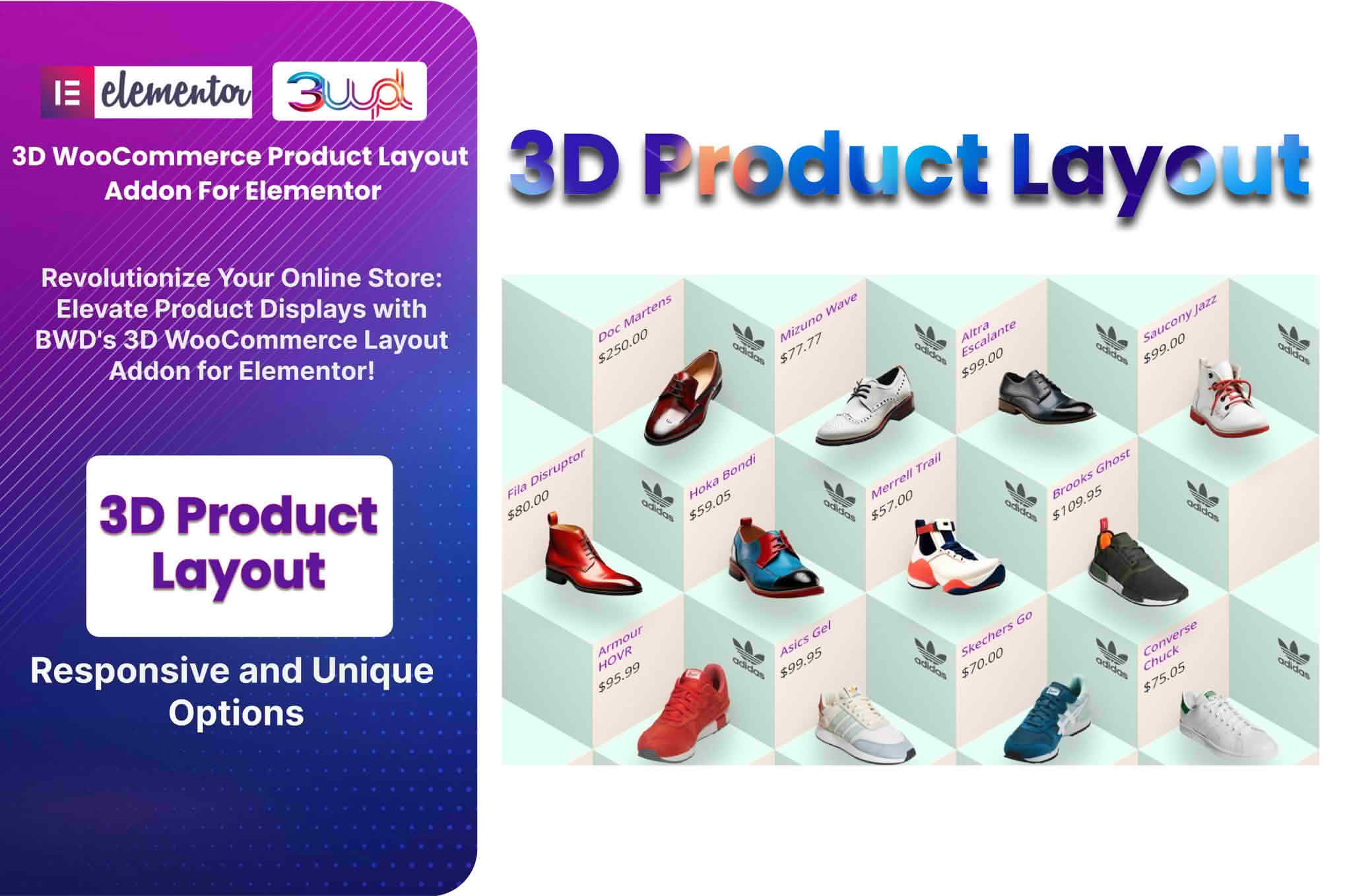
 The 3D WooCommerce Product Layout Addon for Elementor is a specialized extension designed to bridge the gap between static e-commerce product displays and immersive, interactive shopping experiences. By integrating directly with the Elementor page builder, this plugin allows store owners to showcase their products in a three-dimensional space, providing customers with a comprehensive view that traditional two-dimensional images cannot offer. This tool is engineered for businesses looking to increase engagement, reduce return rates by providing better product visualization, and modernize their digital storefronts.
In the competitive landscape of online retail, the ability to effectively communicate the physical attributes of a product is paramount. Standard image galleries often leave customers guessing about the texture, depth, or specific details of an item. The 3D WooCommerce Product Layout Addon for Elementor solves this by enabling the embedding of 3D models directly onto product pages. This allows users to rotate, zoom, and inspect items from every angle, creating a tactile digital experience that mimics the feeling of holding a product in a physical store.
The plugin is built specifically for the Elementor ecosystem, meaning that users do not need to possess advanced coding skills to implement these features. By utilizing a drag-and-drop interface, store managers can place 3D product viewers anywhere on their product templates. This seamless integration ensures that the 3D functionality feels like a native part of the WooCommerce experience rather than a disjointed third-party addition.
Interactive 3D Model Rendering
The core of the plugin is its high-performance 3D rendering engine. It supports standard 3D file formats, ensuring that high-fidelity models can be uploaded and displayed without significant performance degradation. The viewer is optimized for web browsers, ensuring that the transition between standard product images and the 3D model is smooth and responsive across both desktop and mobile devices.
Elementor Widget Integration
Because the plugin is designed as an addon for Elementor, it provides a dedicated widget that appears within the Elementor editor sidebar. Users can simply drag this widget into their single product template. Once placed, the widget offers a variety of customization options, such as controlling the initial camera angle, setting zoom limits, and toggling background transparency to ensure the 3D model blends perfectly with the existing website design.
Responsive Design and Mobile Optimization
A critical challenge with 3D web content is ensuring it remains functional on smaller screens. This plugin is built with a mobile-first approach, ensuring that touch gestures—such as pinching to zoom or swiping to rotate—are intuitive for smartphone and tablet users. The plugin automatically scales the viewer to fit the container size, preventing layout breaks and ensuring a consistent user experience regardless of the device being used.
Furniture and Home Decor
For retailers selling furniture, the ability to see the depth and scale of a piece is essential. Customers often struggle to visualize how a sofa or a coffee table will fit into their living space. By offering a 3D view, the plugin allows shoppers to examine the craftsmanship, joinery, and dimensions of the furniture, which significantly boosts buyer confidence and reduces the likelihood of post-purchase dissatisfaction.
Fashion and Accessories
In the fashion industry, texture and material quality are key selling points. A 3D model allows customers to inspect the fabric weave, the placement of zippers, or the intricate details of jewelry. This level of detail helps bridge the gap between online browsing and the physical reality of the product, making it an invaluable tool for luxury brands and high-end accessory retailers.
Technical Equipment and Electronics
For complex electronic devices or technical equipment, understanding the port layout, button placement, or internal structure can be a deciding factor for a purchase. The 3D viewer allows users to rotate the device to see all sides, providing a level of transparency that static images cannot match. This is particularly useful for B2B e-commerce sites where technical specifications and physical design are critical to the decision-making process.
Implementing 3D content on a website can sometimes lead to slow loading times if not managed correctly. This plugin includes optimization features to ensure that the 3D assets are loaded efficiently. It supports lazy loading, meaning the 3D model is only rendered when the user scrolls to the product viewer or interacts with the specific tab, preserving the initial page load speed for the rest of the site.
Furthermore, the plugin is designed to be lightweight. It avoids heavy external dependencies where possible, relying on modern browser capabilities to handle the rendering. This ensures that the site remains fast and SEO-friendly, as search engines prioritize websites that maintain high performance and provide a positive user experience.
The primary goal of the 3D WooCommerce Product Layout Addon for Elementor is to increase conversion rates. By keeping users on the product page longer through interactive elements, the plugin increases the time-on-page metric, which is a positive signal to search engines. More importantly, the interactive nature of the viewer creates a sense of ownership and engagement before the purchase is even made. When a customer spends time rotating and inspecting a product, they are more likely to feel a connection to it, which statistically correlates with higher conversion rates and lower cart abandonment.
Additionally, the plugin allows for the creation of a “hybrid” product gallery. Store owners can choose to display the 3D model as the primary product image or as an additional option within the gallery. This flexibility allows businesses to maintain their existing branding while layering in advanced 3D capabilities where they are most effective.
The installation process is straightforward for anyone familiar with the WordPress plugin architecture. Once the plugin is uploaded and activated, it automatically registers its widgets within the Elementor editor. Users can then navigate to their WooCommerce single product template, locate the 3D viewer widget, and drag it into the desired position. The settings panel allows for quick configuration of the model source, viewer dimensions, and interaction behaviors. No custom CSS or PHP is required for basic setup, making it accessible to store owners of all technical levels.


