

Updates for one year, unlimited sites, auto updates, and regular updates.
$3.99
 BookmarkBookmarked
 Sticky Video Prime Addon For Elementor is a specialized extension designed to enhance the video playback experience on WordPress websites built with the Elementor page builder. By enabling a “sticky” or “floating” video player functionality, this plugin ensures that video content remains visible to users even as they scroll past the original placement of the video on a page. This feature is particularly effective for maintaining viewer engagement, reducing bounce rates, and ensuring that important video content‚Äîsuch as tutorials, webinars, or promotional material‚Äîis never lost from the user’s field of view.
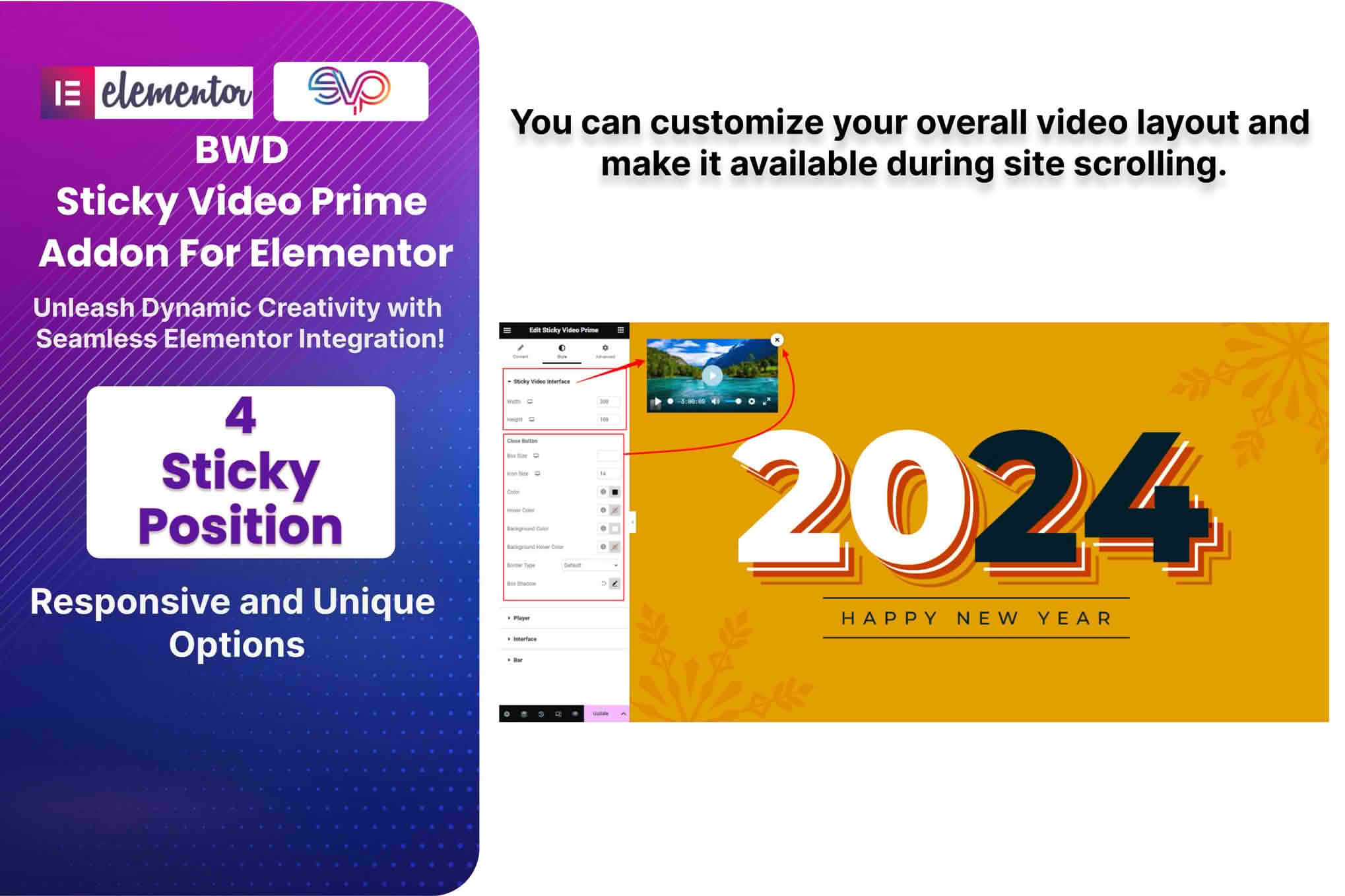
The primary purpose of Sticky Video Prime Addon For Elementor is to bridge the gap between static video embedding and dynamic user interaction. In a standard web layout, once a user scrolls down to read more content, the video element disappears from the viewport. This plugin intercepts that behavior by detecting when the video element is about to exit the screen and triggering a transition that pins the video to a designated corner of the browser window.
This functionality is achieved through seamless integration with Elementor’s widget system. Users do not need to write custom JavaScript or CSS to implement this behavior. Instead, the plugin adds specific controls to the Elementor editor, allowing site administrators to toggle the sticky effect on a per-video basis. This granular control ensures that only the most critical videos—such as a primary sales pitch or a live stream—are given the sticky treatment, preventing the user interface from becoming cluttered with multiple floating elements.
The plugin provides a robust set of configuration options designed to balance functionality with aesthetic control. Because different websites have different design languages, the plugin allows for significant customization of the floating player.
Implementing a sticky video player can significantly impact site performance metrics and user behavior. Below are several scenarios where this plugin proves highly beneficial.
Educational and Tutorial Sites
For websites that offer long-form tutorials or educational courses, users often need to follow along with a video while reading supplementary text or performing actions in another window. By keeping the video visible, the plugin allows the user to maintain focus on the instructor’s demonstration without having to scroll back and forth, which significantly improves the learning experience.
E-commerce and Product Demonstrations
Product pages often feature high-quality video demonstrations. If a potential customer scrolls down to read the technical specifications or customer reviews, they might lose interest in the video. A sticky video player keeps the product demonstration in view, reinforcing the value proposition throughout the entire decision-making process and potentially increasing conversion rates.
News and Media Portals
In the context of news or media, a sticky video is an excellent tool for live coverage or breaking news. When a site features a live stream, the sticky player ensures that the audience stays connected to the broadcast even while they navigate through related articles or comment sections on the same page.
The strength of this plugin lies in its native integration with the Elementor ecosystem. By functioning as an addon, it inherits the drag-and-drop simplicity that users expect. Once installed, the plugin adds a new tab or section within the Elementor widget settings for video elements. This means that site builders do not need to switch between different plugins or configuration panels to manage the sticky behavior.
Furthermore, the plugin is designed to be compatible with standard WordPress video embeds as well as popular third-party platforms like YouTube and Vimeo. By standardizing the way these videos are handled, the plugin ensures a consistent look and feel across the entire site, regardless of the source of the video content.
When adding functionality to a WordPress site, performance is always a concern. Sticky Video Prime Addon For Elementor is engineered to be lightweight, ensuring that the additional scripts required to handle the scroll-detection and positioning logic do not negatively impact page load times. The plugin utilizes efficient event listeners to monitor scroll positions, ensuring that the browser does not become bogged down during the scrolling process.
Compatibility is another pillar of the plugin’s design. Because it is built specifically for Elementor, it is tested against various versions of the page builder to ensure that updates to Elementor do not break the sticky functionality. Additionally, the plugin is designed to work well with most modern WordPress themes, provided they follow standard coding practices for header and footer rendering.
If you are looking for similar functionality within the WordPress ecosystem, the following plugins are known to provide sticky video or floating player capabilities:


