

Updates for one year, unlimited sites, auto updates, and regular updates.
$3.99
 BookmarkBookmarked
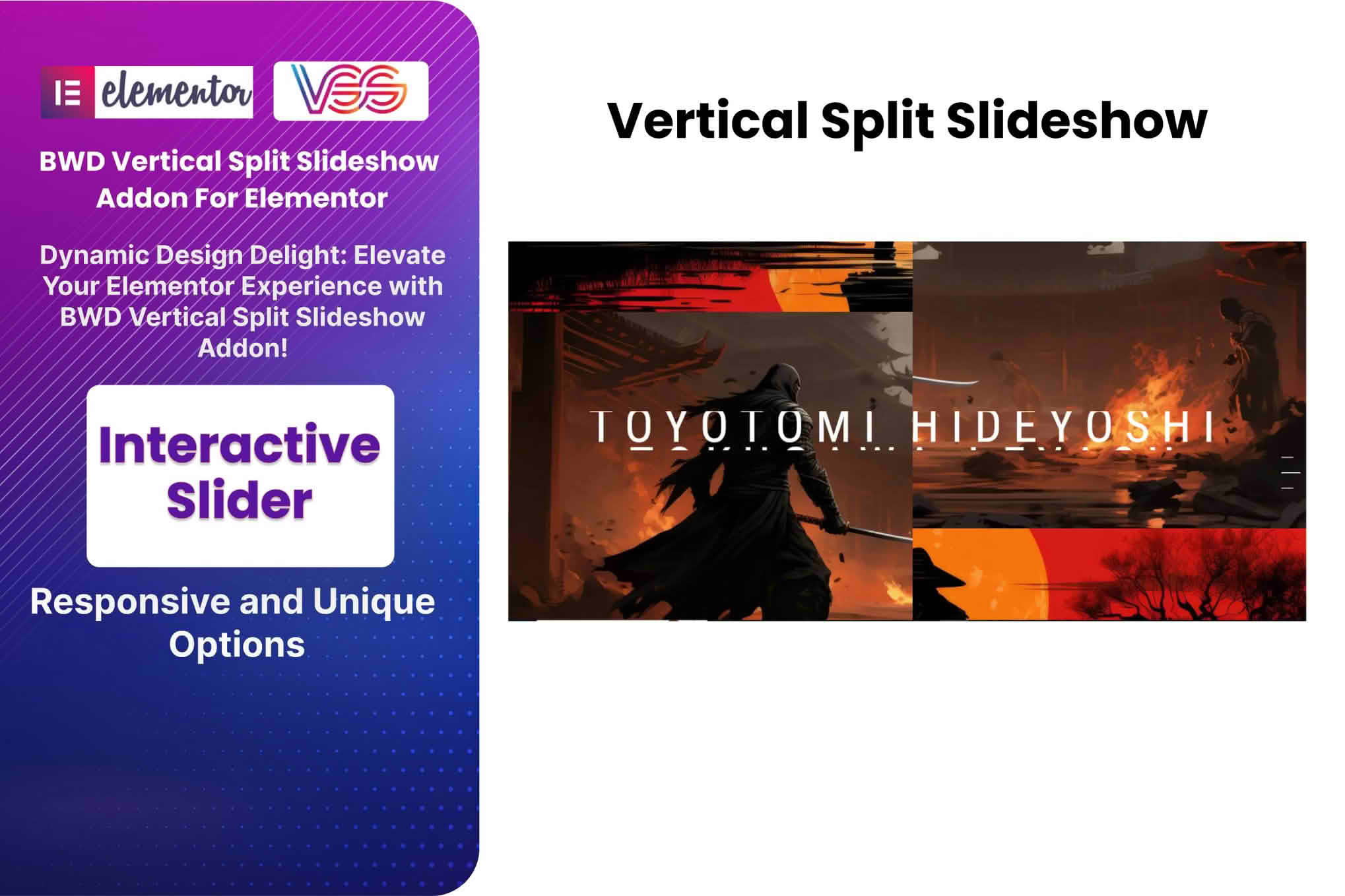
 The Vertical Split Slideshow Addon for Elementor is a specialized extension designed to enhance the visual storytelling capabilities of websites built with the Elementor page builder. By enabling a unique, dual-pane vertical scrolling effect, this plugin allows users to create immersive, interactive layouts where two content areas move in opposite directions or synchronize to create a sophisticated transition experience. It is engineered to integrate seamlessly into the Elementor ecosystem, providing a drag-and-drop interface that simplifies the creation of complex, high-end web animations without requiring custom coding.
At its heart, the Vertical Split Slideshow Addon transforms standard web sections into dynamic, split-screen experiences. The primary design philosophy behind this tool is to provide a premium, “agency-style” aesthetic that is typically reserved for custom-coded websites. By splitting the screen into two distinct vertical columns that scroll independently or in tandem, the plugin allows designers to juxtapose imagery against text, or product features against lifestyle photography, in a way that keeps the user engaged as they navigate down the page.
The plugin utilizes the Elementor framework to ensure that every element within the split panels remains fully editable. Users can place widgets, images, videos, and buttons inside these panels, maintaining the flexibility of the Elementor editor while gaining access to advanced motion effects. This approach bridges the gap between static page layouts and complex, motion-heavy web design.
The plugin is equipped with a variety of controls that allow for granular customization of the slideshow behavior. These features are designed to ensure that the split-screen effect is not only visually appealing but also performant and responsive.
The Vertical Split Slideshow Addon is particularly effective for specific types of web projects where visual impact is a priority. Because the layout is inherently dramatic, it is best suited for high-conversion landing pages or portfolio showcases.
Portfolio and Creative Showcases
For photographers, architects, and creative agencies, the vertical split effect provides a unique way to display a portfolio. By placing a high-resolution image in one panel and a project description or client testimonial in the other, the designer creates a narrative flow that guides the viewer through the work. This format is far more engaging than a standard grid gallery, as it forces the viewer to focus on one project at a time.
Product Feature Highlights
E-commerce sites and SaaS companies often struggle to explain complex features without overwhelming the user with text. This plugin allows for a “feature-benefit” layout where the product interface or a relevant graphic is displayed in one panel, while the corresponding benefit or technical specification is displayed in the other. As the user scrolls, the content updates, creating a guided tour of the product’s capabilities.
Storytelling and Brand Narratives
Brands that rely on strong storytelling can use the vertical split slideshow to create a “parallax-lite” experience. By using the split-screen to contrast “before and after” scenarios or to show the evolution of a brand, the plugin helps maintain a sense of continuity that is often lost in traditional long-form scrolling pages.
One of the primary concerns with motion-heavy plugins is the potential impact on site speed. The Vertical Split Slideshow Addon for Elementor is built with clean, optimized code to minimize the footprint on the site’s performance. It leverages modern CSS transitions and, where appropriate, hardware-accelerated animations to ensure that the scrolling remains fluid even on mid-range devices.
Because it is an Elementor addon, it inherits the compatibility standards of the parent builder. It is designed to work with most modern WordPress themes and is compatible with major caching and optimization plugins. However, as with any plugin that introduces complex animations, it is recommended that users test their pages on various browsers to ensure that the scroll-jacking behavior—the mechanism that controls the vertical movement—remains consistent across different rendering engines.
To get the most out of this plugin, designers should keep a few best practices in mind. First, avoid overusing the effect. A vertical split slideshow is a powerful tool, but if every section of a page uses this transition, it can lead to “scroll fatigue,” where the user feels like they have lost control over the navigation. It is best used as a hero section or a highlight section in the middle of a page.
Second, prioritize accessibility. Because the plugin relies on specific scroll behaviors, it is essential to ensure that the content remains accessible via keyboard navigation. Users should be able to bypass the animation if necessary, and all images should have appropriate alt text to ensure that the visual storytelling does not exclude users relying on screen readers.
Finally, keep the content within the panels concise. The split-screen format works best when the text is punchy and the imagery is high-impact. Long paragraphs of text can be difficult to read in a narrow vertical column, so it is advisable to use headings, bullet points, and short sentences to convey information.
If you are looking for similar functionality within the Elementor ecosystem, the following plugins are known to offer advanced section transitions and split-screen capabilities:


