

Updates for one year, unlimited sites, auto updates, and regular updates.
$3.99
 BookmarkBookmarked
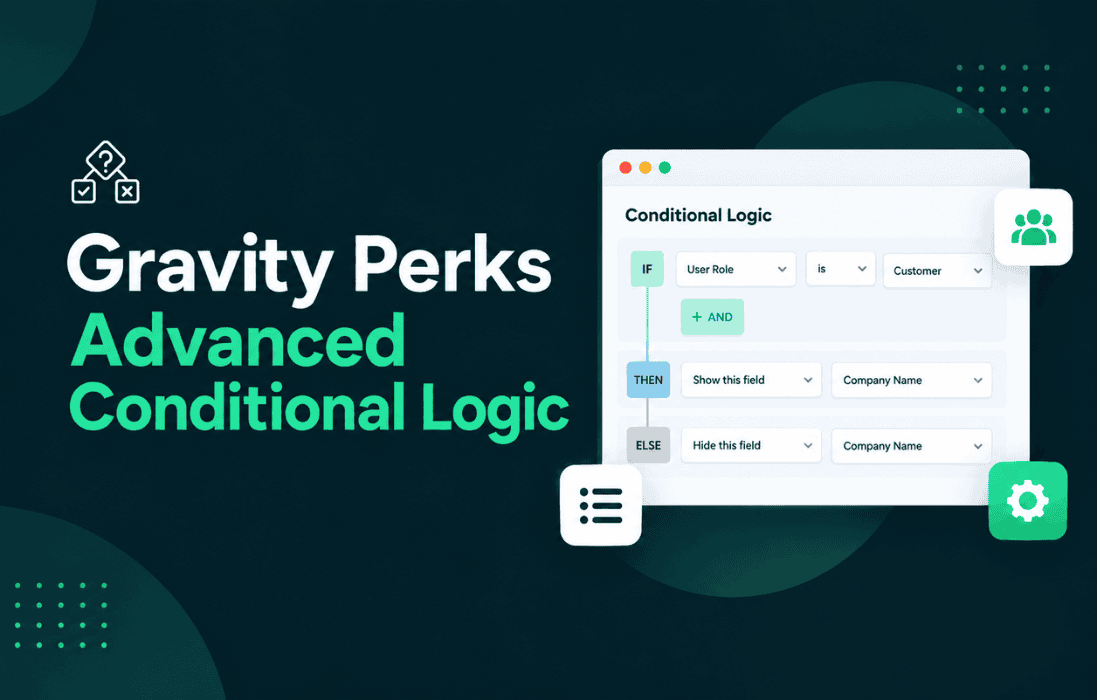
GP Advanced Conditional Logic is a specialized add-on for Gravity Forms designed to extend the native conditional logic capabilities of the plugin. By allowing users to create more complex, multi-layered rules for field visibility and form behavior, it bridges the gap between basic form requirements and sophisticated data collection workflows. This tool is essential for developers and site administrators who need to build dynamic forms that adapt in real-time based on user input, ensuring that the interface remains clean, relevant, and highly functional.
At its foundation, Gravity Forms provides a robust set of tools for showing or hiding fields based on user selections. However, standard functionality is often limited when dealing with complex logical operators or the need to group multiple conditions with varying logic types. GP Advanced Conditional Logic removes these limitations by enabling the use of “OR” logic alongside standard “AND” logic within the same conditional group. This allows for the creation of intricate rules that would otherwise require custom coding or multiple redundant fields.
The plugin integrates seamlessly into the existing Gravity Forms interface. When editing a field, users will find an enhanced conditional logic settings area. Instead of being restricted to a single set of conditions, the plugin allows for the creation of multiple groups of conditions. This modular approach means that a field can be triggered if Condition Set A is met, OR if Condition Set B is met, providing a level of flexibility that is critical for complex surveys, multi-step applications, and dynamic quote request forms.
The primary strength of GP Advanced Conditional Logic lies in its ability to handle complex logical structures without requiring the user to write PHP or JavaScript. By providing a user-friendly interface for advanced logic, it democratizes the ability to create highly interactive forms.
The utility of GP Advanced Conditional Logic becomes apparent in scenarios where form requirements are non-linear. For example, in a medical intake form, a patient might need to see specific follow-up questions based on a combination of their age, gender, and previous medical history. Standard conditional logic might struggle to handle these overlapping requirements efficiently, but this plugin allows for precise control over which questions appear.
Another common use case is in e-commerce or service-based businesses that offer tiered pricing or custom quotes. A form might need to show specific input fields if a user selects “Service A” and “Option 1,” OR if they select “Service B” and “Option 3.” By using the advanced logic capabilities, the form remains concise and only presents the necessary fields to the user, preventing confusion and ensuring that the data collected is accurate and relevant to the user’s specific needs.
Implementing the plugin is straightforward for anyone already familiar with the Gravity Forms interface. Once installed and activated, the standard “Enable Conditional Logic” checkbox in the field settings is supplemented with the advanced options provided by the plugin. Users can add new condition groups, define the logic within those groups, and set the relationship between the groups themselves.
This workflow is particularly beneficial for site administrators who manage large-scale forms. Instead of having to manage dozens of individual fields that are conditionally hidden, they can consolidate the logic into fewer, more powerful rules. This not only makes the form easier to build but also makes it significantly easier to maintain and update as business requirements change over time.
Because GP Advanced Conditional Logic is designed to work within the existing Gravity Forms framework, it is optimized for performance. It leverages the native Gravity Forms API to process logic, ensuring that the form remains responsive even when complex rules are applied. Furthermore, the plugin is built to be compatible with other Gravity Forms add-ons, allowing it to function as part of a larger ecosystem of tools without causing conflicts or performance degradation.
Developers will appreciate that the plugin does not interfere with the underlying data structure of the entries. When a form is submitted, the data is saved in the standard Gravity Forms entry format, meaning that reporting and integration with third-party services like CRMs or email marketing platforms remain unaffected. The logic is applied purely at the interface level, ensuring a smooth experience for the end-user while maintaining data integrity on the backend.
While there are various form-related plugins available for WordPress, most do not provide the specific, granular control over Gravity Forms logic that this plugin offers. If you are looking for alternatives within the Gravity Forms ecosystem, you may consider the following:


