

Updates for lifetime, unlimited sites, unlimited downloads, and regular updates.
$3.99
 BookmarkBookmarked
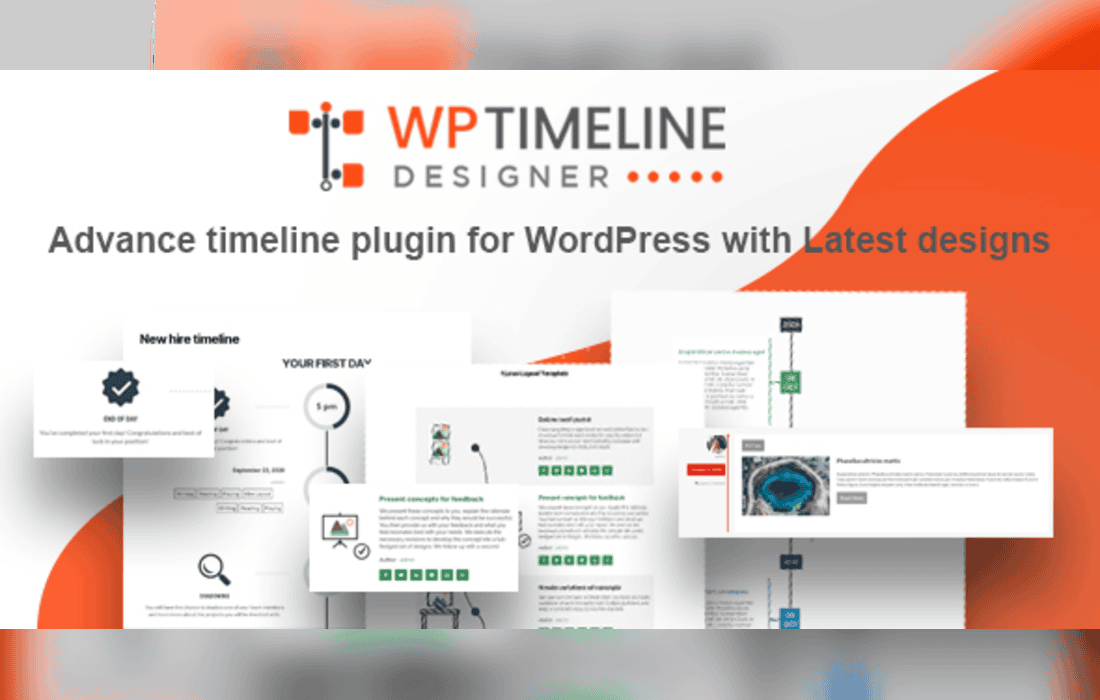
WP Timeline Designer Pro is a comprehensive WordPress plugin designed to help users create visually engaging and interactive timelines, roadmaps, and history sections on their websites. By offering a wide array of pre-built templates and extensive customization options, the plugin enables site owners to showcase chronological events, company milestones, or project progress without requiring advanced coding knowledge. It is built to be responsive, ensuring that timelines look professional across desktop, tablet, and mobile devices.
The primary strength of WP Timeline Designer Pro lies in its versatility. It provides a robust library of ready-to-use layouts that cater to various aesthetic preferences, ranging from minimalist designs to complex, content-rich structures. Users can easily display post types, custom post types, or manually entered content within these timelines. The plugin integrates seamlessly with the WordPress block editor and popular page builders, allowing for a streamlined workflow when embedding timelines into pages or posts.
Beyond the initial layout selection, the plugin offers granular control over design elements. Users can modify colors, typography, border styles, and icon sets to ensure the timeline aligns perfectly with their brand identity. This level of customization is essential for businesses that need their chronological data to match the specific visual language of their existing website theme.
WP Timeline Designer Pro includes several features aimed at improving how visitors interact with chronological data. One of the standout features is the inclusion of animation effects. These animations trigger as the user scrolls down the page, adding a dynamic feel to the timeline and drawing attention to specific milestones. This interactive approach helps keep visitors engaged for longer periods.
The plugin also supports media-rich entries. Users are not limited to text; they can incorporate images, videos, and custom icons into their timeline nodes. This is particularly useful for storytelling, where visual evidence or media clips can provide context to specific dates or events. Furthermore, the plugin is optimized for performance, ensuring that even timelines with a large number of entries load efficiently without significantly impacting page speed.
The utility of this plugin extends across various industries and website types. Below are some of the most common applications for the tool:
WP Timeline Designer Pro is developed with modern web standards in mind. It is fully responsive, meaning the timeline layout automatically adjusts its width and stacking order based on the user’s screen size. This is critical for maintaining readability on mobile devices, where horizontal space is limited. The plugin is also designed to be compatible with most standard WordPress themes, minimizing the risk of conflicts with existing site styling.
For developers or power users, the plugin offers flexibility in how data is pulled. By supporting custom post types, it allows users to create a dedicated “Timeline” post type, keeping chronological data organized and separate from standard blog posts. This separation makes it easier to manage large amounts of content and ensures that the timeline functionality remains modular and scalable.
The plugin is designed to be accessible to users of all skill levels. The interface is intuitive, typically utilizing a settings panel where users can configure the look and feel of their timelines before generating a shortcode. This shortcode can then be placed anywhere on the site, including sidebars, footers, or specific page sections. Because it does not require custom CSS or PHP modifications, it is an ideal solution for site owners who want professional-grade design without the overhead of hiring a developer.
If you are exploring other options for timeline creation within the WordPress ecosystem, the following plugins are well-known and reliable alternatives:


