

Updates for one year, unlimited sites, auto updates, and regular updates.
$3.99
 BookmarkBookmarked
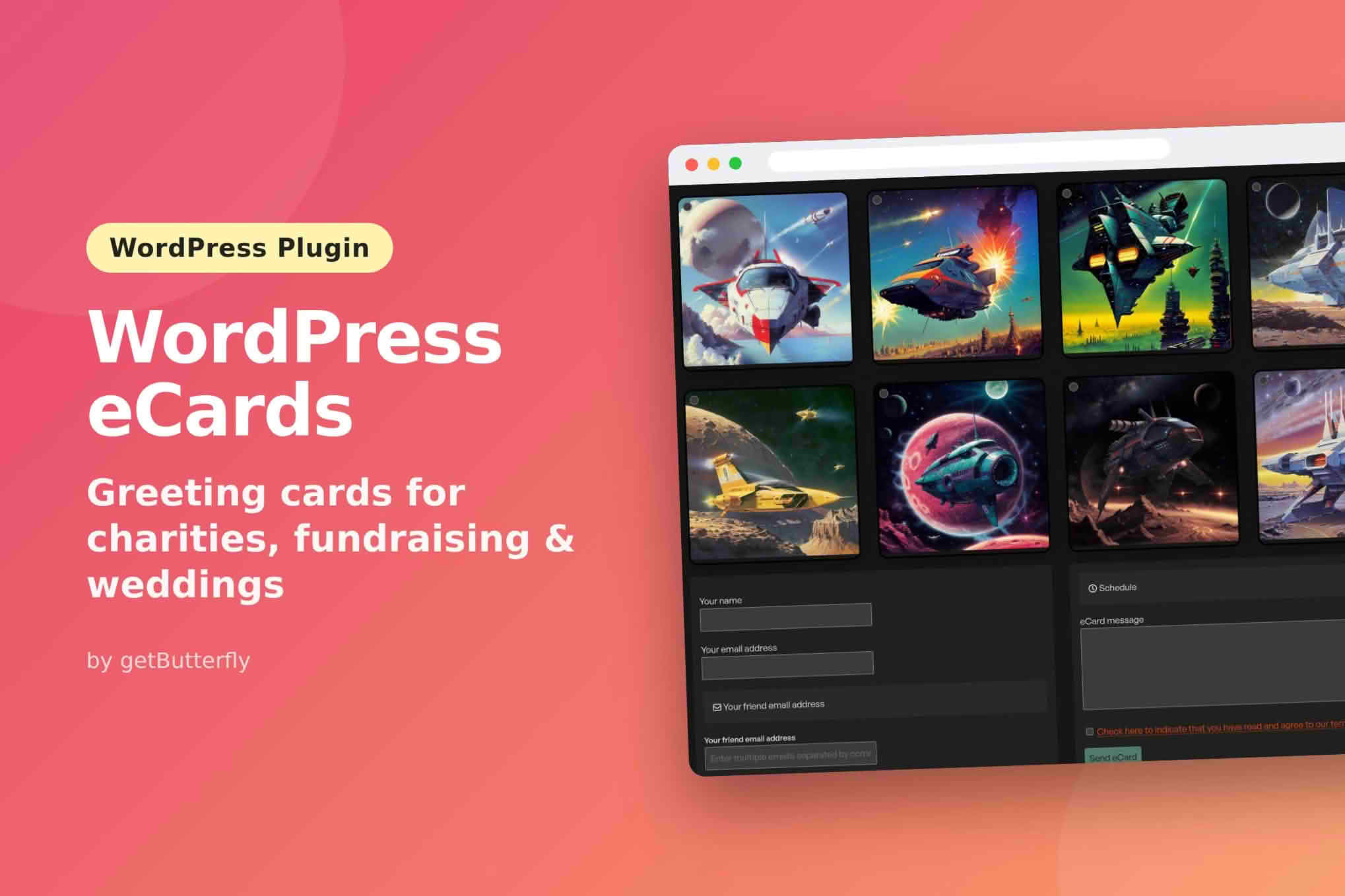
Give visitors a simple way to send a digital greeting card without leaving your website. WordPress eCards places a card form inside your pages and posts, lets each person choose a design from your own artwork or upload a picture of their own, and delivers the finished card to the recipient by email. The whole process runs inside your WordPress installation, so you keep control of the artwork, the wording, the schedule and the records that remain afterwards.
At its core, the plugin turns a collection of images into a form that anyone can complete in a few moments. The sender picks an illustration, adds a short personal note and types in the email address of the person who should receive it. The plugin then assembles the message, places the chosen card inside it and hands the email to the mail functions built into WordPress. Because the plugin runs wholly within your own installation, the cards, the forms and the sent-card records all stay on your own site.
The plugin automatically creates a custom post type to manage eCards, which keeps the designs you prepare in a dedicated area of the dashboard. Several options appear as simple on and off switches on the Settings and Email Options tabs, and basic statistics give you a quick view of how the feature is being used.
The sending process is intentionally short. Visitors move through the same three stages every time, which makes the form easy to explain on an introductory page and easy to understand at first glance.
The card form is added with a shortcode, [ecard], which you can place into any post or page you publish. The same shortcode also works on restricted-access areas, gateway pages and custom post types, including content locked behind membership plugins from other developers. That flexibility means the form can sit on a public landing page for everyone or inside a members-only section that a membership plugin controls.
Each shortcode can also carry a theme attribute. Setting it applies a seasonal look to that particular form, so a holiday page and a birthday page on the same site can present different designs without any other changes to your templates.
For larger sites, the admin shortcode generator saves you from writing shortcodes by hand. You select the images you want from the Media Library, drag them into the order you prefer, and the generator produces the code for you. Collections and custom identifiers decide which Media Library pictures each form displays, which keeps the choice of artwork firmly under your control.
In most cases, visitors choose from a set of card images that you provide. You can point the plugin at particular Media Library pictures by entering their eCard IDs, or you can group several pictures into an eCard collection built from a gallery block. Seasonal sets can be prepared well ahead of time and kept apart from everyday cards, so the right artwork is ready when a holiday approaches.
Visitors can also bring their own artwork. A front-end upload button accepts a picture from the visitor, and the plugin checks that the file really is an image before saving it to the Media Library. JPG, PNG and animated GIF files all work, which means a family photograph or a short looping animation can become the centrepiece of a card.
A card does not need an image to reach its destination. A card without an attached picture still reaches the recipient, so a simple written message remains a perfectly valid option.
Every card arrives inside an email, and the appearance of that email is shaped through a bundled designer that requires no coding. The designer provides options for corner rounding, shadows, a colour scheme and an accent colour, so the message can reflect your brand.
Four seasonal themes are built in: Christmas, New Year, birthdays and thank-you notes. A theme can apply across the whole site or be limited to a single form, which gives you flexibility when only one campaign needs a festive look.
The designer accepts placeholder tags such as [name] and [email] in both subject lines and message bodies. Custom content can be appended to the end of every outgoing email, and you can also choose whether emails include a short description and the content of the originating post. Each of those elements is optional, so you can keep messages minimal or detailed.
Every message includes a plain-text version alongside the HTML version, and a Reply-To header directs replies back to the person who sent the card. Those two details help the message read well in a wide range of mail clients and keep the conversation moving in the right direction.
Sends can be scheduled for a specific date, which is useful when a birthday card should arrive on the morning of the celebration rather than whenever a visitor happens to submit the form. Administrators can also delete scheduled cards that are no longer needed.
Records of sent cards are kept until the clearing rule you choose removes them. The Email Options screen lets you set a number of days after which those records are deleted automatically, so you decide how long they remain on your site.
Email is handled by the mail functions that WordPress already includes. For dependable delivery, the developer recommends adding an SMTP plugin, and that advice applies to most sites that send mail regularly.
If cards fail to arrive, begin by checking your site logs for mail errors. Next, confirm that no other email plugin is interfering with the process, and add an SMTP plugin if you have not already done so. Those are the same first checks the developer suggests.
A public form attracts unwanted traffic, so the plugin includes several layers of defence. Screening through Akismet is optional, and so is a basic CAPTCHA. A hidden honeypot field is designed to catch automated submissions, and a limit of ten sends per hour for each visitor prevents any single person from flooding the system. A developer can adjust that limit through a filter.
Privacy has been considered throughout. The form includes a privacy-policy consent checkbox, eCards and their collections are hidden from search engines and SEO tools, and outgoing emails contain no tracking elements. The developer also states that sending a card leaves no personal details behind in your database.
The plugin is optimised for the block editor. Its container is built from core block columns, and it avoids loading an external stylesheet, with inline styles arranged for sites that use critical CSS techniques. ARIA labels are included to help assistive technologies describe the form, and the plugin follows the language configured on your site. It also handles characters beyond English, such as Russian or Greek.
The plugin requires WordPress 6.2 through 7.1, and the developer reports testing through version 7.1.2. It runs on PHP 8.0 through 8.5. The listed browsers are Firefox, Safari, Opera, Chrome and Edge.
Charities and nonprofit organisations can treat seasonal cards as a channel that doubles as a donation route, using the holiday themes to reach donors at a meaningful moment. Wedding websites can give guests a simple way to send good wishes, and memorial sites can give visitors a gentle way to share a message of remembrance.
Gallery sites with several contributors can let members turn their own uploads into cards that visitors send to friends. Community and membership sites can include eCards as a perk for members, relying on the membership restrictions that work alongside the plugin.
Whatever kind of site you run, WordPress eCards gives visitors a quick and attractive way to send a card, while leaving the design, scheduling and housekeeping decisions in your hands.


