

Updates for one year, unlimited sites, auto updates, and regular updates.
$3.99
 BookmarkBookmarked
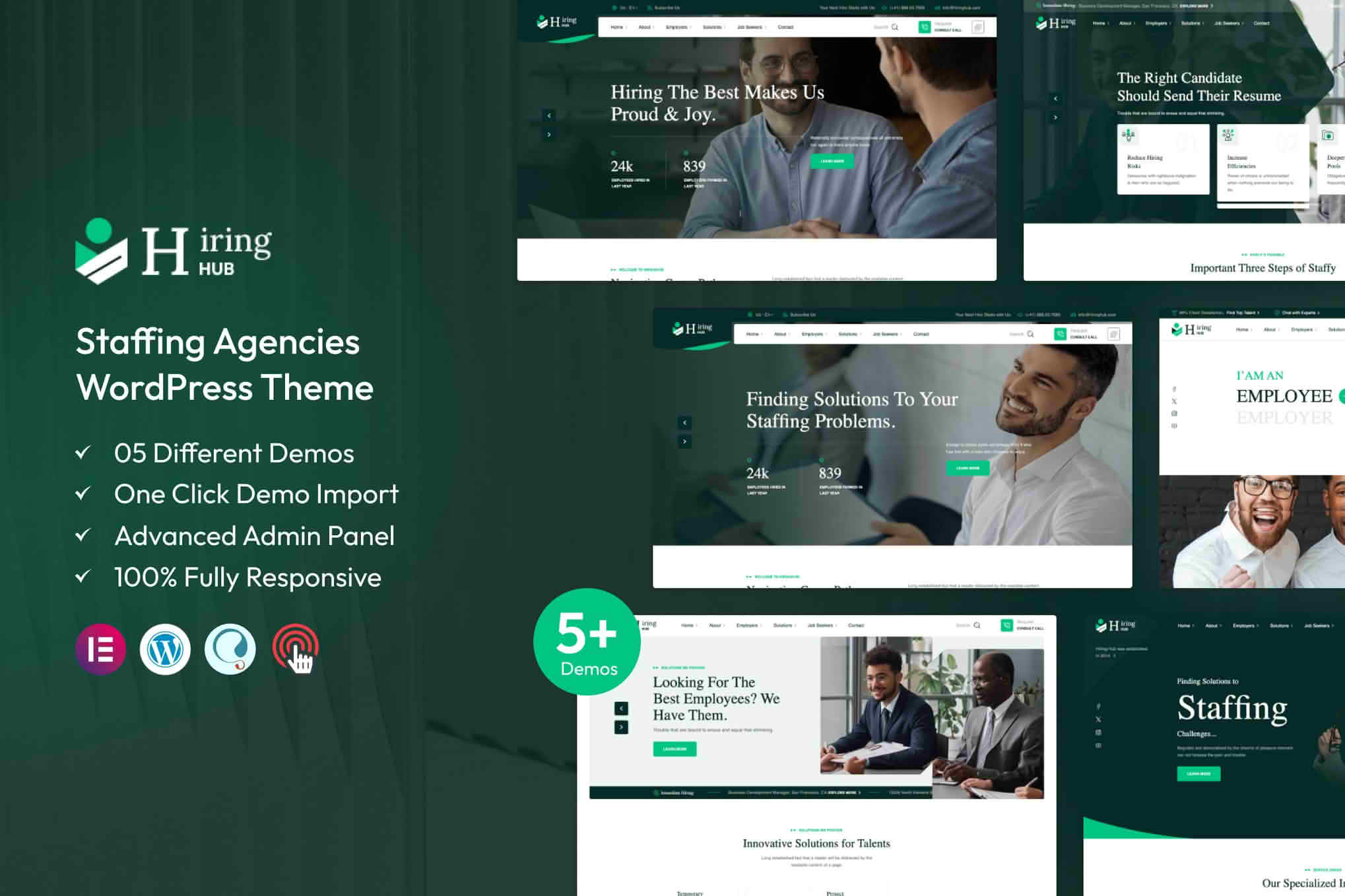
Hiring Hub is a WordPress theme for staffing agencies, recruitment firms and HR consultancies. It presents job openings, agency services and sector expertise in a clean, professional structure that suits both employers and job seekers.
Recruitment depends on trust. Employers want to see that an agency is organized and capable, and candidates want to find openings without friction. Hiring Hub is designed for both audiences, with Elementor-based pages and five homepage layouts that let an agency introduce its services, explain its sectors and point visitors toward open roles. The same structure also suits adjacent professional firms, including consultancies, accountants, insurance and loan providers, tax advisers, investment firms and leadership training bureaus, which all need to explain their expertise clearly.
The design is clean and modern, with responsive layouts that adapt to phones, tablets and desktop screens. Five homepage layouts offer different ways to open the site, and the front page can be rearranged in Elementor to match an agency’s own order of content. Wide and boxed layout options let an owner choose between a contained, traditional look and a more expansive one. A full-screen background slider is also available for hero imagery.
Agencies can list open positions through the job board, describe the sectors they recruit for and invite candidates and employers to get in touch through a contact form. A clear homepage helps visitors see quickly whether the agency handles their type of role.
HR consultancies and leadership training bureaus can present their programs, client sectors and team expertise. The Elementor layouts suit firms that need several sections for services, testimonials and enquiries on a single page.
Consultants, accountants, tax advisers, insurance and loan providers, and investment firms can use the theme to set out specialist services alongside contact details. Job seekers benefit from a site that brings open roles and agency information together in one place.
Hiring Hub is compatible with Elementor and Bootstrap. Elementor provides the page-building tools, and WPML supports translated versions of the site for agencies working across languages. Contact Form 7 handles forms, and the simple job board extends the site for vacancy listings. The theme has been tested on real devices and works across major browsers.
A theme options panel controls global settings, and child theme support lets developers adjust templates without losing their changes when the parent theme is updated. Custom page templates, custom CSS and custom widgets give further control. Because five demos are included, an agency can begin with the closest match and then adjust typography, sections and content to reflect its own brand. Detailed guides explain the customization process.


