

Updates for lifetime, unlimited sites, unlimited downloads, and regular updates.
$3.99
 BookmarkBookmarked
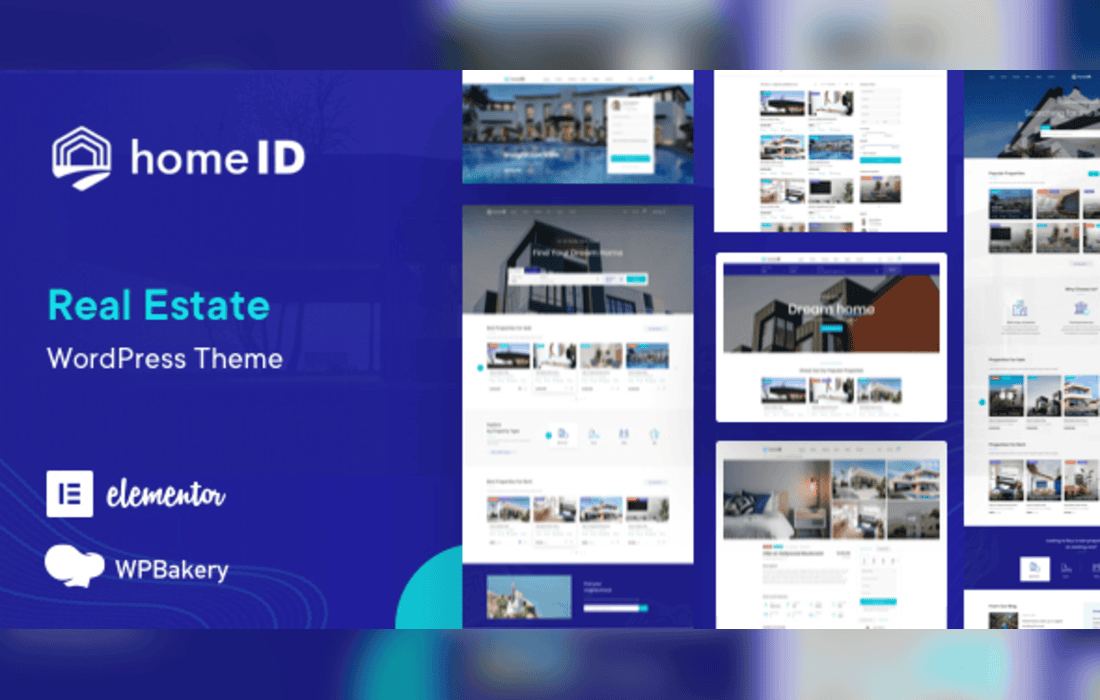
HomeID is a real estate theme for WordPress built on the Essential Real Estate plugin, with Elementor widgets, property listings, agent profiles and map search for property businesses.
HomeID is aimed at real estate businesses that need to present properties clearly and manage them from one site. It pairs the Essential Real Estate plugin, which provides the property features, with a theme layer that adds page designs, search and map views. The theme is maintained regularly and includes a demo importer that installs its sample pages and posts, so an agency or an individual agent can see a finished site before adapting it. Its purpose is to present property information to visitors and to simplify day-to-day management for the business owner.
The theme is responsive and retina-ready, with a sticky header and a choice of boxed or wide layouts. Its Theme Options and Real Estate Options panels control the look of the site. Typography controls and a sitewide accent color are available, and individual areas of the site can be given their own colors. Google Fonts and Font Awesome icons are included, and eight or more homepage demos provide different starting points.
Pages can be built with the bundled WPBakery Page Builder or with Elementor, which the theme supports through a dedicated Elementor demo and Elementor Pro widgets. The Essential Real Estate and HomeID shortcodes can be placed inside either builder.
An independent estate agent can use HomeID to publish property listings, search pages and an agent profile on a single site. A brokerage with several agents can use the agent management tools to give each agent a profile and their own properties. Sites that want visitors to create accounts and save searches can rely on the registration, favorites and alert features. Owners who want a polished property site from the start can begin with one of the homepage demos.
The theme is built for the Essential Real Estate plugin and works alongside WPBakery Page Builder and Elementor. Mailchimp is included for newsletter sign-ups. Payment gateways for PayPal, Stripe and wire transfer are available, and maps can use Google Maps, Mapbox or OpenStreetMap.
The theme is translation-ready and includes a child theme, so custom changes can be kept apart from the parent theme. Before installing it, check that the WordPress version on the site falls within the range the theme lists as supported.
The accent color and typography can be set sitewide, and individual areas can be given separate colors, so the site can match a brand without custom CSS. Homepage demos, layout options and boxed or wide arrangements give several starting points, and the Real Estate Options panel controls how the property features behave. Because the theme is responsive and translation-ready, the same site can serve different languages and screen sizes.


