

Updates for lifetime, unlimited sites, unlimited downloads, and regular updates.
$3.99
 BookmarkBookmarked
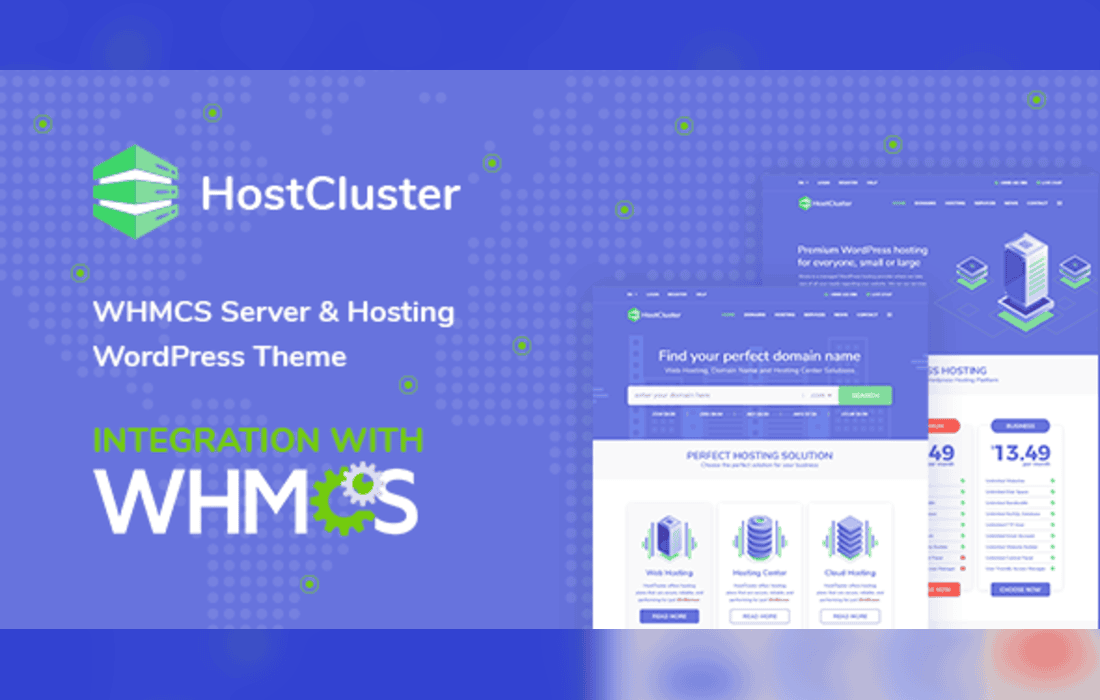
HostCluster is a WordPress theme for hosting and server businesses, with a WHMCS bridge plugin that connects the website to WHMCS billing so that order and account pages do not have to be built from scratch.
HostCluster is designed for running a server hosting business online. Its homepage variants each focus on a part of that business, including VPN hosting, WordPress hosting, crypto hosting, and video and slider layouts. The inner pages cover the services a hosting company usually offers, such as shared, VPS, dedicated and WordPress hosting, domain registration, managed firewall, cloud services, content delivery and email marketing, along with news, about and contact pages. The WHMCS bridge is the feature that sets it apart from a general business theme, because it links the public website to the billing and support system the business runs on.
The theme includes several header variants and color skins, along with an extensive megamenu that can organize a large number of services. The homepage can show hosting services in a showcase layout, alongside testimonials, a partners and clients section and an interactive map of server locations, where each location opens a pop-up with its details. Live chat is included, so visitors can ask questions while they browse.
Inner pages include WHMCS-linked pages for announcements, server status, ticket submission and support tickets, so visitors can move between the marketing site and their account areas.
A shared hosting or VPS provider can use the main homepage and service pages to explain its hosting options. A WordPress host can start from the WordPress hosting variant, while a business that offers cloud, CDN or managed firewall services can use the service pages to present each one. A host with customers in several countries can use the server location map and the multilingual WHMCS support to show where its servers are and to serve customers in their own languages.
The WHMCS bridge is the main integration. WPBakery Page Builder is listed as a compatible builder, and the theme also works with WPML and Contact Form 7. An RTL compatibility plugin adds right-to-left support, and MailChimp can be connected through the theme options for newsletter sign-ups. A one-click demo importer installs the sample pages so they can be reviewed before the business’s own content is added.
Over 100 theme options, custom templates through the bridge and several header variants give a hosting business room to shape the site. Color skins change the overall palette, while the homepage variants offer different starting structures. The bridge also supports visual integration, so billing and account pages can be styled to match the rest of the site, and customers see one consistent brand from the homepage through to their account.


