

Updates for one year, unlimited sites, auto updates, and regular updates.
$3.99
 BookmarkBookmarked
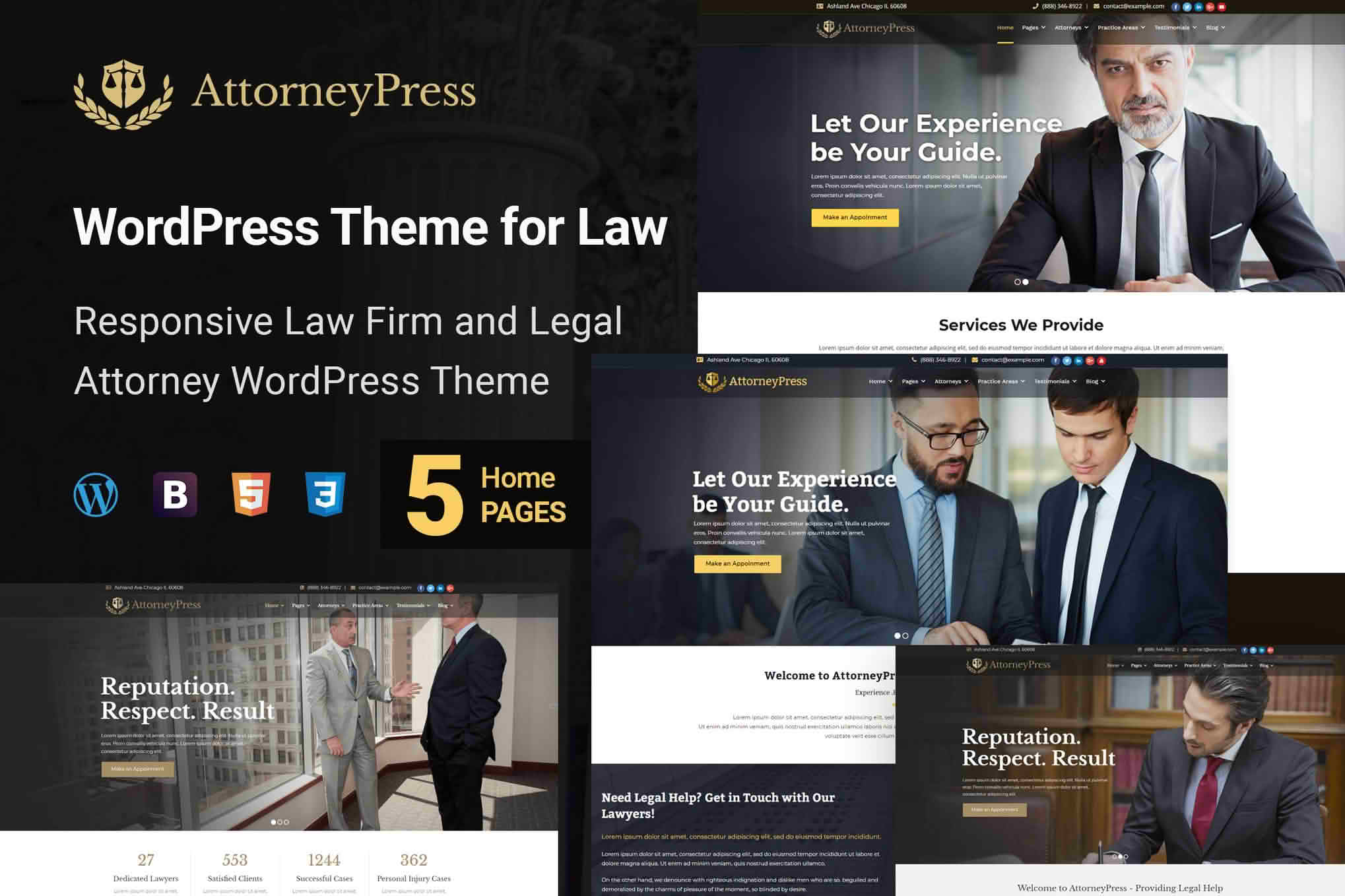
Attorney Press is a WordPress theme made for law firms, attorneys, solicitors and legal advisers who want a professional, credible website without starting from scratch.
Attorney Press suits established practices that already have a client base and need a website that reflects their experience, as well as emerging firms that want a mobile-friendly site able to attract new visitors. Its content is organized around what prospective clients look for first: which areas of law are covered, who the lawyers are, and what past clients have said about working with them. Dedicated content types for attorneys, practice areas and testimonials keep that information structured, so it can be updated from the admin area without touching the layout.
The theme offers three header layouts, a sticky menu that keeps navigation within reach as visitors scroll, and inner page banners that give each section a consistent title area. The home page is assembled from modular sections, and a slide-out contact form lets visitors reach the firm quickly without leaving the page they are reading. Revolution Slider is included for home page banners, so a firm can lead with a headline, a photograph or a short video.
Practice areas can be displayed in a grid, with each area of law given its own card. Attorney profiles and advisor sections show the people behind the firm, and a news layout can carry articles and commentary. Testimonials can be shown as a simple list or as video clips, which helps prospective clients hear directly from people who have worked with the firm.
A general law firm can use the practice area grid to present a broad range of services, with a page for each area. A solo attorney can focus the site on a few specialties and use the testimonials to highlight client experiences. Solicitors and legal consultants who advise businesses can rely on the advisor sections and news layout to publish commentary on regulatory changes that affect their clients. Emerging firms gain a site that works well on mobile devices, which matters because prospective clients often search for legal help on their phones.
Attorney Press is compatible with WPBakery Page Builder and Bootstrap, and it includes Revolution Slider. It works with standard WordPress features, including the admin area for managing content, custom content types for legal material and sidebars for widgets. The theme is built to be cross-browser compatible and ready for Google Fonts, so a firm’s pages should look consistent across the common web browsers. Before setup, firms that rely on other plugins for intake forms or case management should check how those tools will sit alongside the theme’s contact features.
Most visual choices can be made from the theme options and the page builder rather than in code. Colors, typography, header style and the layout of individual pages can all be changed, and the practice area, attorney and testimonial content can be replaced with the firm’s own material. A firm that wants a different character can pick another header layout, change the banner on each inner page or reorder the sections of its home page while keeping the underlying structure of the site intact.


