

Updates for one year, unlimited sites, auto updates, and regular updates.
$3.99
 BookmarkBookmarked
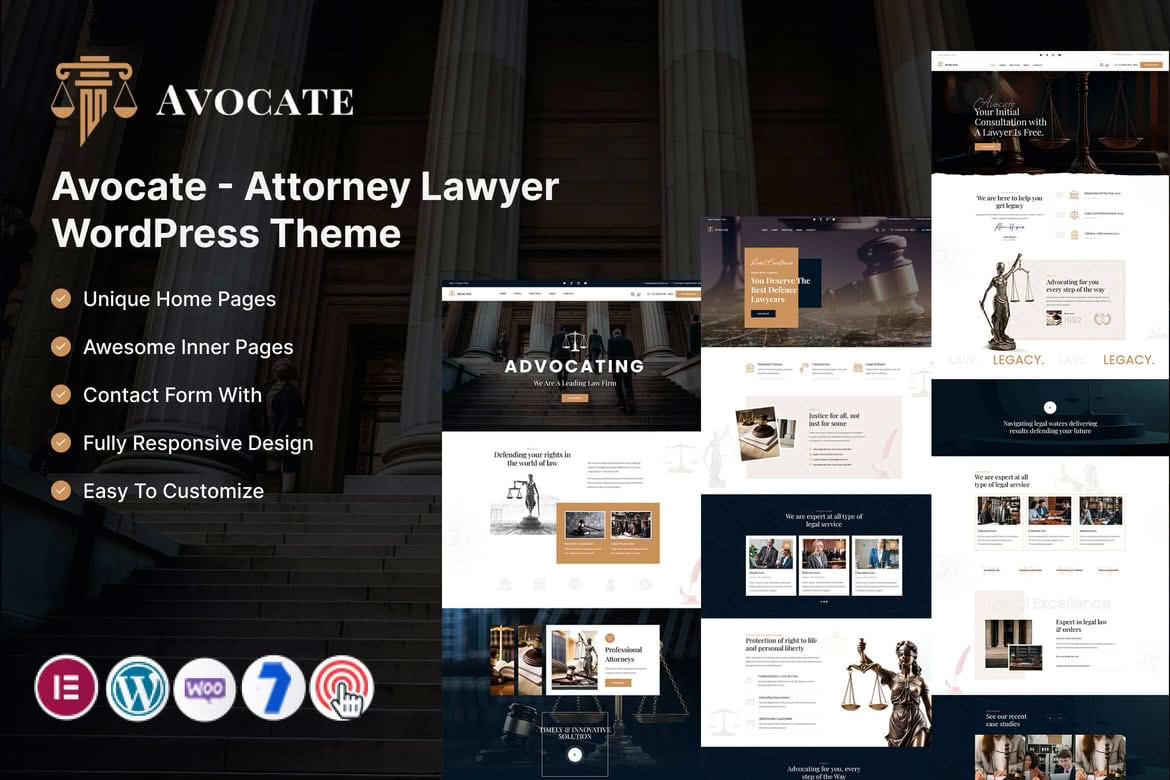
Avocate is a WordPress theme built for attorneys, law firms and legal offices that need a polished, credible online presence. It arrives with a large library of ready-made homepage designs, so a practice can start from a finished look and then reshape the site around its own practice areas, people and track record.
A legal website has a narrow job. It must signal competence within seconds, explain what the firm handles and make it simple for a visitor to get in touch. Avocate is organized around that job. Its typography is restrained, its color choices are measured, and its sections are arranged so a reader can scan the services, the people and the evidence of experience without wading through decoration.
The theme suits a wide range of legal and advisory work, from a single attorney running a small office to a multi-partner firm with several practice groups. Advocates, corporate counsel, litigators and general law offices can all use the same basic structure, which makes it easier to present a consistent face across every service line.
Avocate includes ten index home layouts, ten single home layouts and ten dark home layouts. That gives a site owner a wide choice of starting points, and the variants share the same typographic and spacing rules, so switching between them does not break the visual system. A right-to-left layout is also included for sites that need to be read in right-to-left scripts.
The typography pairs Playfair Display, a high-contrast serif that works well for headings and credentials, with Poppins for body text. The combination reads as established and editorial, and it stays legible at smaller sizes on phones. The layout is fully responsive, so the same sections rearrange cleanly across desktop monitors, tablets, iPads, iPhones and small mobile screens.
Because the theme is built on Bootstrap, its grid and components behave predictably. Parallax sections and smooth animations can add depth to key areas such as a firm introduction or a practice-area showcase, and they can be used sparingly so the page still feels calm and serious.
Avocate suits advocates, attorneys, corporate lawyers and legal consultants who want their site to do more than list contact details. A solo practitioner can use one of the single home layouts to create a focused introduction, a short biography and an inquiry form. A larger firm can build separate sections for each practice area, expand its team pages and publish case studies that show the kinds of matters it handles.
The theme also has a natural place for appointment booking, so prospective clients can review a firm’s experience and arrange a consultation without leaving the site. Finance-related practices and other advisory businesses can use the dark layouts for a more formal, understated presentation, and firms serving clients in several languages can use WPML to offer translated versions of the same pages.
Avocate works with Elementor and Elementor Pro, so a firm that already edits pages in Elementor can carry that workflow across. WooCommerce compatibility allows a shop for publications, templates or downloadable guides. WPML supports translated content, and Contact Form 7 and MailChimp handle inquiries and newsletter sign-ups with standard, widely used tools.
The theme is compatible with modern desktop and mobile browsers, including Edge, Firefox, Safari, Opera and Chrome. Its layouts are designed to sit alongside the plugins that legal websites tend to need, such as forms, slideshows and multilingual tools.
Customization begins with the ready-made layouts. A firm can choose a light, dark or single-page variant, then edit each section in Elementor, replacing the sample text, photographs and icons with its own material. The theme options panel handles site-wide settings, and the included documentation explains how to work through the setup. Because the icon library and font catalog are broad, the site can carry a distinctive brand without importing additional assets.
Team profiles and case study sections can be copied and edited, so adding a new attorney or practice area means duplicating an existing section rather than rebuilding the page. Once the sample content has been replaced, the structure is flexible enough to serve as a long-term site while keeping its professional character.


