

Updates for one year, unlimited sites, auto updates, and regular updates.
$3.99
 BookmarkBookmarked
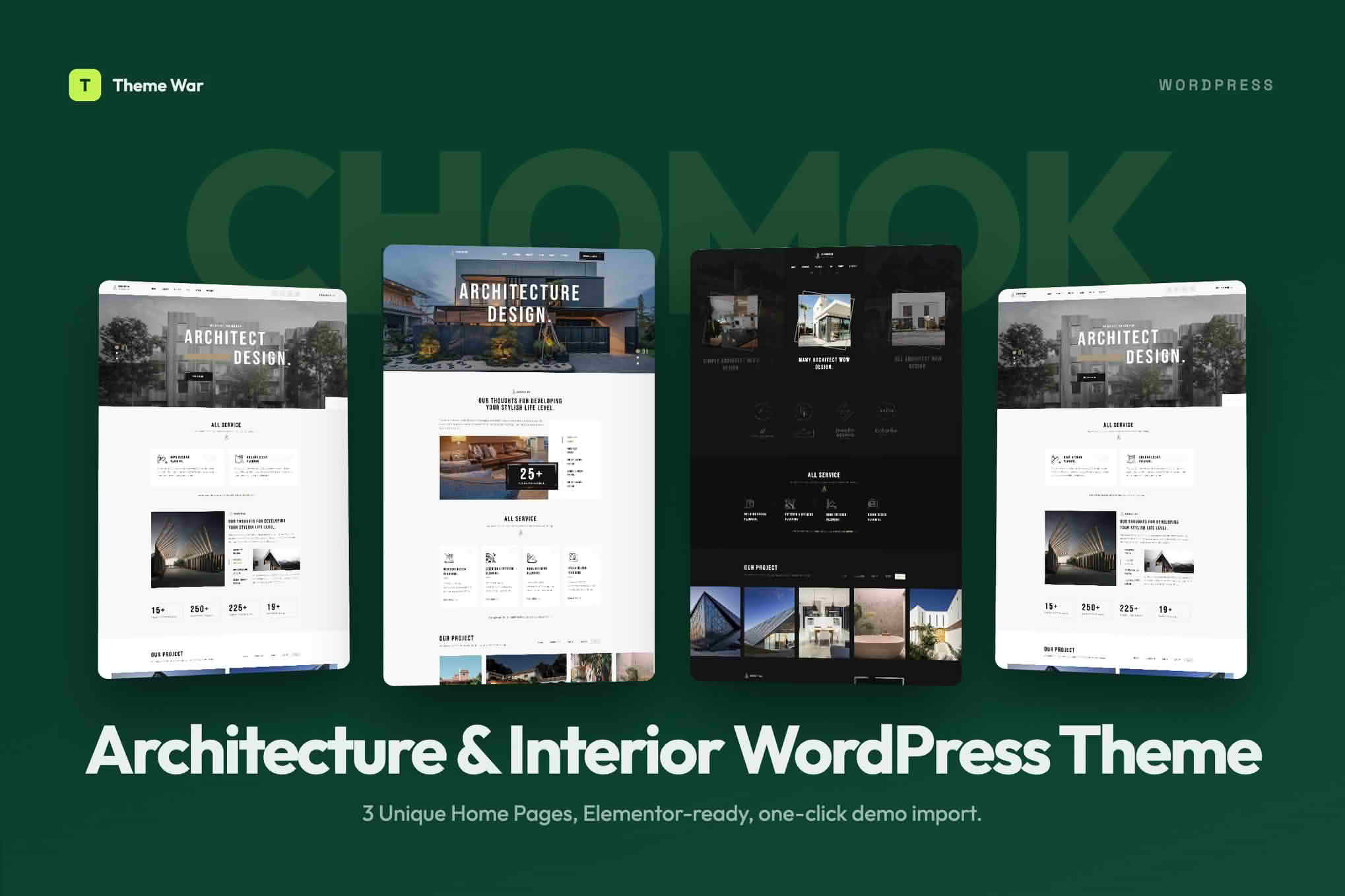
Chomok is a WordPress theme for architecture firms and interior design professionals who want their projects to lead the website. Its portfolio-focused templates help studios present their work in a modern, measured style.
Chomok is aimed at architects, interior designers and creative studios. It offers a collection of architecture design and portfolio templates, so a practice can present completed projects, company information and team members in a consistent way. Property developers and interior specialists who rely on visual presentation will also find its structure useful.
The theme uses CSS3 animations for subtle movement and a responsive Bootstrap grid that adapts to every screen size. Pages are built with Elementor, so layouts can be arranged visually and checked as you go.
Chomok includes three or more home page versions, along with matching header and footer variations, so the opening impression can be tailored to a studio’s character. Portfolio listing pages and detail pages come in several combinations, which gives project imagery room to lead.
An architecture practice can use Chomok to present completed buildings, its design approach and its team, with portfolio pages carrying most of the content. An interior design studio can use the portfolio and service templates to show room-by-room work and explain how it operates.
Property companies and development firms can adapt the company and contact pages to present their projects and credentials. Creative agencies with a spatial focus, and designers building a personal portfolio, will find the news and blog templates useful for sharing project updates.
Elementor and Elementor Pro are the page-building tools here, so anyone already comfortable with that editor can start straight away. Bootstrap provides the grid system, and Google Maps can be placed on contact pages. The theme is responsive across all devices.
Because Chomok combines Elementor with the live customizer, most adjustments can be made visually: switching header styles, changing accent colours, reordering sections or replacing project imagery. Accent colours can be set without limit, which makes it possible to match an existing brand palette, and the code is well documented for anyone who wants to go further.


