

Updates for one year, unlimited sites, auto updates, and regular updates.
$3.99
 BookmarkBookmarked
 CSS3 Tooltips for WordPress is a lightweight and highly efficient plugin designed to enhance the interactive capabilities of any WordPress-powered website. By utilizing modern CSS3 transitions and styling techniques, this plugin allows site administrators and content creators to add informative, visually appealing tooltips to text, images, and other HTML elements without the overhead of heavy JavaScript libraries. This focus on pure CSS ensures that the tooltips are not only fast to load but also highly responsive and compatible with modern web browsers, providing a seamless user experience across desktops, tablets, and smartphones.
In the contemporary digital landscape, user experience (UX) is a primary driver of engagement and conversion. Tooltips play a crucial role in this ecosystem by providing “just-in-time” information. Instead of cluttering a user interface with excessive text or forcing users to navigate to a separate documentation page, tooltips allow for the delivery of context-sensitive data exactly when the user needs it. Whether it is explaining a technical term, providing a hint for a form field, or offering additional details about a product feature, tooltips bridge the gap between a clean design and a comprehensive information architecture.
The CSS3 Tooltips for WordPress plugin addresses the need for these interactive elements by offering a solution that is both easy to implement for beginners and flexible enough for advanced developers. By moving away from traditional jQuery-based tooltips, the plugin minimizes the risk of script conflicts and reduces the number of HTTP requests, which is essential for maintaining high PageSpeed scores and ensuring a smooth browsing experience.
The primary strength of CSS3 Tooltips for WordPress lies in its technical implementation. By relying on CSS3, the plugin takes advantage of hardware acceleration in modern browsers, resulting in smoother animations and transitions compared to older JavaScript methods. Below are some of the core features that define this plugin:
One of the standout aspects of CSS3 Tooltips for WordPress is the level of control it provides over the visual presentation of the tooltips. Site owners are not limited to the default settings; instead, they can fine-tune various parameters to ensure the tooltips align perfectly with their brand identity. The customization options typically include color management, typography, and structural adjustments.
Color Schemes and Gradients
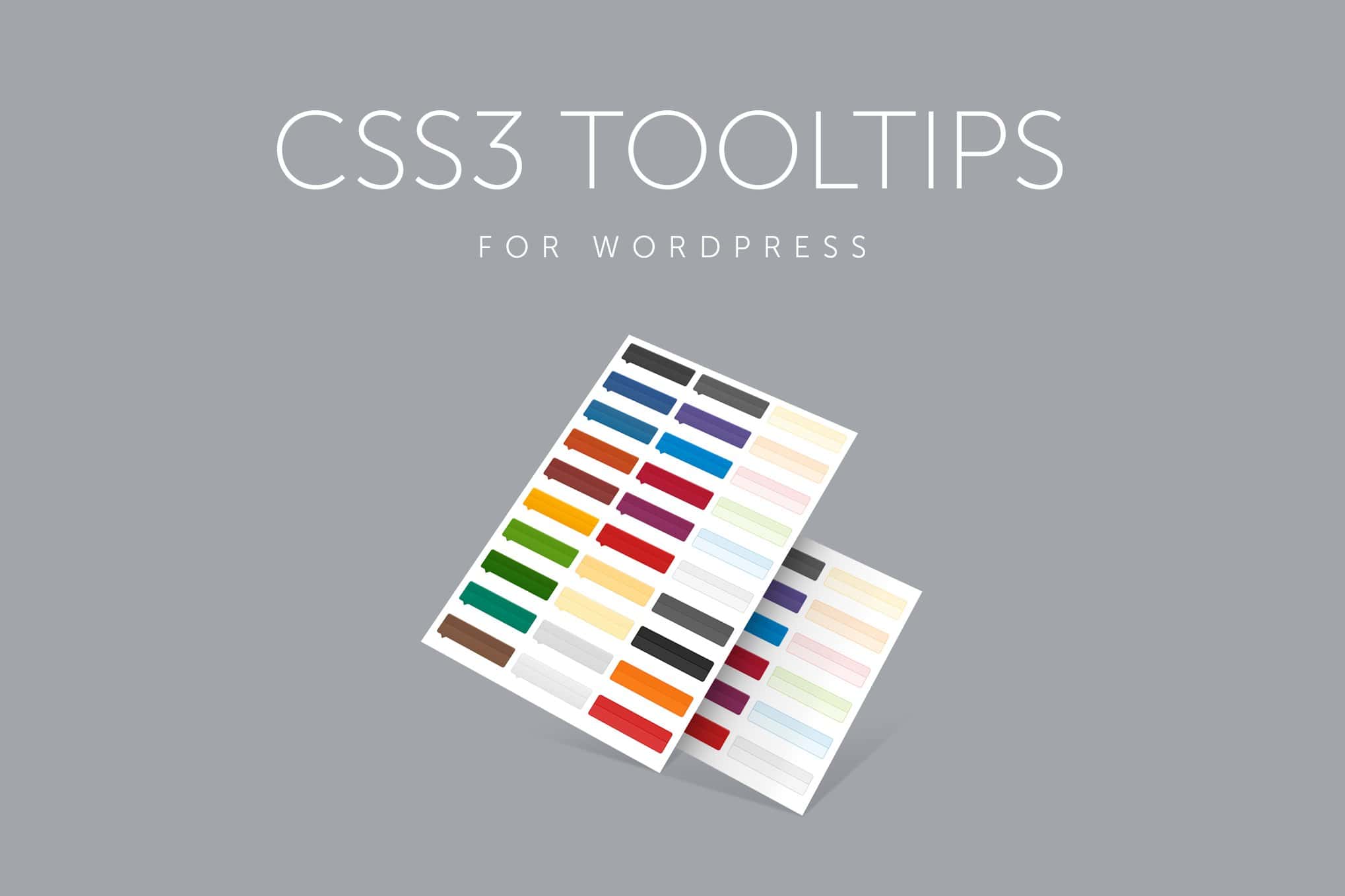
The plugin often comes with a selection of color skins, but it also allows for custom color definitions. Users can modify the background color of the tooltip bubble, the color of the text, and even the color of the “arrow” or “pointer” that connects the tooltip to the trigger element. Advanced users can implement CSS3 gradients to create a more modern, three-dimensional look that stands out against the page content.
Typography and Content Support
Tooltips are not restricted to plain text. Because the plugin supports HTML content within the tooltip container, users can include formatted text, links, and even small icons. This is particularly useful for affiliate marketers who may want to include a “Buy Now” link within a tooltip or for educators who want to include bolded terms and italicized definitions. The plugin respects the typography of the parent theme but also allows for specific font size and weight adjustments within the tooltip settings.
Shadows and Border Effects
To add depth to the user interface, CSS3 Tooltips for WordPress supports the use of box-shadows and border-radius properties. A subtle shadow can help the tooltip “pop” off the page, making it clearly distinguishable from the background content. Similarly, adjusting the border-radius allows for everything from sharp, professional square corners to soft, friendly rounded bubbles.
The plugin is designed to be accessible to WordPress users of all skill levels. The implementation process is streamlined to ensure that adding a tooltip takes only a few seconds. For most users, the primary method of interaction will be through the shortcode system. A typical shortcode might look like a simple tag wrapping the text that should trigger the tooltip, with attributes defining the content and style.
For developers or those comfortable with HTML, the plugin also supports class-based implementation. By adding specific CSS classes to standard HTML elements, the plugin can automatically detect and apply tooltip functionality. This is particularly useful for adding tooltips to navigation menus, buttons, or images within a custom theme template.
The administrative interface is usually located within the WordPress dashboard, providing a central location to manage global settings. Here, users can set default styles, choose the default animation speed, and toggle mobile responsiveness settings. This global control ensures consistency across the entire website, so every tooltip behaves and looks the same unless specifically overridden at the shortcode level.
The versatility of CSS3 Tooltips for WordPress makes it suitable for a wide range of websites. Understanding how to apply these tooltips effectively can significantly improve the utility of a site.
In the realm of WordPress plugins, performance is a critical metric. CSS3 Tooltips for WordPress is built with a “mobile-first” and “performance-first” mindset. Because the animations are handled by the browser’s CSS engine, the main thread of the browser is left free to handle other tasks, which prevents the “stuttering” often seen with JavaScript animations on lower-powered mobile devices.
From an SEO perspective, the plugin is designed to be non-intrusive. The content within the tooltips is part of the HTML source code, meaning search engine crawlers can still index the text. This can provide a slight boost to topical relevance, as the tooltips often contain keywords and definitions related to the main content of the page.
Accessibility is another vital consideration. Modern versions of tooltip plugins strive to be ARIA-compliant. This means that screen readers can identify the relationship between the trigger element and the tooltip content, ensuring that visually impaired users receive the same context as sighted users. When implementing CSS3 Tooltips for WordPress, it is recommended to use descriptive text for the triggers to maintain a high standard of web accessibility.
With more than half of web traffic coming from mobile devices, a tooltip plugin must function perfectly on touchscreens. CSS3 Tooltips for WordPress handles this by allowing for “click” or “tap” triggers in addition to the standard “hover” trigger. On a desktop, a user might hover their mouse to see the info, while on a smartphone, a simple tap on the text will toggle the tooltip visibility.
Furthermore, the plugin includes logic to prevent tooltips from “overflowing” the edges of a small screen. If a tooltip is set to appear on the right but the user is viewing the site on a narrow phone, the plugin can automatically reposition the tooltip to the top or bottom to ensure it remains fully visible within the viewport. This responsive behavior is essential for maintaining a professional appearance on all devices.
While CSS3 Tooltips for WordPress offers a specific set of features focused on CSS3 efficiency, there are other reputable plugins in the WordPress ecosystem that provide tooltip functionality. If you are looking for alternatives or complementary tools, the following are well-known in the community:
CSS3 Tooltips for WordPress stands out as a specialized tool for those who prioritize site speed and clean code. By moving the heavy lifting of visual effects from JavaScript to CSS3, it provides a modern solution to an age-old design challenge. Its combination of pre-set styles, deep customization options, and ease of use via shortcodes makes it an excellent addition to any WordPress site looking to improve its informational density without sacrificing aesthetic appeal or performance. Whether you are running a small personal blog or a large-scale corporate portal, the ability to provide clear, concise, and beautiful tooltips can significantly enhance how your audience interacts with your content.


