

Updates for one year, unlimited sites, auto updates, and regular updates.
$3.99
 BookmarkBookmarked
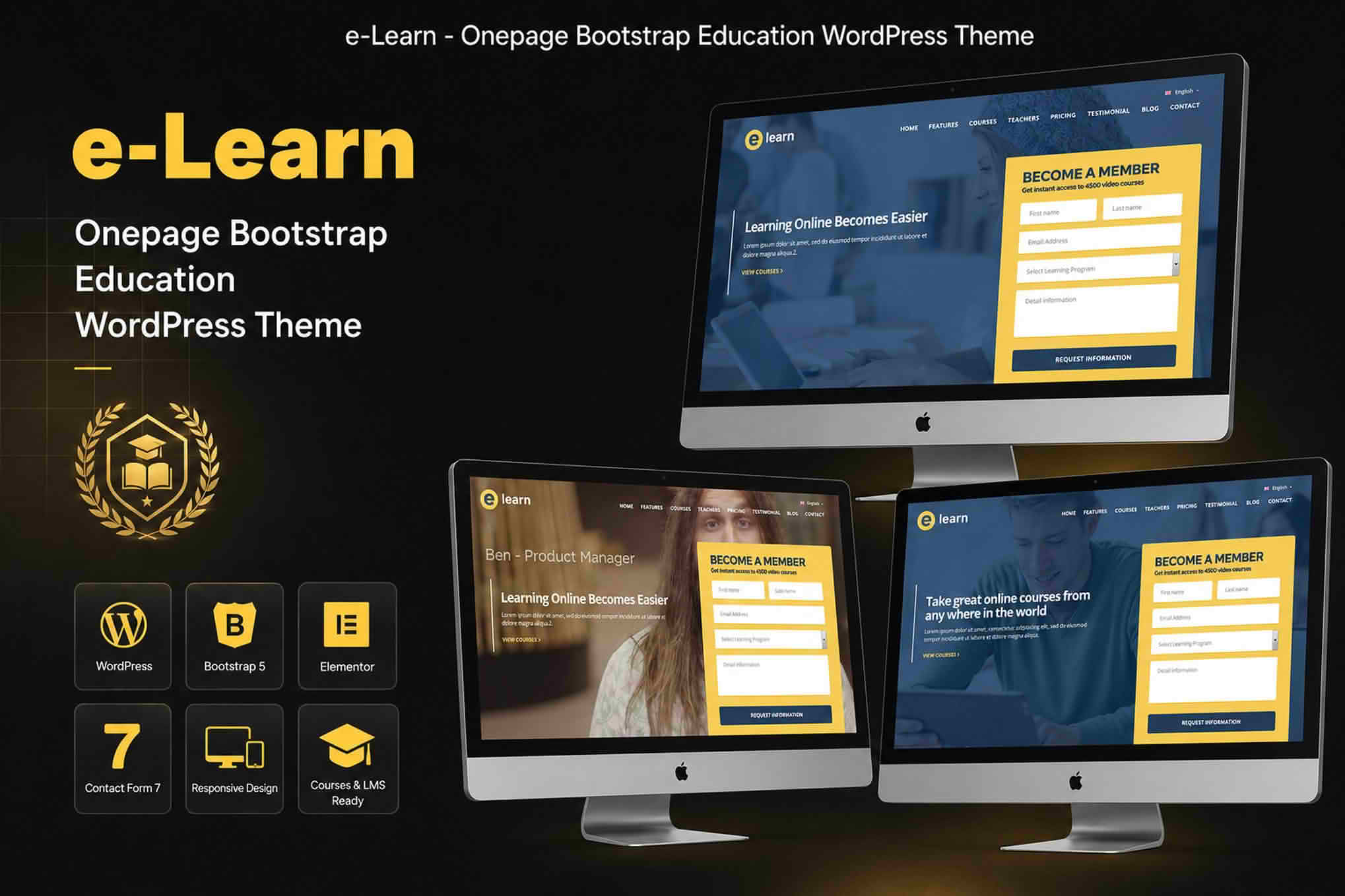
e-Learn is a one-page WordPress theme for online training providers, schools, and educational institutions that want a clean, modern website. Its flat colors and simple structure suit organizations that need to present courses and instructors clearly on a single scrolling page.
Many education websites are built around deep navigation, with courses, teachers, and information spread across a long chain of pages. e-Learn takes a more focused approach. Course lists and instructor profiles sit on one page that visitors move through from top to bottom, which suits prospective students who want a quick overview before deciding whether to explore further.
The theme was designed specifically for online training and education. Its layout, colors, and animation effects reflect that purpose, so the site reads as a learning environment rather than a generic business brochure.
The design uses flat colors and a clean, modern style. Attention to detail runs through the layout, and animation effects add movement to the page without crowding the content.
e-Learn is responsive, so the page adapts to mobile phones and tablets as well as desktop screens. Learners often browse on whatever device is nearest, so a layout that works on a small screen matters as much as the desktop version.
The theme comes in five versions. A site owner can start with the version closest to the intended look and then adjust text, images, and sections to suit the institution. That gives a little more choice of starting point than a single fixed design.
An independent instructor who offers one flagship course can use e-Learn as a single landing page. The page can explain the curriculum, introduce the instructor, and guide visitors to a contact step.
Schools, tutoring services, and language academies with a small number of programs can present everything in one place. Parents and students can see what is on offer without moving through a complicated menu.
Corporate training providers can use the theme to show their approach, their trainers, and their program highlights. The clean look suits a professional audience as well as a student one.
e-Learn is compatible with WooCommerce, Elementor, Elementor Pro, WPML, and Bootstrap. WooCommerce compatibility lets the same site sell products or digital materials alongside course information. Elementor and Elementor Pro give content editors a familiar visual environment for building pages.
WPML support means course pages and other content can be published in more than one language. Bootstrap underpins the layout system, which keeps the grid and components consistent across the site.
The file set includes HTML, CSS, LESS, SASS, and JavaScript. Developers who prefer to work with preprocessors can adjust the styles directly.
The theme options panel and the library of more than 600 Google Fonts give site owners control over typography. Fonts can be set separately for body text, headers, headings, and menus, so the typographic personality of the site can be shaped without editing code. Text and images are easy to replace, which helps when courses are added, updated, or retired.
Five starting versions mean the design can be matched to an institution’s brand early on, and the LESS and SASS files give developers room for deeper changes. Together these features make e-Learn adaptable for a small training business or a larger academy.


