

Updates for lifetime, unlimited sites, unlimited downloads, and regular updates.
$3.99
 BookmarkBookmarked
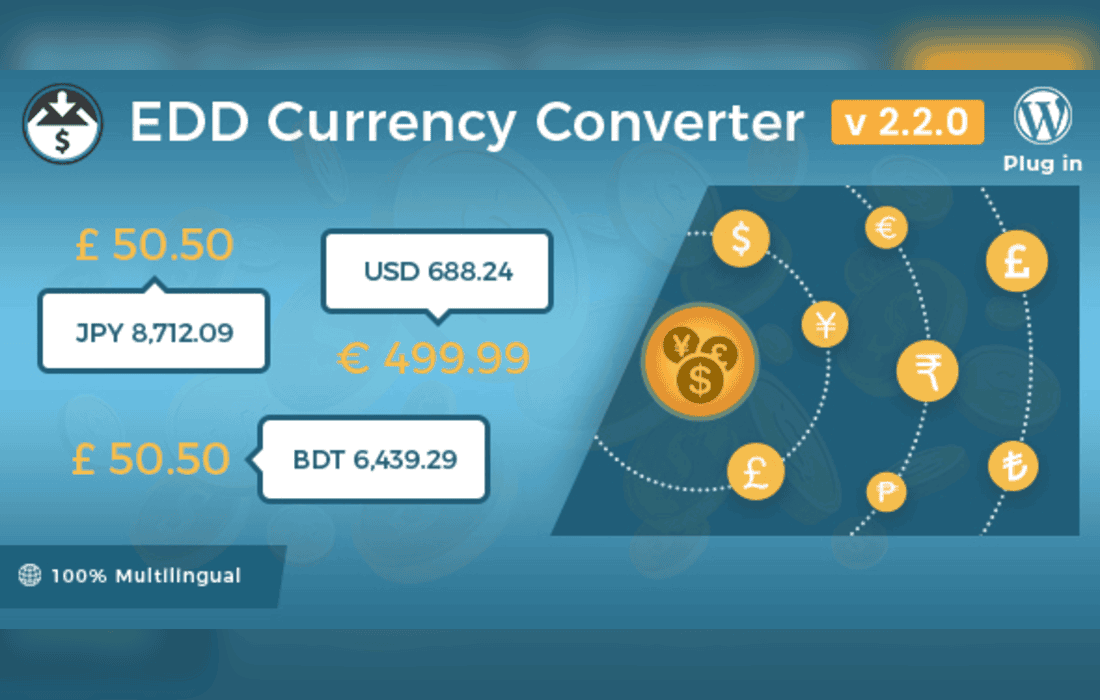
The Easy Digital Downloads – Currency Converter plugin is a specialized extension designed to enhance the global reach of your digital store by providing real-time currency conversion capabilities. By integrating seamlessly with the Easy Digital Downloads (EDD) ecosystem, this tool allows store owners to display product prices in multiple currencies, ensuring that international customers can view costs in their local denominations before proceeding to checkout. This functionality is essential for businesses looking to reduce friction in the purchasing process and improve conversion rates across diverse geographic markets.
At its heart, the plugin acts as a bridge between your EDD store and live currency exchange rate data. When a customer visits your site, the plugin detects their location or allows them to manually select their preferred currency from a user-friendly interface. Once selected, the prices displayed throughout your shop-including product pages, category archives, and the cart-are dynamically updated to reflect the current exchange rate.
The user experience is prioritized through a non-intrusive interface. Customers are not forced into a specific currency; rather, they are empowered to choose the view that makes the most sense for their financial context. This transparency builds trust, as potential buyers do not have to perform mental math or rely on external conversion tools to understand the value of the digital goods they are purchasing.
The plugin is engineered to handle the complexities of currency fluctuations and store management. By automating the retrieval of exchange rates, it ensures that the information presented to the user remains accurate without requiring constant manual intervention from the site administrator.
Implementing a currency converter is a strategic move for any digital business aiming to scale internationally. Below are several scenarios where this plugin proves particularly valuable:
Expanding into New Markets
If your digital products-such as software, e-books, or design assets-have broad international appeal, displaying prices in a single currency can act as a barrier to entry. By providing local currency options, you remove the “foreign” feel of your store, making your products feel more accessible and relevant to users in different regions.
Reducing Cart Abandonment
One of the primary reasons for cart abandonment is “sticker shock” or confusion regarding the final cost. When a user is unsure of the exact amount that will be charged to their bank account, they are more likely to hesitate. By showing the converted price clearly during the browsing and cart stages, you provide the clarity needed for the customer to feel confident in their purchase decision.
Improving Customer Trust
Professionalism is a key component of e-commerce success. A store that caters to the user’s local preferences demonstrates a commitment to customer service. Providing a currency converter is a subtle but powerful signal that your business is prepared to support a global customer base, which can lead to higher levels of brand loyalty and repeat business.
Setting up the Easy Digital Downloads – Currency Converter is generally straightforward, requiring minimal technical expertise. Once installed, administrators can access the settings panel within the EDD configuration menu to define the base currency of the store and select which additional currencies should be made available to customers.
It is important to note that while the plugin handles the display of converted prices, the actual transaction processing is still governed by your chosen payment gateway. Most payment gateways will process the transaction in the store’s base currency, meaning the customer’s bank will handle the final conversion based on their specific card issuer’s rates. The plugin serves as an informative tool to guide the customer through the decision-making process, rather than a payment processing engine itself.
Administrators should also consider the impact of currency rounding. The plugin settings usually allow for adjustments to how prices are rounded after conversion, ensuring that the final figures look professional and consistent with standard pricing conventions in different countries.
To get the most out of the plugin, consider the following best practices:
The Easy Digital Downloads – Currency Converter is an essential utility for any digital merchant utilizing the EDD platform who wishes to operate on a global scale. By bridging the gap between local customer expectations and the store’s base currency, it creates a more inclusive, transparent, and professional shopping environment. Whether you are selling software licenses, digital art, or educational content, this plugin provides the necessary tools to minimize friction and maximize the potential of your international sales efforts.


