

Updates for one year, unlimited sites, auto updates, and regular updates.
$3.99
 BookmarkBookmarked
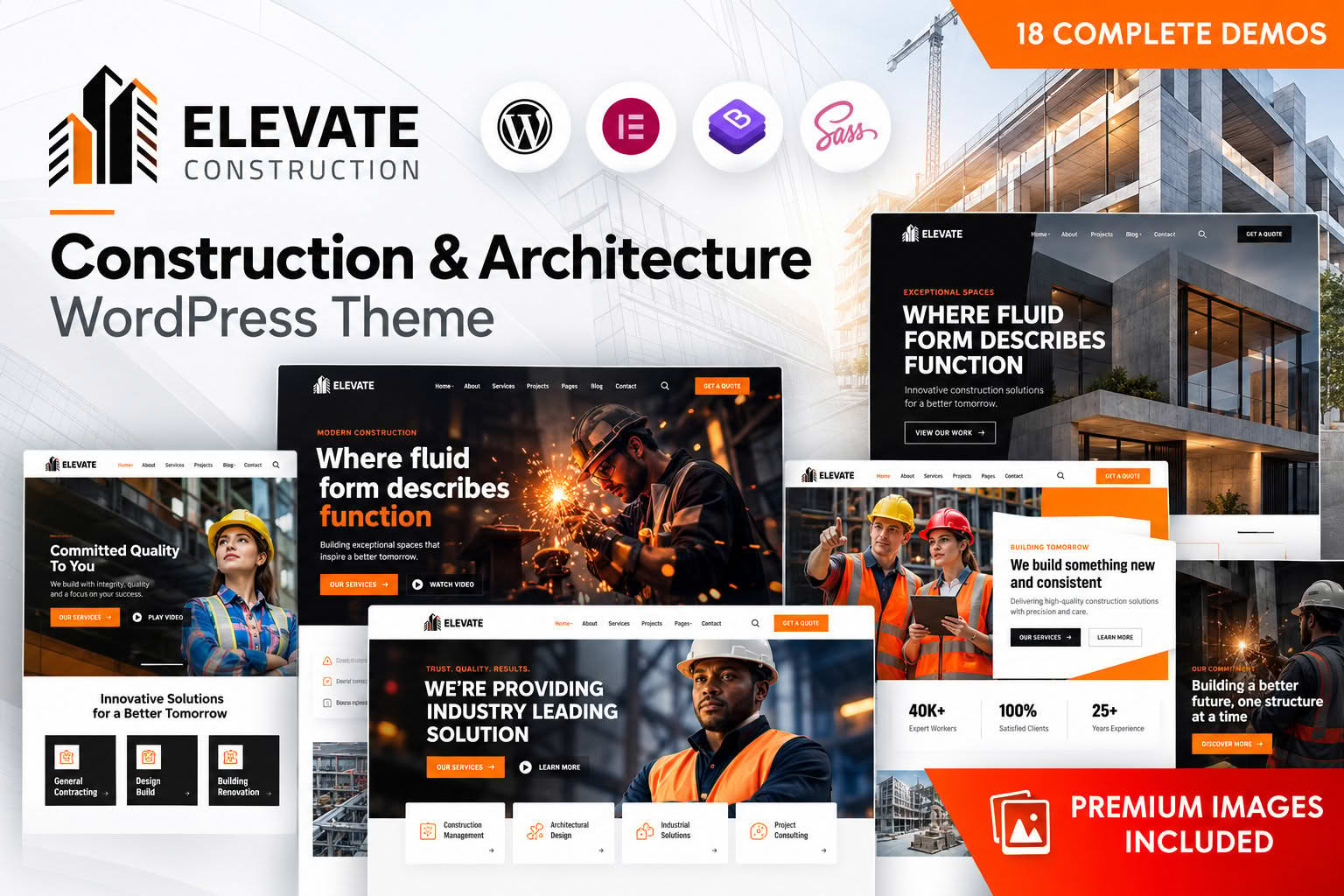
Elevate is a WordPress theme for construction companies, contractors and the wider building trade, including renovation firms, engineering practices, architects and interior specialists. It comes with 24 complete demos and an Elementor-based editor, so you can start from a layout close to your business and adapt it to show your projects, services and team.
A construction client wants evidence before committing. They look for completed projects, a clear list of services, the people behind the company and reassurance from previous customers. Elevate is organized around those needs. Its project galleries and service sections give a builder room to show its work, while team profiles and testimonials help a prospective client judge whether the company is the right fit. The theme suits builders, handymen, factories, engineering consultancies, architecture practices and developers, so one foundation can serve several trades.
The homepage library is extensive. Twenty-four complete demos give you a range of starting points, and within the theme you will find five header layouts and three footer layouts, plus multiple sticky header styles. The inner pages number more than 30, and the package includes a blog page with a modern blog layout.
The layout is fully responsive and designed to look right on desktops, laptops, tablets and smartphones. Typography and colors can be adapted through the theme options and Elementor, so the look can be matched to a company’s existing branding. RTL layouts are also supported. The overall style is clean and professional, with a layout that keeps attention on the work being shown.
Elevate works well for a general contractor that wants to present a portfolio of completed builds alongside its service list. A renovation company can use service pages to explain each type of work and team pages to introduce the people who carry it out. A handyman business or small building firm can start with a simpler demo and use one-click import to launch quickly.
Engineering practices, architecture and interior design studios, and development firms are also intended audiences. For these businesses the project gallery and testimonials usually carry much of the argument, and the blog can be used for updates, guidance and notes on completed work.
Elevate is compatible with Elementor, WooCommerce and WPML. Elementor provides the visual editor for page layouts, WooCommerce can be added for a shop selling construction accessories, and WPML supports multilingual content. Revolution Slider and a Google Map element are included, and the theme works on mobile browsers as well as major desktop browsers. The markup is designed to meet W3C validation standards.
Customization happens in two places. Elementor handles page content and layout, while the theme options panel controls site-wide settings such as the logo, header and footer style, colors and menu settings. The basic child theme included in the package gives developers a safe place for custom code that will survive future updates. Because each demo can be adjusted rather than rebuilt, a firm can start with a layout near its needs and then add pages for new services, projects or team members as the business grows.


