

Updates for one year, unlimited sites, auto updates, and regular updates.
$3.99
 BookmarkBookmarked
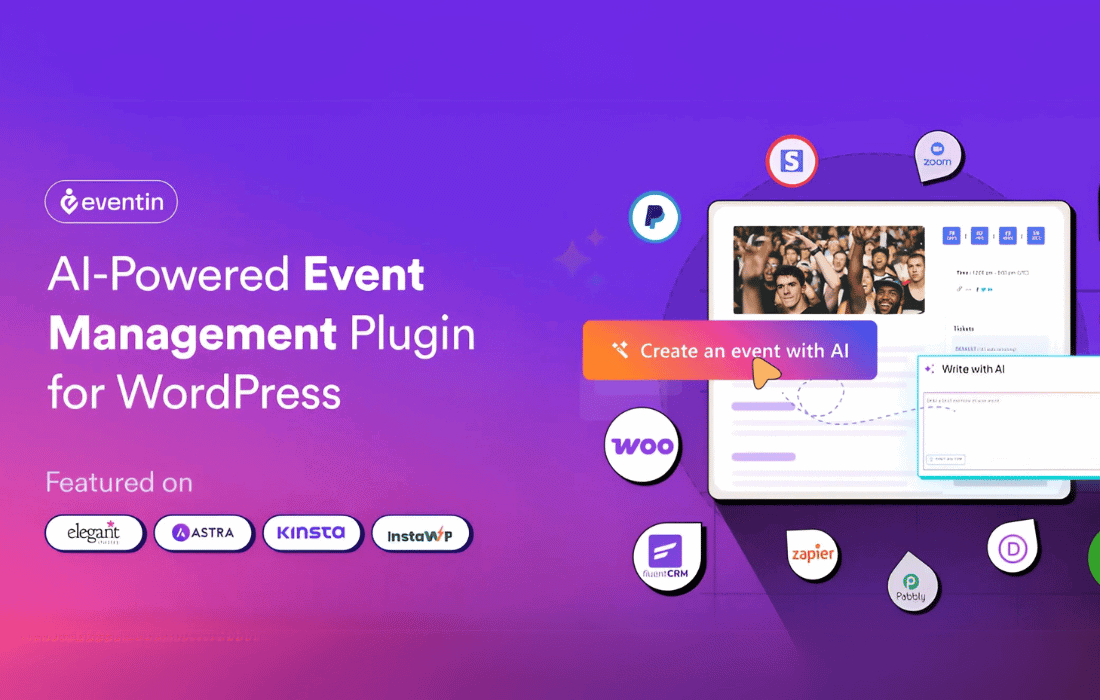
 The Eventin Oxygen Addon is a specialized integration tool designed to bridge the gap between the Eventin event management plugin and the Oxygen Builder. By providing a dedicated set of elements within the Oxygen editor, this addon allows website creators to design highly customized event pages, speaker profiles, and schedules without being restricted by default theme templates. It serves as a vital utility for developers and designers who prioritize the granular control offered by Oxygen Builder while managing complex event data through Eventin.
The primary purpose of the Eventin Oxygen Addon is to ensure that the powerful event management features of Eventin are fully accessible within the Oxygen Builder environment. Oxygen Builder is known for its ability to bypass traditional WordPress themes, giving users total control over every pixel of their site. However, this level of control often requires manual coding or specialized addons to display data from third-party plugins. The Eventin Oxygen Addon eliminates the need for complex shortcodes or custom PHP templates by providing native Oxygen elements that can be dragged, dropped, and styled visually.
With this addon, users can maintain a consistent design language across their entire website. Whether you are building a site for a local community center, a global tech conference, or a series of online webinars, the integration ensures that your event listings do not look like an afterthought. Instead, they become an integral part of the site’s aesthetic, inheriting global styles or receiving unique, bespoke designs as required by the project.
The addon introduces a variety of dedicated elements into the Oxygen Builder sidebar. These elements are specifically mapped to Eventin’s data structures, allowing for the dynamic display of event information. Each element comes with its own set of styling controls, enabling users to adjust typography, spacing, colors, and layouts directly within the Oxygen interface.
Event Grid and List Layouts
One of the most common requirements for an event website is the ability to display multiple events in an organized fashion. The Eventin Oxygen Addon provides flexible grid and list elements. Users can choose which events to display based on categories, tags, or specific event IDs. Within the Oxygen editor, you can control the number of columns in a grid, the gap between items, and the specific metadata shown for each event, such as the date, location, and price.
Detailed Speaker Profiles
For conferences and seminars, highlighting speakers is essential. The addon includes elements to pull speaker data from Eventin and display it in various formats. You can create dedicated speaker sections on your homepage or build a comprehensive “Meet the Speakers” page. The styling options allow for custom image shapes, social media icon integration, and specific typography for speaker bios, ensuring that the experts at your event are presented professionally.
Interactive Event Schedules
Managing a multi-day or multi-track schedule can be challenging. The Eventin Oxygen Addon simplifies this by providing a schedule element that pulls data from Eventin‚Äôs timetable feature. Designers can style the tabs, time slots, and session descriptions to match the event’s branding. This ensures that attendees can easily navigate the program, whether they are viewing it on a desktop or a mobile device.
The true power of using Eventin with Oxygen Builder lies in the handling of dynamic data. Oxygen’s dynamic data engine can interact with Eventin’s custom fields, allowing for highly sophisticated layouts. The Eventin Oxygen Addon facilitates this by ensuring that the data fields are recognized and easily selectable within the builder.
The flexibility of this addon makes it suitable for a wide range of industries and event types. By removing the design limitations of standard templates, it opens up new possibilities for creative event presentation.
Corporate Conferences and Summits
Large-scale corporate events require a high level of professionalism and clear information hierarchy. Using the Eventin Oxygen Addon, agencies can build high-conversion landing pages that integrate speaker lineups, multi-day schedules, and WooCommerce-powered ticketing. The ability to style every element ensures that the event’s brand identity is preserved throughout the user journey.
Educational Workshops and Webinars
For educators and trainers, the addon allows for the creation of clean, distraction-free event pages. Integration with Zoom (via Eventin) can be highlighted through custom-designed sections that inform users about the online nature of the event. The schedule element can be used to break down lesson plans or workshop modules clearly.
Music Festivals and Entertainment
Entertainment events often require vibrant, high-energy designs. The Oxygen Builder’s advanced CSS capabilities, combined with the Eventin addon, allow designers to create visually stunning event grids with hover effects, custom overlays, and unique typography that would be difficult to achieve with standard event plugins alone.
One of the primary reasons developers choose Oxygen Builder is its lean code output. Unlike many other page builders that add significant “div bloat,” Oxygen generates clean HTML. The Eventin Oxygen Addon follows this philosophy by efficiently pulling data without adding unnecessary scripts or styles. This results in faster loading times for event pages, which is critical for both user experience and search engine optimization (SEO).
Fast-loading pages are more likely to rank higher in search results, helping potential attendees find your events. Furthermore, because the addon allows for precise control over HTML tags (such as H1, H2, and paragraph tags), you can ensure that your event data is structured in a way that search engines can easily crawl and understand.
For WordPress agencies and freelancers, the Eventin Oxygen Addon streamlines the development workflow. Instead of writing custom CSS to override Eventin‚Äôs default styles, developers can use the visual controls in Oxygen. This significantly reduces the time required to launch an event website. Additionally, the ability to save custom-designed event elements as “Oxygen Reusable Parts” means that design patterns can be quickly deployed across multiple pages or even different websites.
The addon also simplifies the process of updating event information. Since the design is decoupled from the data, organizers can update event details, add new speakers, or change schedules within the Eventin dashboard, and the changes will automatically reflect in the custom Oxygen layouts without any further design work required.
To utilize the Eventin Oxygen Addon, users must have a functional WordPress installation with both the Eventin plugin (Free or Pro version) and the Oxygen Builder plugin active. The addon acts as the communication layer between these two core components. It is designed to be lightweight and is regularly updated to maintain compatibility with the latest versions of both Eventin and Oxygen.
It is important to note that while the addon provides the elements for the builder, the core event management logic—such as ticket processing, email notifications, and attendee management—remains handled by the main Eventin plugin. This separation of concerns ensures that the website remains stable and that data integrity is maintained even when making significant design changes.
If you are looking for similar functionality or different ways to integrate events with page builders, the following plugins are reliable alternatives:
The Eventin Oxygen Addon is an essential tool for any WordPress professional using Oxygen Builder who needs to implement a robust event management system. By providing native elements and deep integration, it empowers users to create beautiful, high-performing event websites that are fully customized to their specific needs. From simple local meetups to complex international conferences, this addon provides the design flexibility and technical efficiency required to succeed in the competitive landscape of online event promotion and management.


