

Updates for lifetime, unlimited sites, unlimited downloads, and regular updates.
$3.99
 BookmarkBookmarked
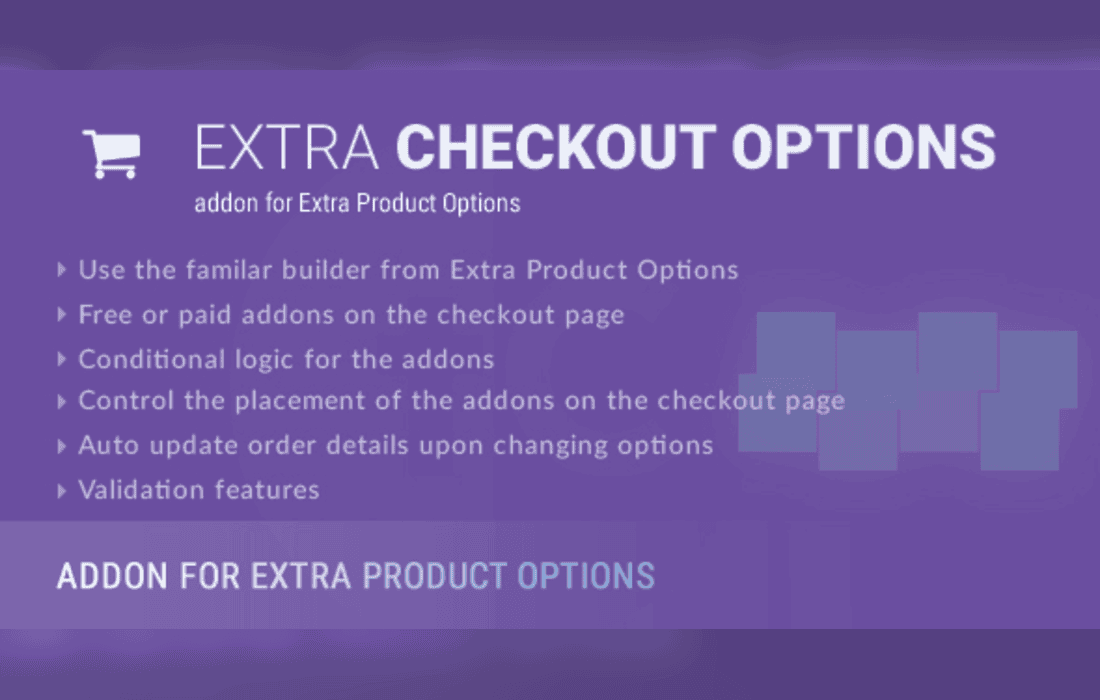
The Extra Checkout Options addon for the Extra Product Options plugin is a specialized extension designed to bridge the gap between product-level customization and the WooCommerce checkout process. By leveraging the existing infrastructure of the Extra Product Options plugin, this addon allows store administrators to capture, display, and manage custom data fields directly within the checkout flow, ensuring that information gathered during the product selection phase remains consistent and accessible throughout the entire customer journey.
At its core, this plugin serves as a functional bridge. While the primary Extra Product Options plugin focuses on adding fields to product pages-such as checkboxes, text inputs, or file uploads-the Extra Checkout Options addon ensures that these inputs are not lost once a user proceeds to the cart and checkout pages. It effectively maps the custom data collected on the product page to the WooCommerce order metadata, allowing this information to be visible to both the customer in their order confirmation and the store administrator in the backend order management screen.
The integration is designed to be seamless for users already familiar with the parent plugin. By installing this addon, administrators gain the ability to toggle specific product options to appear as checkout fields. This is particularly useful for businesses that require additional customer input that is tied specifically to the items being purchased, rather than general order-level information.
The plugin provides several technical advantages for store owners looking to streamline their data collection processes. One of the primary features is the ability to maintain data integrity across the checkout process. When a customer selects a custom option on a product page, the addon ensures that this selection is carried over into the order object. This prevents the common issue where custom product data disappears during the transition from the product page to the payment gateway.
Another significant feature is the administrative visibility. Once an order is placed, the custom fields configured through the addon appear within the WooCommerce order edit screen. This allows store managers to review specific customer requests or configurations without needing to cross-reference external documents or emails. The data is stored as part of the order meta, making it compatible with standard WooCommerce reporting tools and third-party order management systems that pull data from the order object.
There are numerous scenarios where this addon proves essential for e-commerce operations. For businesses offering personalized products, such as custom-engraved jewelry or monogrammed apparel, the addon ensures that the specific text or design choices made by the customer are clearly displayed during the checkout summary. This provides the customer with a final opportunity to verify their choices before finalizing the purchase, which significantly reduces errors and returns.
Service-based businesses also benefit from this functionality. For instance, if a store sells digital consultations or appointment-based services, the addon can be used to display specific scheduling preferences or prerequisite information that the customer provided on the product page. By surfacing this information at checkout, the store owner ensures that all necessary details are captured before the payment is processed, creating a more professional and reliable transaction experience.
Furthermore, the addon is highly effective for B2B stores that require specific purchase order numbers or project codes to be associated with individual line items. By allowing these fields to persist through the checkout process, the plugin helps maintain organized records that align with the accounting needs of corporate clients.
The plugin is engineered to work within the standard WooCommerce hook system. By utilizing WordPress action and filter hooks, it ensures that the checkout page remains responsive and compatible with various themes and checkout layouts. Because it relies on the architecture of the Extra Product Options plugin, it inherits the same validation rules and field types, meaning that if a field is set to be mandatory on the product page, the addon will enforce that requirement throughout the checkout process.
Compatibility is a major focus for this addon. It is designed to function alongside standard WooCommerce checkout templates. Whether a store is using a default checkout page or a customized one, the addon attempts to inject the custom fields into the order review section, ensuring that the user interface remains clean and intuitive for the customer. It also supports various field types, including dropdowns, radio buttons, and date pickers, provided they are supported by the parent plugin.
Beyond the administrative benefits, the Extra Checkout Options addon significantly improves the customer experience by providing transparency. When customers can see their custom selections reflected in the checkout summary, it builds trust and confidence in the purchase. It eliminates the “black box” feeling that occurs when a customer provides specific instructions on a product page but is unsure if those instructions have been successfully transmitted to the merchant.
The addon also supports the display of custom data in transactional emails. By ensuring that the order meta is correctly populated, the plugin allows store owners to include custom product options in the order confirmation emails sent to customers. This serves as a permanent receipt of the custom configuration, which is vital for customer support and dispute resolution.
Setting up the addon is straightforward for those who have already configured the Extra Product Options plugin. Once the addon is activated, a new set of configuration options becomes available within the plugin’s settings panel. Administrators can select which product fields should be “pushed” to the checkout page. This granular control is important, as not all product options are relevant to the checkout summary; for example, a hidden internal note field might not need to be displayed to the customer, whereas a custom engraving message certainly should be.
The plugin also allows for the customization of labels. If a field is named “Option_1” in the backend, the administrator can define a user-friendly label such as “Personalization Text” to be displayed to the customer during checkout. This level of control ensures that the checkout page remains professional and easy to understand, regardless of how complex the backend data structure might be.


