

Updates for lifetime, unlimited sites, unlimited downloads, and regular updates.
$3.99
 BookmarkBookmarked
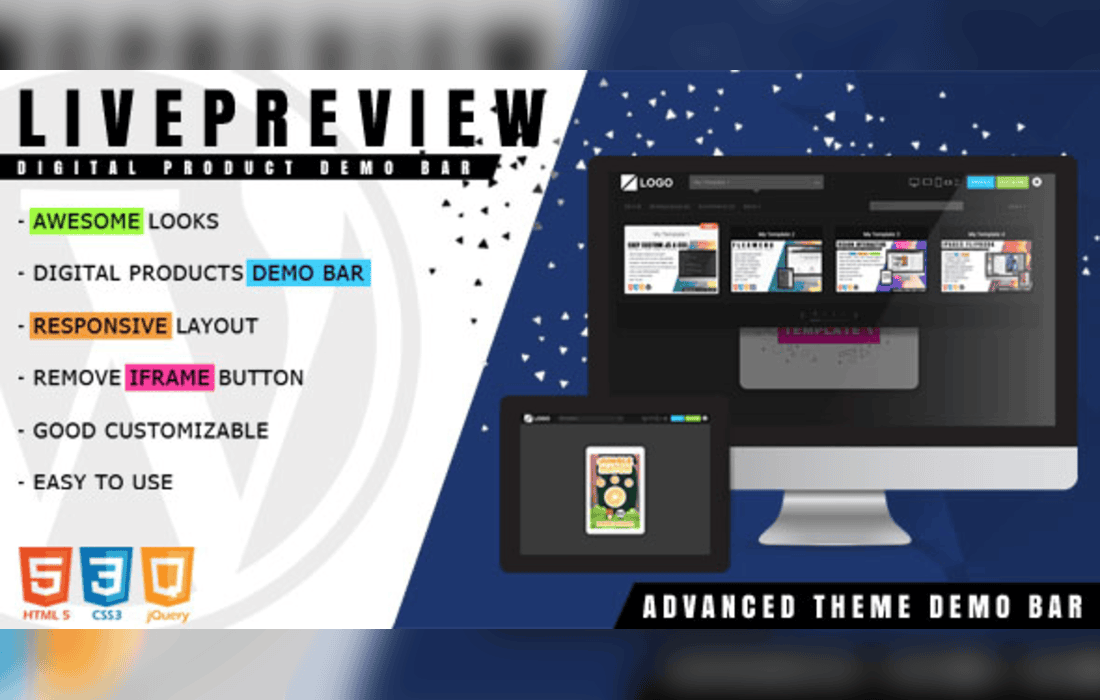
LivePreview – Theme Demo Bar for WordPress is a specialized utility designed for theme developers, marketplace vendors, and agencies who need to showcase multiple WordPress themes or website variations within a single, professional interface. By providing a persistent top-bar navigation system, the plugin allows potential customers or clients to browse through different design iterations or theme demos without ever leaving the preview environment. This creates a seamless user experience that mimics the high-end demo showcases seen on major theme marketplaces, effectively increasing engagement and conversion rates by keeping the user focused on the product presentation.
The primary purpose of LivePreview is to eliminate the friction often associated with navigating between multiple demo sites. In a standard setup, a user might have to return to a landing page or a list of links every time they want to view a different theme. With this plugin, the developer can embed a persistent header bar at the top of the browser window. This bar acts as a control center, housing navigation links, theme switching dropdowns, and purchase buttons, all while the actual theme content is displayed in an iframe or a direct view below.
This approach is particularly beneficial for developers managing a portfolio of themes. By centralizing the navigation, the plugin ensures that the user remains within the “demo ecosystem.” The interface is designed to be unobtrusive, ensuring that the focus remains on the aesthetic and functional qualities of the theme being showcased, rather than the navigation bar itself.
LivePreview offers a suite of features tailored to the needs of professional theme authors. The configuration options allow for a high degree of customization, ensuring that the demo bar matches the branding of the agency or the specific theme being displayed.
Beyond theme marketplaces, LivePreview is an excellent tool for web design agencies presenting work to clients. When an agency develops three or four different design concepts for a single client, they often struggle with how to present these options effectively. Sending multiple disparate links can be confusing and unprofessional.
By using LivePreview, an agency can create a single “Review Hub” where the client can toggle between different design concepts. This allows the client to compare layouts, color schemes, and functionality side-by-side in a controlled environment. It transforms the feedback process, making it easier for the client to articulate what they like or dislike about specific elements of the design. Furthermore, it adds a layer of polish to the agency’s presentation, signaling a high level of professionalism and attention to detail.
The plugin is designed to be lightweight and easy to implement. Once installed, the settings panel allows administrators to define the URLs for the various demos they wish to showcase. The configuration process typically involves defining the labels for the navigation items and assigning the corresponding destination URLs. Because the plugin handles the heavy lifting of iframe management and header injection, developers do not need to write custom code or modify their theme files to get the demo bar operational.
The plugin also respects the performance requirements of a demo site. By minimizing the overhead added to the page load, it ensures that the themes being showcased load as quickly as possible, which is a vital factor in maintaining user interest during a demo session.
In the competitive world of WordPress theme sales, the first impression is everything. A user who is forced to navigate away from a demo site to find another is a user who might get distracted or lose interest. LivePreview acts as a retention tool. By keeping the user within the demo environment, the plugin increases the “time on site” metric, which is often correlated with higher conversion rates. The presence of a persistent “Buy Now” button ensures that the purchase intent is always addressed, regardless of which theme variation the user is currently exploring.
While the plugin is highly effective, users should be aware of how iframes interact with certain types of website content. Some websites may have security headers (such as X-Frame-Options) that prevent them from being loaded inside an iframe. When setting up LivePreview, developers must ensure that the sites they intend to showcase are configured to allow framing. This is a standard requirement for any tool that utilizes iframe-based previewing and is not a limitation of the plugin itself, but rather a fundamental aspect of web security protocols.
If you are looking for similar functionality to manage theme demos or client previews, the following plugins are known to offer comparable features:
LivePreview – Theme Demo Bar for WordPress remains a robust choice for those who prioritize a balance between ease of use and professional presentation. By simplifying the way potential customers and clients interact with your work, it serves as a valuable bridge between the initial interest in a design and the final decision to purchase or approve a project.


