

Updates for one year, unlimited sites, auto updates, and regular updates.
$3.99
 BookmarkBookmarked
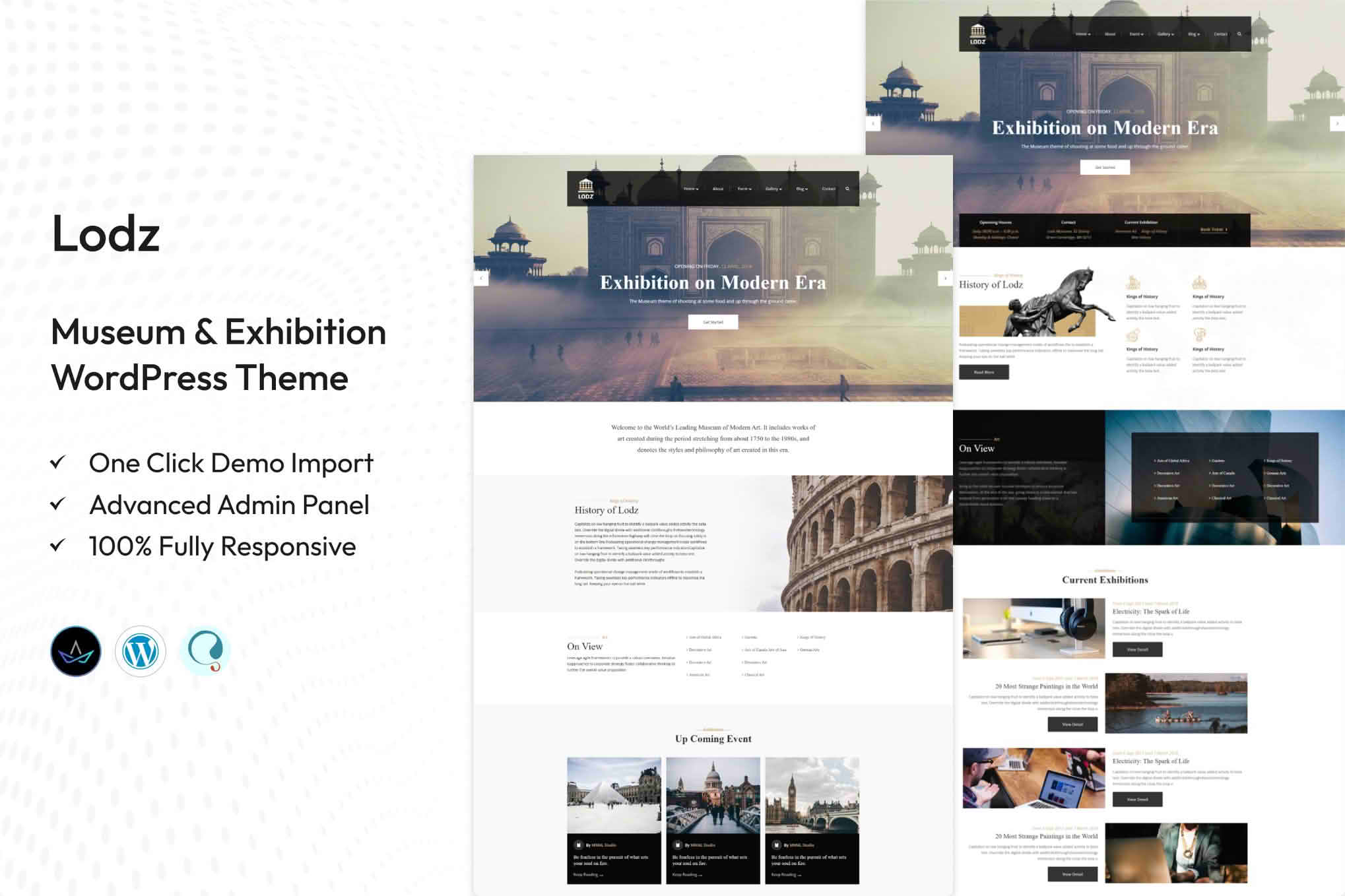
Lodz is a WordPress theme for museums, galleries and exhibition spaces that want a website as carefully presented as the work they show.
A museum or gallery website has a particular job. Its collections and exhibitions are the reason people visit, so the site has to present them clearly, announce what is on and convey the character of the institution quickly. Lodz is designed for that purpose. It is aimed at art galleries, history museums and other cultural institutions, and its emphasis is on making the showcasing of collections and events straightforward and engaging.
Lodz is responsive, so its pages adjust to large desktop displays, tablets and phones. It is also retina ready, which keeps images sharp on high-resolution screens. For a gallery, where photographs of works carry much of the message, that matters. Bootstrap compatibility means the theme fits within a widely used front-end framework, which makes its layouts easier for a developer to adjust.
The designs are presented as stylish, giving an exhibition site a polished first impression. A museum with an established visual identity can use the layout as a neutral frame for its own colors and imagery.
An art gallery can use Lodz to announce current exhibitions, introduce its artists and invite visitors to upcoming openings. The same structure suits a history museum, which can set permanent displays beside temporary shows and talks. Heritage centers, arts organizations and community galleries can use the theme as a clear window onto their programs, with the event presentation handling much of the day-to-day communication.
Lodz is compatible with Bootstrap, and its package consists of CSS and JavaScript files, so developers can work directly with its stylesheets and scripts. It is responsive, retina ready and intended for modern browsers and devices. Sites that need a particular plugin or page builder should confirm compatibility before work begins, since Bootstrap is the only framework named for the theme.
Because the CSS and JavaScript files are part of the package, a developer can adapt the styling and behavior of the theme to match an institution’s visual identity. Colors, typography and spacing can be changed in the stylesheets, and scripts can be extended to add behavior the institution needs. This approach suits organizations with an in-house or contracted developer who want direct control over how the site looks and works.


