

Updates for lifetime, unlimited sites, unlimited downloads, and regular updates.
$3.99
 BookmarkBookmarked
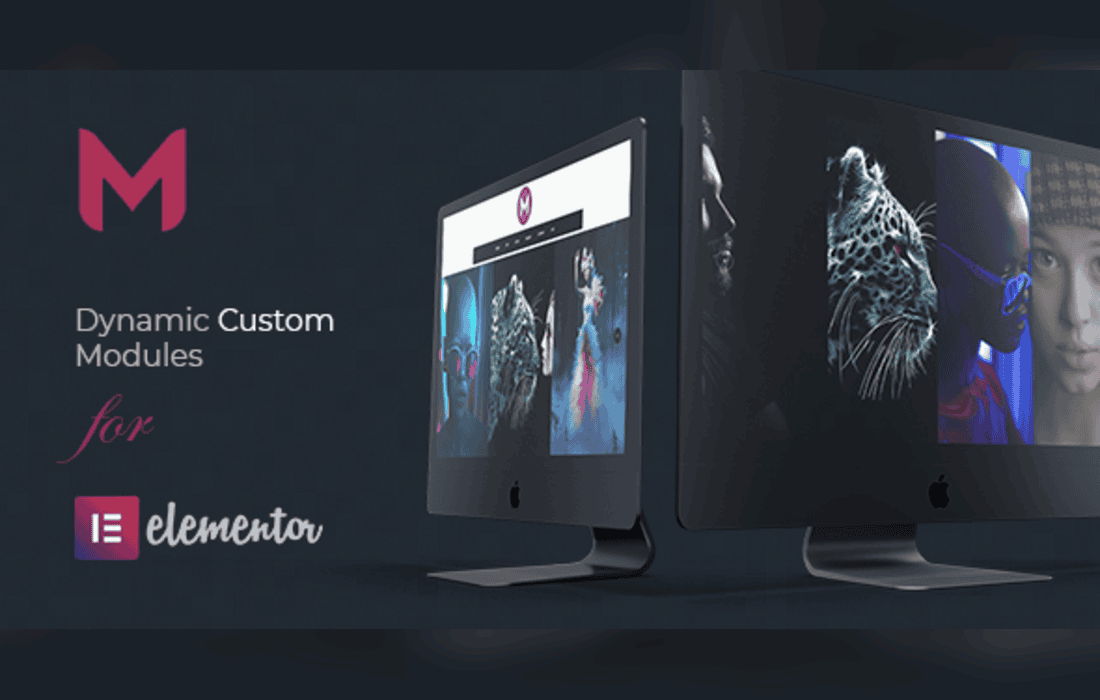
Modulify | Modules Addon for Elementor Page Builder is a specialized extension designed to enhance the native capabilities of the Elementor ecosystem. By introducing a suite of modular components, this plugin allows web designers and developers to extend their design toolkit, enabling the creation of more complex, interactive, and visually engaging layouts without requiring custom coding. It serves as a bridge between standard Elementor widgets and the need for advanced, high-performance web elements.
The primary objective of Modulify is to streamline the workflow of Elementor users. In many professional web development scenarios, the default widgets provided by Elementor are sufficient for basic page structures, but they often fall short when specific, high-end design requirements arise. Modulify addresses this gap by providing a library of pre-built, highly customizable modules that integrate seamlessly into the Elementor interface.
The plugin is built with a focus on performance and modularity. Unlike “bloated” page builder addons that load excessive scripts regardless of whether a feature is in use, Modulify is engineered to be lightweight. This ensures that the addition of new modules does not negatively impact the Core Web Vitals or the overall loading speed of the WordPress site. By maintaining a clean codebase, the plugin ensures that the user experience remains smooth during both the design phase and the final front-end rendering.
Modulify offers a variety of features that cater to different aspects of web design, ranging from typography and layout control to interactive elements and data presentation. Below are the primary categories of features included in the plugin:
Because of its versatile nature, Modulify is suitable for a wide range of web projects. Whether you are a freelancer building a portfolio site or an agency managing enterprise-level client websites, the plugin provides the necessary tools to achieve specific design goals.
Corporate and Agency Websites
For corporate websites, the need for clean, professional, and data-rich layouts is paramount. Modulify allows developers to create sophisticated service showcases, team member profiles, and interactive pricing tables that stand out. The ability to customize these elements ensures that the website remains consistent with the brand identity of the client.
E-commerce and Product Showcases
When building e-commerce sites, the presentation of products is critical. Modulify provides modules that can enhance product grids, highlight featured items, and create engaging “call to action” sections that drive conversions. By utilizing the plugin’s interactive elements, store owners can guide user attention toward specific products or promotions.
Content-Heavy Blogs and Portfolios
For bloggers and creative professionals, the visual hierarchy of content is essential. Modulify offers advanced post-grid modules and masonry layouts that allow for a more dynamic presentation of articles or portfolio pieces. This helps in maintaining reader engagement by breaking up long blocks of text with visually interesting modular content.
One of the most significant advantages of Modulify is its native integration with the Elementor interface. Once the plugin is installed and activated, the new modules appear directly in the Elementor sidebar alongside the default widgets. This eliminates the need for a steep learning curve, as users can simply drag and drop the Modulify elements onto the canvas just as they would with any other Elementor widget.
The plugin also respects the global settings defined within Elementor. If a user has set global colors or fonts, Modulify modules will automatically inherit these styles, ensuring consistency across the entire website. Furthermore, the plugin is compatible with most well-coded WordPress themes, making it a safe choice for developers who prefer to use specific theme frameworks while relying on Elementor for page construction.
In the modern web landscape, performance is a critical factor for SEO and user retention. Modulify is designed with this in mind. The developers have implemented a modular loading system, which means that the plugin only loads the assets required for the specific modules used on a given page. This prevents the “asset bloat” that is common in many other addon packs.
Maintenance is also straightforward. The plugin receives regular updates to ensure compatibility with the latest versions of WordPress and Elementor. These updates often include security patches, performance improvements, and the addition of new modules based on user feedback, ensuring that the tool remains relevant as web design trends evolve.
If you are looking for similar functionality within the Elementor ecosystem, the following plugins are well-known alternatives that offer extensive widget libraries and design capabilities:


