

Updates for one year, unlimited sites, auto updates, and regular updates.
$3.99
 BookmarkBookmarked
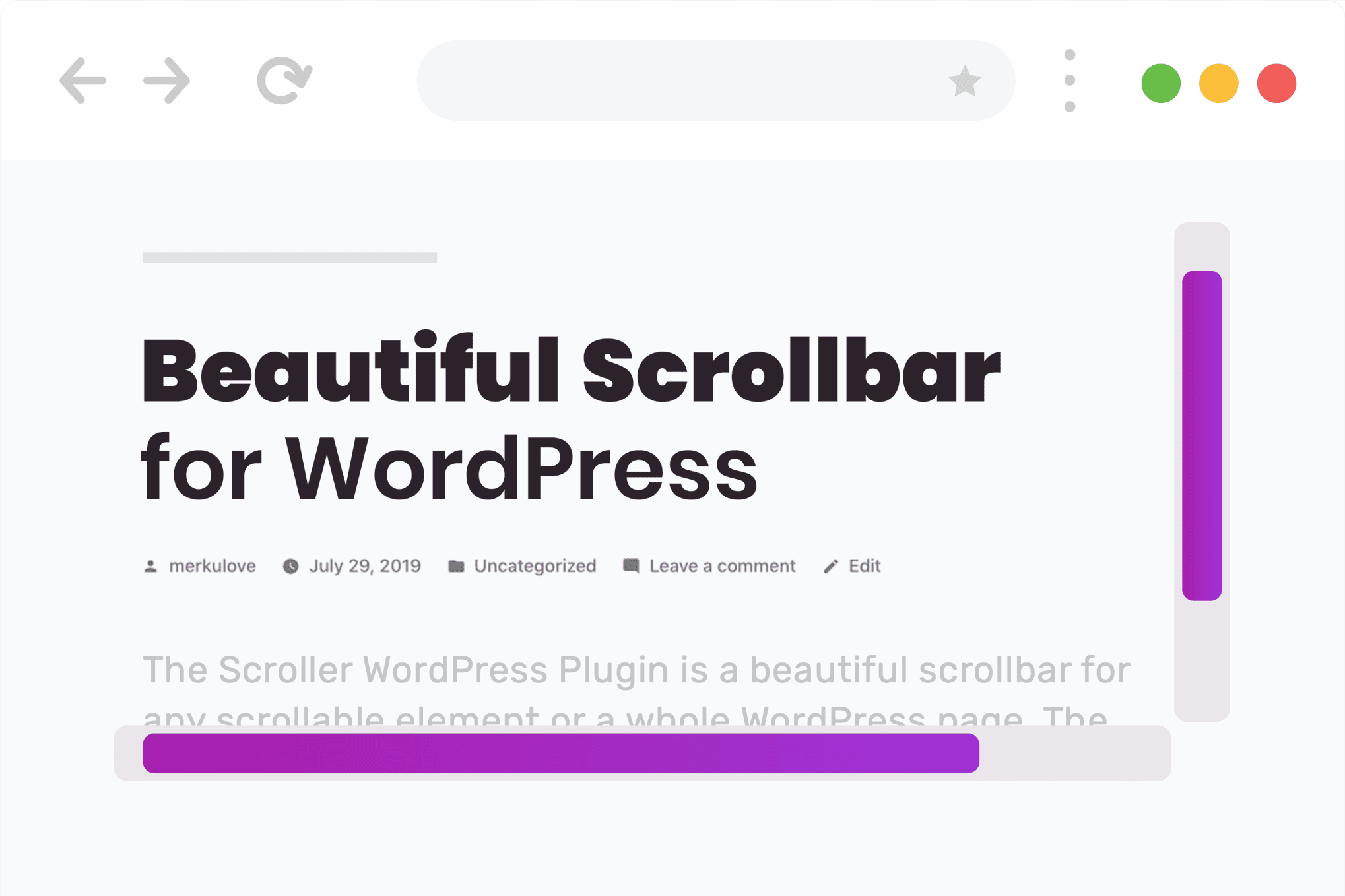
 Scroller РBeautiful Scrollbar for WordPress is a specialized design tool created to help website administrators and designers replace the standard, often utilitarian browser scrollbars with highly customizable and aesthetically pleasing alternatives. By integrating this plugin into a WordPress environment, users can ensure that every element of their website, including the navigation tools, aligns perfectly with their brand’s visual identity and the overall user interface design.
In the early days of web development, the scrollbar was a fixed element determined entirely by the operating system and the browser. Whether a user was on Windows using Internet Explorer or on a Mac using Safari, the scrollbar remained a rigid component that designers had little to no control over. As web design evolved toward more immersive and branded experiences, these default scrollbars often became a point of visual friction. A sleek, dark-themed portfolio might be interrupted by a bright grey, bulky scrollbar, breaking the immersion of the user experience.
Scroller – Beautiful Scrollbar for WordPress addresses this specific design challenge. It allows for the transformation of a functional necessity into a design asset. By customizing the scrollbar, developers can maintain a consistent look and feel across the entire page, ensuring that the scrollbar complements the typography, color palette, and spacing of the site rather than distracting from it. This level of detail is often what separates a professional, high-end website from a standard template-based site.
The primary appeal of the Scroller plugin lies in its extensive suite of styling options. Users are not limited to simple color changes; they can manipulate almost every physical attribute of the scrollbar to match their specific requirements. This includes the “thumb” (the part the user grabs or sees moving) and the “rail” (the track on which the thumb travels).
Visual customization options typically include:
Beyond aesthetics, Scroller – Beautiful Scrollbar for WordPress offers significant improvements to how scrolling feels to the end-user. Scrolling is one of the most frequent interactions on the web, and its “feel”‚Äîoften referred to as scroll physics‚Äîcan greatly impact user satisfaction. The plugin provides several settings to fine-tune this behavior.
One of the standout functional features is the ability to control scroll speed and friction. Some websites benefit from a “smooth scrolling” effect, where the movement continues slightly after the user stops spinning the mouse wheel, creating a fluid, cinematic transition. This is especially popular on long-form storytelling sites or landing pages with large sections. Conversely, for data-heavy sites or dashboards, a more precise, immediate scroll might be preferred, and the plugin allows for these adjustments.
Additionally, the plugin includes an “auto-hide” feature. This ensures that the scrollbar only appears when the user is actively scrolling or hovering near the edge of the screen. When the user is simply reading or viewing content, the scrollbar disappears, removing visual clutter and allowing the content to take center stage. This behavior mimics modern mobile operating systems and provides a cleaner, more contemporary feel to desktop browsing.
One of the biggest hurdles in custom scrollbar implementation is ensuring they work across different browsers like Chrome, Firefox, Safari, and Edge. Each browser engine handles scrollbar styling differently—WebKit browsers use specific CSS pseudo-elements, while Firefox uses its own standardized properties. Scroller РBeautiful Scrollbar for WordPress handles these technical complexities behind the scenes.
The plugin is designed to be lightweight, ensuring that the addition of custom styles does not negatively impact page load speeds or Core Web Vitals. By using optimized JavaScript or modern CSS properties, it provides a smooth experience without the overhead often associated with heavy UI plugins. It is built to be responsive, meaning the custom scrollbar can be enabled or disabled for specific devices. For instance, a site owner might choose to show the custom scrollbar on desktops but allow the native mobile scrollbar to take over on iPhones and Android devices to preserve the natural feel of touch-based scrolling.
The versatility of the Scroller plugin makes it suitable for a wide variety of WordPress websites. Different industries have different needs when it comes to user interface design, and this plugin adapts to those requirements effectively.
Creative Portfolios and Photography Sites
For photographers and designers, the visual presentation is everything. A standard browser scrollbar can feel like an intrusion on a carefully curated gallery. By using a minimalist, semi-transparent scrollbar that matches the site’s accent colors, creators can keep the focus on their work while still providing intuitive navigation.
E-Commerce and Online Stores
In the world of e-commerce, user experience directly correlates with conversion rates. A scrollbar that is easy to see and use helps customers navigate through long product listings or detailed descriptions. High-contrast scrollbars can be particularly useful here to ensure that users never feel “lost” on a long page.
Corporate and Professional Services
For corporate websites, consistency is key to building trust. A custom scrollbar that incorporates the brand’s primary colors reinforces the professional nature of the site. It shows a level of attention to detail that suggests the business is thorough and modern.
Blogs and Digital Magazines
Long-form content requires a comfortable scrolling experience. The smooth scrolling features of the plugin can make reading long articles feel less taxing. Furthermore, the auto-hide feature is excellent for distraction-free reading modes, allowing the text to fill the visual field without the constant presence of a vertical bar on the right side.
Despite its advanced capabilities, Scroller – Beautiful Scrollbar for WordPress is designed to be accessible to users of all skill levels. The installation process follows the standard WordPress plugin protocol, and once activated, it typically adds a dedicated settings page to the WordPress dashboard.
The settings interface is usually intuitive, featuring color pickers, sliders for width and opacity, and simple toggle switches for behavioral settings like smooth scrolling or auto-hide. This means that site owners do not need to write a single line of CSS or JavaScript to achieve a custom look. However, for more advanced users and developers, the plugin often provides hooks or custom CSS fields, allowing for even deeper integration and specialized styling that goes beyond the standard settings.
While visual customization is a major draw, it is important to consider accessibility. A scrollbar is a critical navigational tool for many users, including those with visual impairments or motor control challenges. Scroller – Beautiful Scrollbar for WordPress allows for the creation of high-visibility scrollbars that can actually improve accessibility compared to some default browser styles that may be too thin or have low contrast.
When configuring the plugin, it is recommended to ensure that the thumb color has a high enough contrast ratio against the rail and the page background. The plugin’s ability to increase the width of the scrollbar is also a significant benefit for users who may find it difficult to target a very thin default scrollbar with a mouse pointer.
While it is possible to style scrollbars using manual CSS, doing so is often a tedious process fraught with compatibility issues. Writing code that works perfectly on Chrome, handles the different syntax for Firefox, and degrades gracefully on older browsers requires significant time and testing. Scroller – Beautiful Scrollbar for WordPress eliminates this workload by providing a centralized, tested, and supported solution. It ensures that as browsers update their rendering engines, the scrollbar remains functional and visually consistent, saving the site owner from the need for constant code maintenance.
In conclusion, Scroller – Beautiful Scrollbar for WordPress is a powerful yet user-friendly tool for anyone looking to elevate their website’s design. By focusing on the small but significant detail of the scrollbar, it allows for a more cohesive, branded, and enjoyable browsing experience. Whether the goal is to improve aesthetics, enhance functionality, or ensure cross-browser consistency, this plugin provides the necessary features to achieve a professional result with minimal effort.


