

Updates for one year, unlimited sites, auto updates, and regular updates.
$3.99
 BookmarkBookmarked
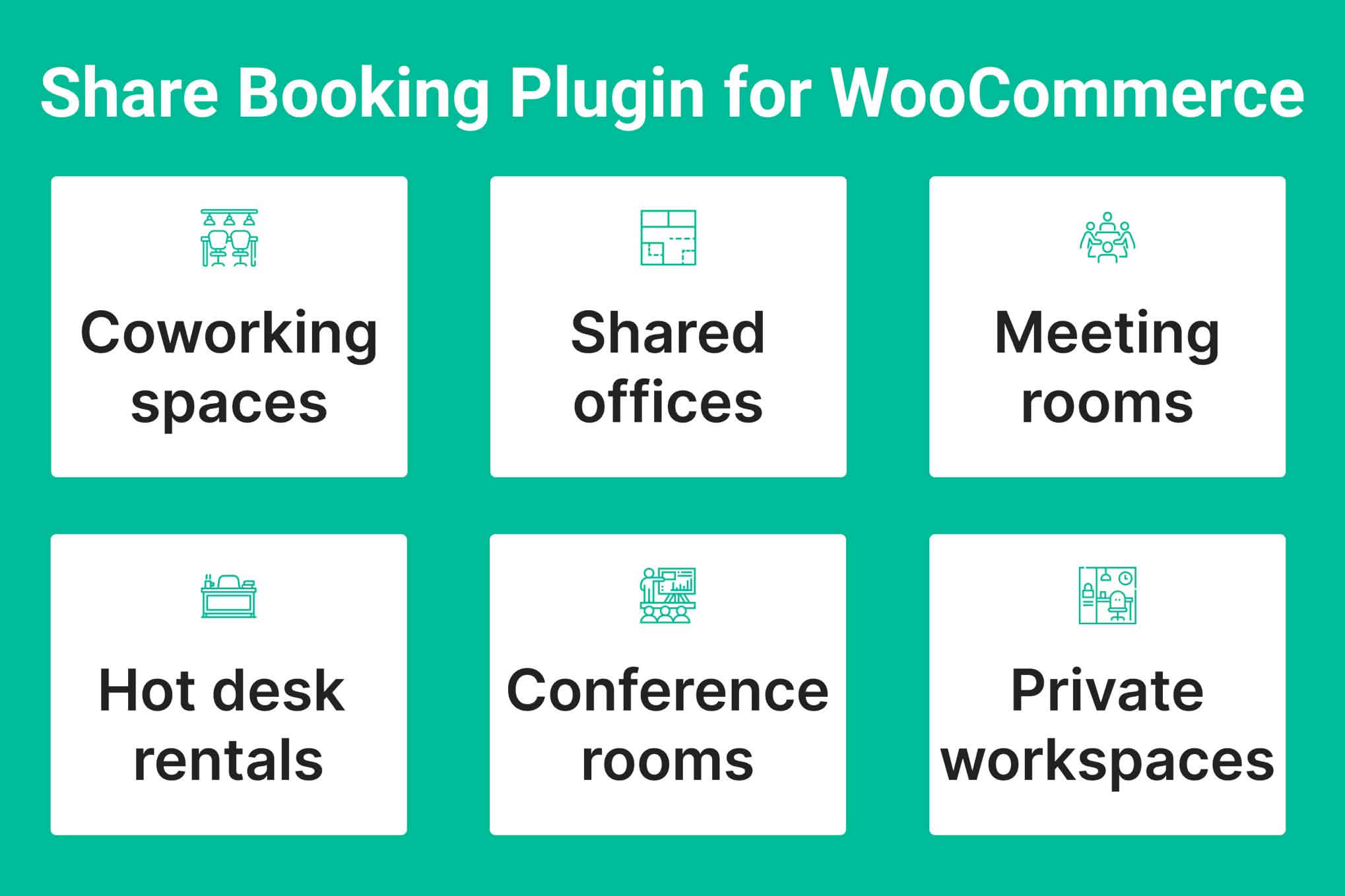
Share Booking is a WooCommerce extension for renting out rooms, individual desks and other shared spaces. Each reservation is created as a standard WooCommerce order, so bookings sit alongside a store’s existing products, payment gateways and tax settings rather than inside a separate platform. The extension is designed for coworking operators, serviced office providers, studio hire businesses, meeting-room owners and event venues that sell time-based access to a space and need availability, deposits and booking management in one place.
Every bookable space is created as a WooCommerce product, named after the room or space, with the product type set to the extension’s own booking type in the product data panel. The Allowed Booking Type setting controls what shoppers can reserve: the whole room only, individual desks only, or both. When both are allowed, the customer chooses between a room and a desk while completing the booking form.
For spaces that accept desk bookings, a generate tool creates a batch of desks in one step and links each desk to its room. Desks are managed from a dedicated screen in the WooCommerce menu, and each desk carries an activation status that determines whether it can be booked. Desks follow their room, so trashing, restoring or deleting a room performs the same action on every desk attached to it. A local settings panel lets some global options be overridden for an individual space, where the plugin supports that.
Each space uses either a fixed or a flexible duration, and the choice applies to rooms and desks alike. Fixed durations suit preset packages, such as a one-day block or a one-month desk membership, offered at set amounts. Flexible durations let the customer decide how long to stay and pay per billing unit. The billing unit can be hourly, daily, weekly, monthly or yearly, and the store owner then enters the rate for that unit.
Flexible durations unlock two additional tools. Seasonal rates apply different amounts to chosen date windows, which might cover weekends or peak months. Extended-stay rates reduce the amount charged for longer reservations, so a monthly figure can come out lower than the equivalent run of daily charges. Both tools apply only to flexible durations, a point worth keeping in mind when designing the spaces on offer.
Deposits can be enabled so that a customer pays part of the total at checkout. The deposit can be a percentage of the total or a fixed amount, and the remaining balance is collected before check-in. The plugin can generate the balance order automatically a set number of days before arrival, and a background job runs at an interval the owner specifies in seconds. Store owners can also send the customer the order details for the remaining amount.
Store-wide rules determine when bookings are accepted. A rental window sets the daily hours during which spaces can be booked, a minimum advance time sets the lead time in hours, and a maximum advance period limits how far ahead reservations can be placed, with 60 days as the default. Selected weekdays can be closed completely, and individual dates or ranges, such as public holidays or maintenance periods, can be disabled so that they appear unavailable in the calendar.
Other settings decide which order statuses count as confirmed reservations. Completed and processing orders qualify by default, and on-hold orders can be added. The spacing between selectable start times is set in minutes, with 30 minutes as the default, and date and time formats can be chosen to suit the site. Calendar options cover the language, the first day of the week, the range of years displayed, the colours used for open and closed dates, and custom CSS. The text of the extension is translation-ready, and a translation template is included for adapting it to other languages.
The booking form can show or hide an end-time field, descriptions beneath labels, the total amount, custom checkout fields and a terms and conditions block whose text is editable. Spaces are held when a booking is added to the cart, and the hold stays in place while payment is pending. The hold window defaults to 600 seconds, and unpaid holds are deleted when that window closes, which returns the space to availability. How often expired holds are checked is also configurable.
Custom checkout fields accept text inputs, text areas, dropdown menus, radio buttons, checkboxes and file uploads. Each field can be marked as required, enabled or disabled, and given a label, description, placeholder, default value and CSS class. A typical arrangement pairs a mandatory company-name field with an optional signed-agreement upload. Google reCAPTCHA can protect the form using either the v2 challenge or the v3 score-based method, and the matching site and secret keys must be entered for the version selected.
Shortcodes place the booking form on any page, and a second shortcode produces a Book Now button that opens the form in a popup. Both accept optional product and class attributes. A guided form and the one-click popup are included to speed up the route to checkout. The extension supports cart and checkout blocks, along with Apple Pay and Google Pay. A typography and colour panel allows palette tones and fonts to be set for headings, labels, body text, descriptions, borders and buttons, including hover states, without writing code.
Reservations are managed from a booking calendar in the WooCommerce menu that displays bookings on a grid. A desk filter narrows the view to a single seat, and slot availability follows the current status of each order. Staff can create manual bookings for telephone or walk-in customers by entering billing details, choosing a room or desk, setting the start time and duration, and checking the totals, deposit and payment option before saving. A desk list shows each seat with its status and linked room, and many desks can be activated or deactivated in a single action.
Existing bookings can be tracked, created and edited from the admin area, and availability updates automatically as changes are made, so the calendar reflects the current state of every space. When a room is trashed, restored or deleted, its desks follow the same action, which keeps the desk list consistent with the rooms it belongs to. Because every booking is a standard WooCommerce order, reservations also appear alongside the store’s other orders, which keeps booking records in the same place as product sales.
A reminder email can be enabled to go out a chosen number of days before check-in, with an optional repeat interval. The subject line, sender name and address, copy recipients and body text are all editable. Placeholders insert details such as the room name, desk name, check-in and check-out dates, order number and a link to view the order. Customers can also request cancellations from their order view. The owner sets a minimum number of hours that must remain before a booking can be cancelled, and an order-total threshold that limits which orders qualify. An admin notification email can be sent for each cancellation request.
The extension requires PHP 7.4 or newer, WordPress 6.4 or newer and WooCommerce 9.0 or newer, and the vendor reports testing with WordPress 7.1 and WooCommerce 11.2.0. Installation runs through a WooCommerce.com account, and updates follow the standard extension update process described in the WooCommerce documentation. Seasonal and extended-stay rates apply only to flexible durations, and desk generation and desk status apply only to spaces that allow desk booking. Google reCAPTCHA needs keys for the chosen version, and local overrides apply only where the plugin supports them.
Share Booking fits businesses whose inventory is time-based and physical, such as a coworking space that sells desk memberships alongside meeting-room hire, a studio that rents by the hour, or a venue that offers day rates. It is less suited to stores that sell only fixed products or that do not need deposits, check-in windows or seat-level tracking. Before opening bookings to customers, operators should test their rules, rates and calendar on a staging copy of the site, since availability and reminder behaviour depend on how the settings interact.


