

Updates for one year, unlimited sites, auto updates, and regular updates.
$3.99
 BookmarkBookmarked
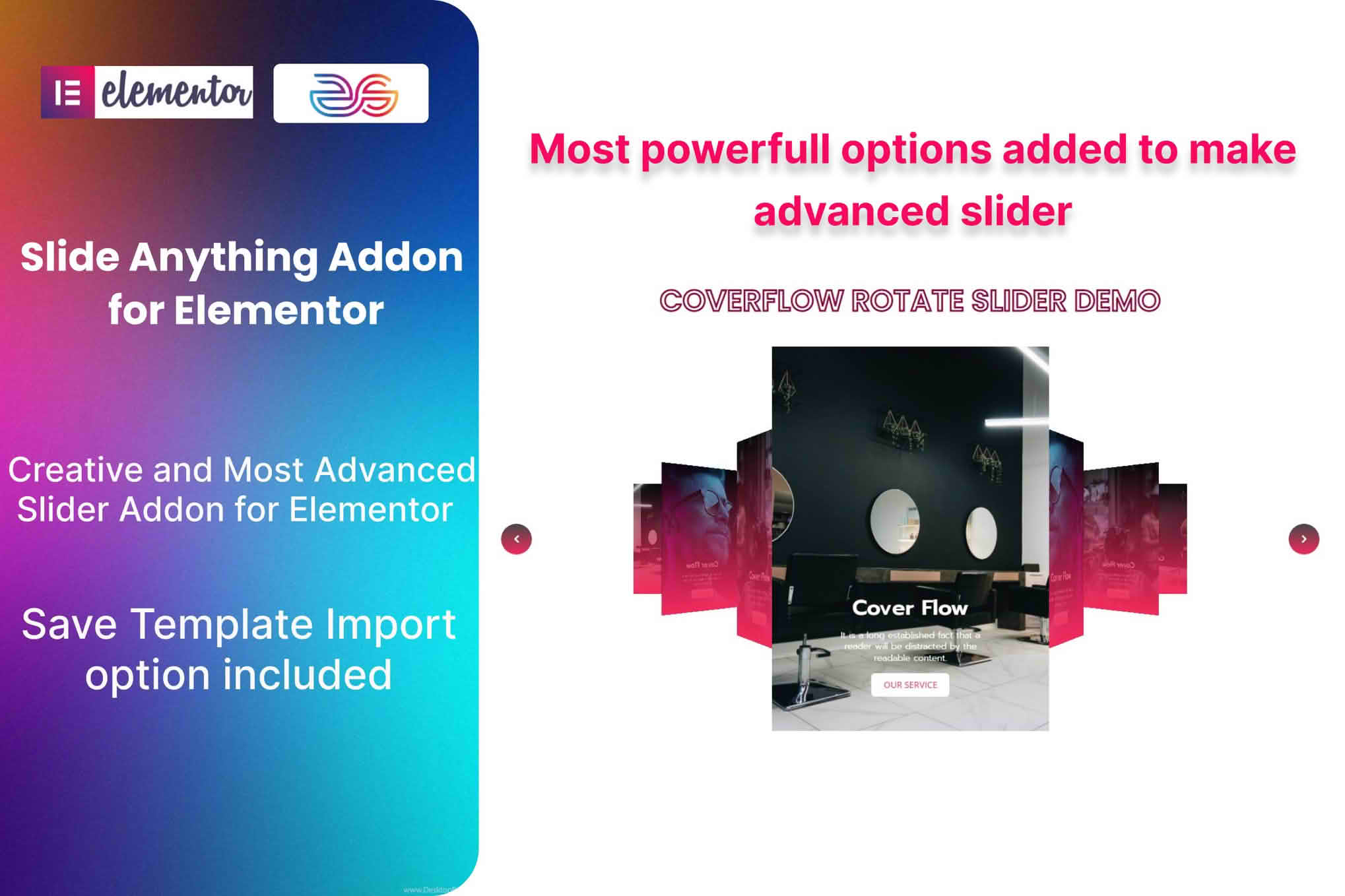
 The Slide Anything Addon for Elementor serves as a powerful bridge between the popular Slide Anything plugin and the Elementor page builder. By integrating these two tools, users can seamlessly incorporate complex, responsive sliders directly into their Elementor-designed layouts using a dedicated widget. This addon eliminates the need for shortcode management, allowing for a more visual and intuitive design workflow when building dynamic content carousels.
The primary purpose of this addon is to streamline the user experience for those who rely on Elementor for site architecture. Instead of navigating to the Slide Anything dashboard, creating a slider, copying a shortcode, and pasting it into an Elementor shortcode widget, users can simply drag and drop the Slide Anything widget directly onto their canvas. This integration ensures that the slider remains a native part of the Elementor editing environment, providing a more cohesive design process.
The addon is designed to expose the capabilities of the core Slide Anything plugin within the Elementor sidebar. Once the addon is installed and activated, the Elementor editor gains a specific widget that allows users to select from their existing library of sliders. This selection process is handled through a clean dropdown menu, which automatically populates with all sliders created in the main plugin interface.
Beyond simple selection, the addon provides a layer of control over the slider’s placement and behavior. Users can manage how the slider interacts with the surrounding container, ensuring that responsive breakpoints and layout constraints are respected. Because the addon relies on the robust engine of the Slide Anything plugin, it inherits all the advanced features of the core software, such as touch-swipe support, lazy loading, and various transition effects, while presenting them in a format that Elementor users find familiar.
Web designers often find themselves needing to display diverse content types, such as testimonials, product highlights, or image galleries, in a compact space. The Slide Anything Addon for Elementor is particularly useful for creating hero sections that require high-impact imagery combined with text overlays. By utilizing the Elementor interface, designers can adjust padding, margins, and background settings around the slider widget to ensure it aligns perfectly with the rest of the page design.
Another common use case involves the creation of dynamic content carousels. For instance, a news website might use the addon to display a rotating list of featured articles. Because the slider is managed through the Slide Anything plugin, the content remains easy to update without needing to re-edit the Elementor page itself. This separation of content management and page design is a significant advantage for site administrators who need to update sliders frequently without risking accidental changes to the site’s layout.
Responsive design is a critical requirement for modern websites, and this addon is built to handle varying screen sizes with ease. When a slider is inserted via the Elementor widget, it inherits the responsive settings defined in the Slide Anything plugin. This means that users can define how many slides appear on desktop, tablet, and mobile devices, and the addon ensures that these settings are respected within the Elementor layout. By leveraging the addon, designers can preview how their sliders will behave across different devices directly within the Elementor responsive editing modes.
Efficiency is a major factor in web development, and the Slide Anything Addon for Elementor significantly reduces the time spent on repetitive tasks. By removing the need to switch between tabs or copy-paste shortcodes, the addon allows for a more fluid creative process. If a designer needs to make a change to the slider’s content, they can quickly jump to the Slide Anything menu, make the update, and see the changes reflected in the Elementor preview almost immediately. This tight integration helps maintain focus and reduces the cognitive load associated with managing multiple plugin interfaces.
The addon is engineered to be lightweight, ensuring that it does not negatively impact the performance of the Elementor editor or the front-end loading speed of the website. It acts as a lightweight wrapper that facilitates communication between the two plugins. Furthermore, because it adheres to standard WordPress and Elementor coding practices, it maintains high compatibility with other plugins and themes. This makes it a reliable choice for developers who need a stable solution for slider management without the bloat often associated with larger, all-in-one slider suites.
While the core styling of the slider is managed within the Slide Anything plugin, the addon allows for additional layout adjustments within Elementor. Users can apply custom CSS classes or IDs to the slider widget, enabling advanced styling via the Elementor Advanced tab. This provides a “best of both worlds” scenario: the robust slider functionality of Slide Anything combined with the granular layout control of Elementor. Whether it is adjusting the spacing around the slider or adding entrance animations to the widget container, the addon provides the necessary hooks for deeper customization.
In conclusion, the Slide Anything Addon for Elementor is an essential utility for anyone who prefers the Slide Anything plugin but wants the design flexibility of Elementor. By simplifying the integration process, it allows for faster development, easier content management, and a more professional end result. Whether you are building a simple image carousel or a complex, multi-layered slider, this addon provides the necessary bridge to keep your workflow efficient and your designs responsive.


