

Updates for one year, unlimited sites, auto updates, and regular updates.
$3.99
 BookmarkBookmarked
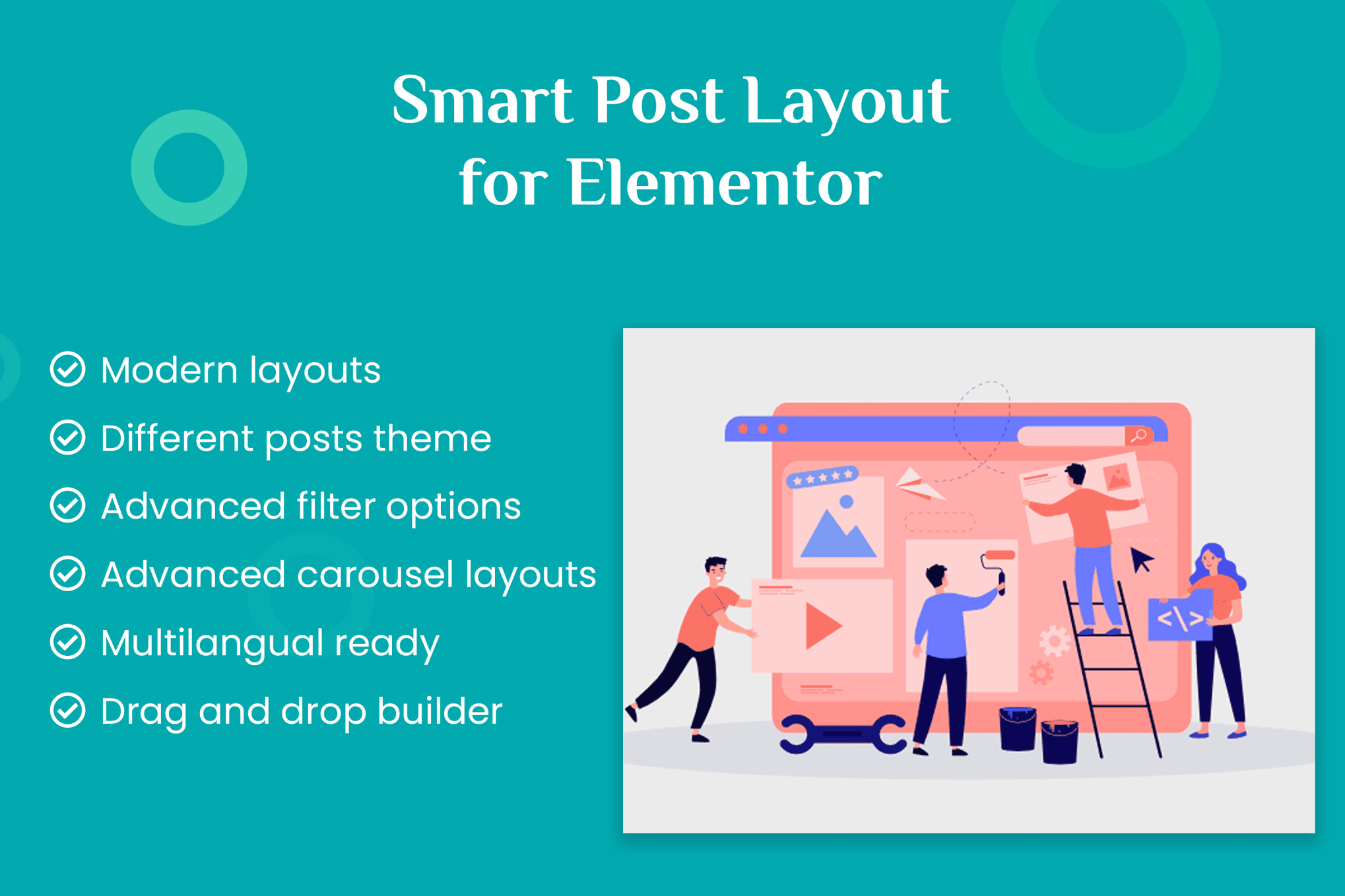
 Smart Post Layout for Elementor is a specialized WordPress plugin designed to bridge the gap between standard content display and high-end visual design. By integrating seamlessly with the Elementor page builder, this tool empowers users to showcase their blog posts, custom post types, and portfolio items in sophisticated, responsive layouts without requiring custom coding or complex CSS modifications. It serves as an essential utility for content-heavy websites, news portals, and creative portfolios that require dynamic, automated content grids and sliders.
The primary objective of Smart Post Layout for Elementor is to simplify the process of displaying post archives and recent content. Traditionally, WordPress users are often limited by the default loop templates provided by their theme. While Elementor offers basic post widgets, they often lack the granular control required for professional-grade design. This plugin extends those capabilities by providing a suite of pre-built layouts, including masonry grids, carousel sliders, and list views, all accessible through the intuitive Elementor drag-and-drop interface.
The plugin is built with a “design-first” philosophy. It allows users to manipulate every aspect of the post card, from the typography of the post title to the positioning of the featured image, metadata, and excerpt length. By leveraging the plugin‚Äôs settings, site administrators can ensure that their content remains consistent across different sections of the website, maintaining a cohesive brand identity while displaying diverse types of information.
Advanced Query Control
One of the most powerful aspects of the plugin is its robust query builder. Users are not restricted to simply showing the latest posts. The plugin allows for complex filtering based on categories, tags, author, and specific post IDs. Furthermore, it supports custom post types, making it an ideal solution for websites managing portfolios, testimonials, or product catalogs. The ability to exclude specific posts or offset the starting point of a query provides developers with the precision needed for complex homepage layouts.
Responsive Layout Customization
In the modern mobile-first web environment, responsiveness is non-negotiable. Smart Post Layout for Elementor includes built-in breakpoints that allow users to define how many columns appear on desktop, tablet, and mobile devices. This ensures that a complex masonry grid on a desktop computer gracefully collapses into a single-column list on a smartphone, maintaining readability and user engagement regardless of the device being used.
Styling and Typography Controls
The plugin integrates deeply with Elementor’s styling panel. Users can adjust padding, margins, border radius, and box shadows for each individual post card. Typography controls are equally comprehensive, allowing for the selection of Google Fonts, font weights, line heights, and letter spacing for titles and excerpts. This level of control ensures that the content display matches the overall aesthetic of the theme perfectly.
News and Magazine Portals
For websites that publish high volumes of content, the plugin offers an efficient way to organize articles. Editors can create “Featured News” sections using large, high-impact layouts at the top of the page, followed by “Latest Updates” in a clean grid format. Because the plugin updates automatically as new posts are published, the homepage remains fresh without requiring manual intervention.
Creative Portfolios
Designers and agencies can utilize the plugin to showcase their work. By using the masonry layout, users can display images of varying aspect ratios in a visually appealing, Pinterest-style grid. This is particularly effective for creative professionals who need to highlight visual projects while maintaining a clean, organized structure.
Corporate and Business Blogs
Businesses often use their blog to establish thought leadership. Smart Post Layout for Elementor allows these companies to categorize their content effectively. By creating separate post blocks for “Industry News,” “Company Updates,” and “Case Studies,” businesses can guide their visitors through different content silos, improving user navigation and increasing time-on-site metrics.
A common concern with page builder add-ons is the potential for performance degradation. Smart Post Layout for Elementor is engineered to be lightweight, loading only the necessary assets required for the specific layout being used. By optimizing the database queries and utilizing efficient rendering techniques, the plugin ensures that page load times remain fast, which is a critical factor for both user experience and search engine optimization (SEO).
Furthermore, the plugin is compatible with popular caching plugins and content delivery networks (CDNs). Because it generates standard HTML structures, it does not interfere with the way search engines crawl and index content, ensuring that your blog posts remain highly visible in search results.
The plugin is designed to work in harmony with the broader WordPress ecosystem. It is compatible with major SEO plugins, allowing for proper schema markup on the posts displayed through the plugin’s widgets. Additionally, it supports translation-ready files, making it suitable for multilingual websites. Whether you are using a standard WordPress theme or a custom-built one, the plugin‚Äôs modular nature ensures that it can be dropped into any existing Elementor-powered page without causing conflicts.
Smart Post Layout for Elementor stands out as a reliable and user-friendly solution for WordPress site owners who want to elevate the presentation of their content. By removing the technical barriers to professional design, it allows users to focus on what matters most: creating compelling content. Whether you are managing a small personal blog or a large-scale news portal, the combination of flexible query controls, responsive design, and deep Elementor integration makes this plugin a valuable addition to any web development toolkit.


