

Updates for one year, unlimited sites, auto updates, and regular updates.
$3.99
 BookmarkBookmarked
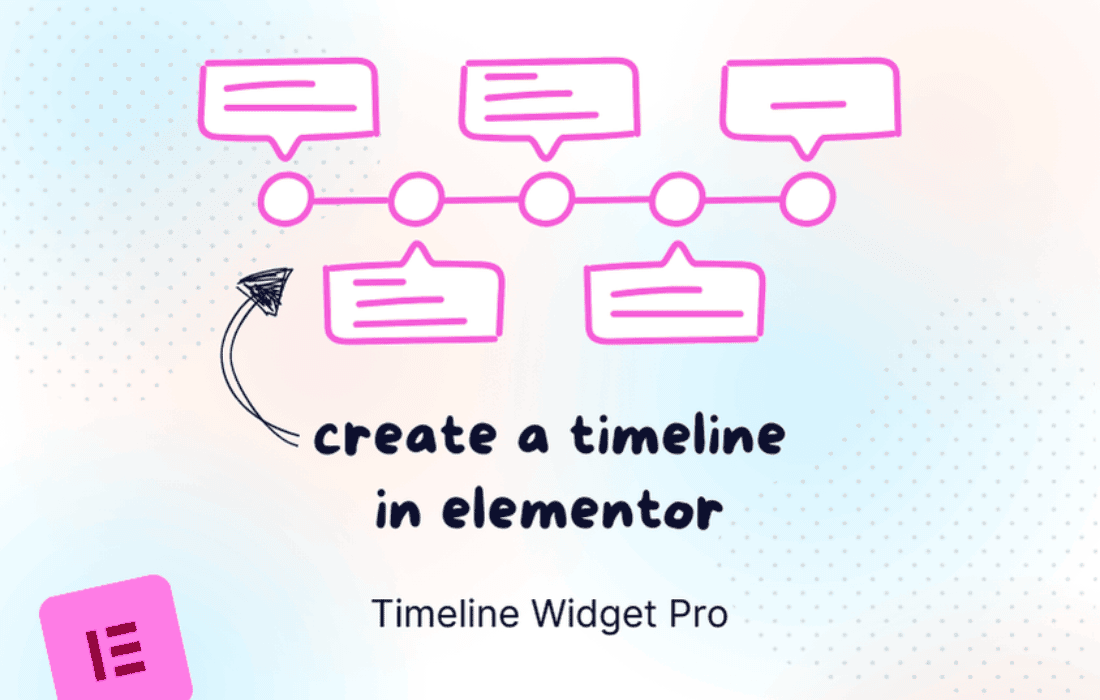
 The Timeline Widget Pro For Elementor plugin is designed to significantly enhance the visual storytelling capabilities of any WordPress website built with Elementor. By providing a dedicated and powerful widget, it empowers users to transform static content into dynamic, interactive timelines, making complex information digestible and engaging for visitors.
At its heart, Timeline Widget Pro For Elementor is engineered to facilitate the easy creation of interactive timelines. This functionality is crucial for websites looking to present chronological data, historical narratives, project milestones, or any sequence of events in a structured yet captivating manner. The integration with Elementor means that users can leverage the familiar drag-and-drop interface, ensuring a smooth and intuitive design process without requiring any coding expertise.
The concept of an “interactive timeline” goes beyond merely displaying events in order. It implies a user experience where visitors can actively engage with the content, perhaps by scrolling through events, clicking on specific points for more details, or experiencing subtle animations that guide their attention. This level of interaction is key to retaining visitor interest and ensuring that the presented information is not just seen, but truly absorbed and understood.
By focusing on ease of use, the plugin allows both novice and experienced Elementor users to quickly set up and populate timelines. This accessibility ensures that the power of visual storytelling is available to a broad audience, enabling them to create professional-grade content presentations that might otherwise require custom development or advanced design skills.
One of the primary objectives of Timeline Widget Pro For Elementor is to help users showcase their content in a visually appealing manner. In today’s digital landscape, aesthetics play a critical role in user engagement and brand perception. A well-designed timeline can elevate the overall look and feel of a website, making it appear more professional, modern, and trustworthy.
The plugin understands that “visually appealing” encompasses more than just good looks; it also involves clarity and readability. By presenting content within a structured timeline, information that might otherwise be overwhelming in a traditional text format becomes organized and easy to follow. This visual organization helps break down complex narratives into manageable segments, improving comprehension and reducing cognitive load for the user.
Whether it’s a company’s journey from inception to present day, a product’s development roadmap, or a historical overview of a particular subject, the timeline format provides a compelling visual metaphor for progress and evolution. The plugin’s capabilities in this area ensure that the content not only looks good but also communicates its message more effectively, leaving a lasting impression on the audience.
Customization is a cornerstone of any powerful Elementor add-on, and Timeline Widget Pro For Elementor excels in this regard by offering various layout options. This flexibility is vital because different types of content and website designs require distinct visual approaches. The ability to choose from multiple layouts ensures that the timeline seamlessly integrates with the existing aesthetic of a website and effectively serves its specific purpose.
Common layout options for timelines often include:
Beyond the structural layout, the plugin provides granular control over styling elements. This includes choices for colors, typography, spacing, and the appearance of timeline indicators (e.g., dots, icons, custom shapes). Such detailed customization allows users to align the timeline perfectly with their brand guidelines, ensuring consistency across the entire website. The ability to adjust fonts, sizes, and weights for different text elements within the timeline (titles, descriptions, dates) further enhances readability and visual hierarchy.
The flexibility in layout and styling means that the timeline can be adapted for a wide array of applications, from a minimalist corporate history to a vibrant educational resource, all while maintaining a professional and polished appearance.
To truly engage an audience, static presentations often fall short. Timeline Widget Pro For Elementor addresses this by incorporating dynamic animations. Animations are not merely decorative; they serve a functional purpose by drawing the user’s eye, guiding them through the content, and making the interaction feel more fluid and modern.
The types of animations typically found in such a plugin can include:
These animations contribute significantly to the “interactive” aspect of the timelines. They make the content feel alive and responsive, encouraging users to explore further. A well-placed animation can highlight important information, create a sense of anticipation, and ultimately make the process of consuming chronological data much more enjoyable and memorable. The plugin’s focus on animations demonstrates an understanding of modern web design principles, where dynamic elements are key to capturing and holding user attention.
The ultimate goal of any website element is to engage its audience, and Timeline Widget Pro For Elementor is specifically designed with this in mind, promising a seamless user experience. A seamless experience means that the user can interact with the timeline effortlessly, without encountering any friction, delays, or confusing navigation.
Key aspects contributing to a seamless user experience include:
By focusing on these elements, the plugin helps create an environment where visitors feel in control and can easily absorb the information presented. This leads to higher engagement rates, longer time spent on the page, and a more positive overall impression of the website and its content.
Beyond its functional benefits, Timeline Widget Pro For Elementor plays a significant role in elevating overall website design. In a competitive digital landscape, a distinctive and professional design can set a website apart. The plugin provides a sophisticated tool that adds a dynamic and modern touch to any Elementor-built site.
Elevating website design through this plugin involves several factors:
In essence, the plugin acts as a design enhancer, allowing Elementor users to implement complex visual elements that contribute to a more sophisticated, engaging, and memorable online presence. It helps transform ordinary pages into compelling visual narratives, leaving a strong positive impression on visitors.
The versatility of Timeline Widget Pro For Elementor makes it suitable for a wide array of practical applications across various industries and website types. Its ability to present chronological information clearly and engagingly opens up numerous possibilities for content creators.
Each of these use cases benefits from the plugin’s core strengths: clear chronological presentation, visual appeal, and interactive engagement. By making information more digestible and enjoyable, the timeline widget helps achieve specific communication goals for diverse content types.
As an Elementor-specific plugin, Timeline Widget Pro For Elementor benefits from and contributes to the seamless experience within the Elementor ecosystem. This means users can expect:
This deep integration ensures that the plugin feels like a natural extension of Elementor itself, rather than a separate, cumbersome tool. It leverages the power and flexibility of Elementor to deliver a specialized functionality in an accessible and efficient manner.
Timeline Widget Pro For Elementor stands out as a valuable addition for any WordPress user leveraging Elementor. It provides a robust, user-friendly solution for creating interactive and visually stunning timelines, transforming how chronological content is presented. With its focus on extensive customization, dynamic animations, and a seamless user experience, the plugin empowers users to elevate their website design and engage their audience more effectively. Whether for


