

Updates for one year, unlimited sites, auto updates, and regular updates.
$3.99
 BookmarkBookmarked
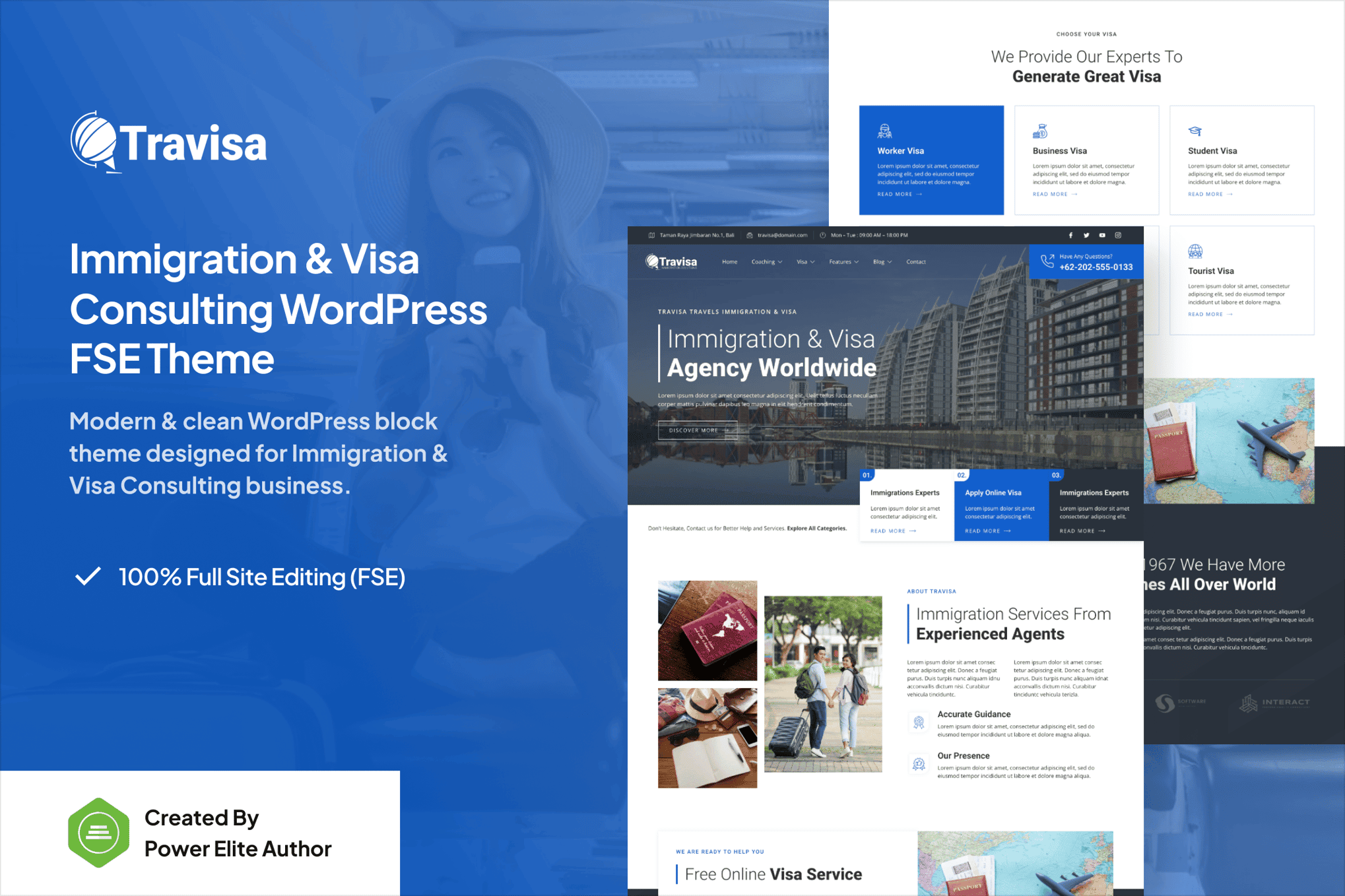
Travisa is a WordPress block theme for immigration firms, visa consultancies, and migration bureaus. Built for the WordPress block editor, it lets site owners edit the whole site, including headers, footers, and page templates, without writing code.
Travisa is intended for businesses that help clients study or work abroad. That covers immigration firms, visa consulting practices, migration bureaus, and emigration offices that handle immigration cases. Because the theme runs on the block editor, the people running these businesses can keep the site current without relying on a developer for routine changes.
The theme aims to present a firm’s services clearly, make the site easy to navigate, and build trust with prospective clients who are often weighing an important decision.
Travisa uses full site editing, which means the header, footer, post templates, archive pages, and 404 page can be designed in the same visual editor used for content. Blocks can be dragged, rearranged, and styled, and changes appear in real time as they are made.
A library of professionally designed templates covers headers, footers, single posts, archives, and 404 pages. Starting from a template saves time because the structure is already in place, and only the text, images, and details need replacing.
The layout adapts to desktops, laptops, tablets, and smartphones. The design stays uncluttered so visitors can find the firm’s services and next steps on any device.
A solo immigration consultant or small visa practice can use Travisa to launch a professional website with service pages, a clear route to contact, and a set of articles. Posts written with the single post template can explain study and work visa routes in plain language.
A larger migration bureau can use the archive templates to organize posts by topic, destination, or service category. Staff can update pages through the block editor, which reduces the need to call on a developer for routine edits.
Emigration offices that handle a steady flow of inquiries can rely on the responsive layout so that prospective clients can read the firm’s information and get in touch from a phone.
Travisa is built for the WordPress block editor and works with its native editing tools throughout the site. It is compatible with Yoast SEO, which makes it easy to set meta titles, descriptions, and keywords on each page.
The theme is responsive and retina ready, so it renders consistently across devices. Because its layouts are made of blocks, they can be adjusted with the same tools used for ordinary pages and posts.
Customization happens in the block editor. Layouts and template parts can be changed without editing code, and the template library provides a starting point that can be adjusted to match the firm’s brand.
Developers can extend styling with the theme’s CSS and JavaScript files. Teams can begin with visual changes in the editor and move to code only where a specific need requires it.


