

Updates for one year, unlimited sites, auto updates, and regular updates.
$3.99
 BookmarkBookmarked
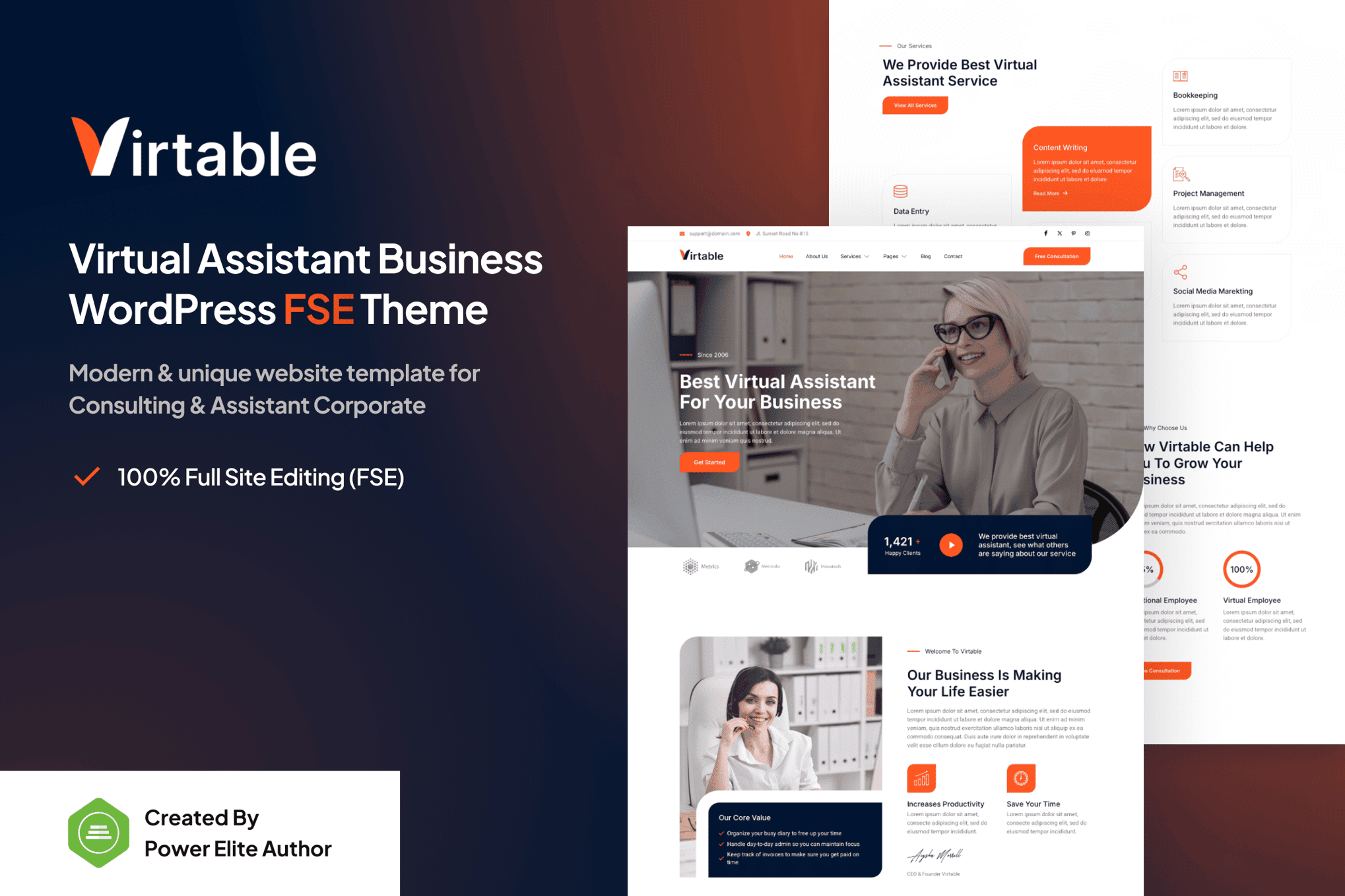
Virtable is a modern block theme for consulting firms, virtual assistant businesses and agencies that want a professional, easy-to-maintain website. It is built on the WordPress Block Editor and full site editing, so headers, footers and templates can be designed without writing code.
Virtable is made for service providers who need to show clients what they do and make it easy to get in touch. Its focus is a polished, professional site that the business can keep up to date itself. Virtual assistants who are just starting out can use it to present their offerings, while established consultancies and agencies can use the same toolkit to refresh a brand that has outgrown its first website.
Virtable’s design is built around full site editing. Headers, footers, single posts, archives and 404 pages can all be created and managed in the block editor. A library of ready-made templates covers each of these areas, so new sections do not start from a blank canvas. The layouts respond to laptops, tablets and smartphones, and the clean structure gives service pages a consistent, businesslike appearance.
A virtual assistant business can use Virtable to present its service areas, explain how working together begins and invite new clients to make contact. A consultancy can use the block editor to build pages for its specialties, team members and client testimonials. An agency can give each department its own page template, so the site keeps a consistent look as the company grows.
Virtable works with the WordPress Block Editor and Gutenberg, and Yoast SEO can be used alongside it for search metadata. Because the theme is block-based, editing stays within the core WordPress interface. Its CSS and JavaScript files can be extended by developers who need additional functionality.
Virtable can be adapted through the Site Editor, so headers, footers and templates can be changed without code. The template library gives a starting point, and each template can be reworked to reflect a consultancy’s or assistant’s own voice. Developers who need bespoke functionality can extend the theme’s stylesheets and scripts, while everyday updates stay within the visual editing tools.


