

Updates for one year, unlimited sites, auto updates, and regular updates.
$3.99
 BookmarkBookmarked
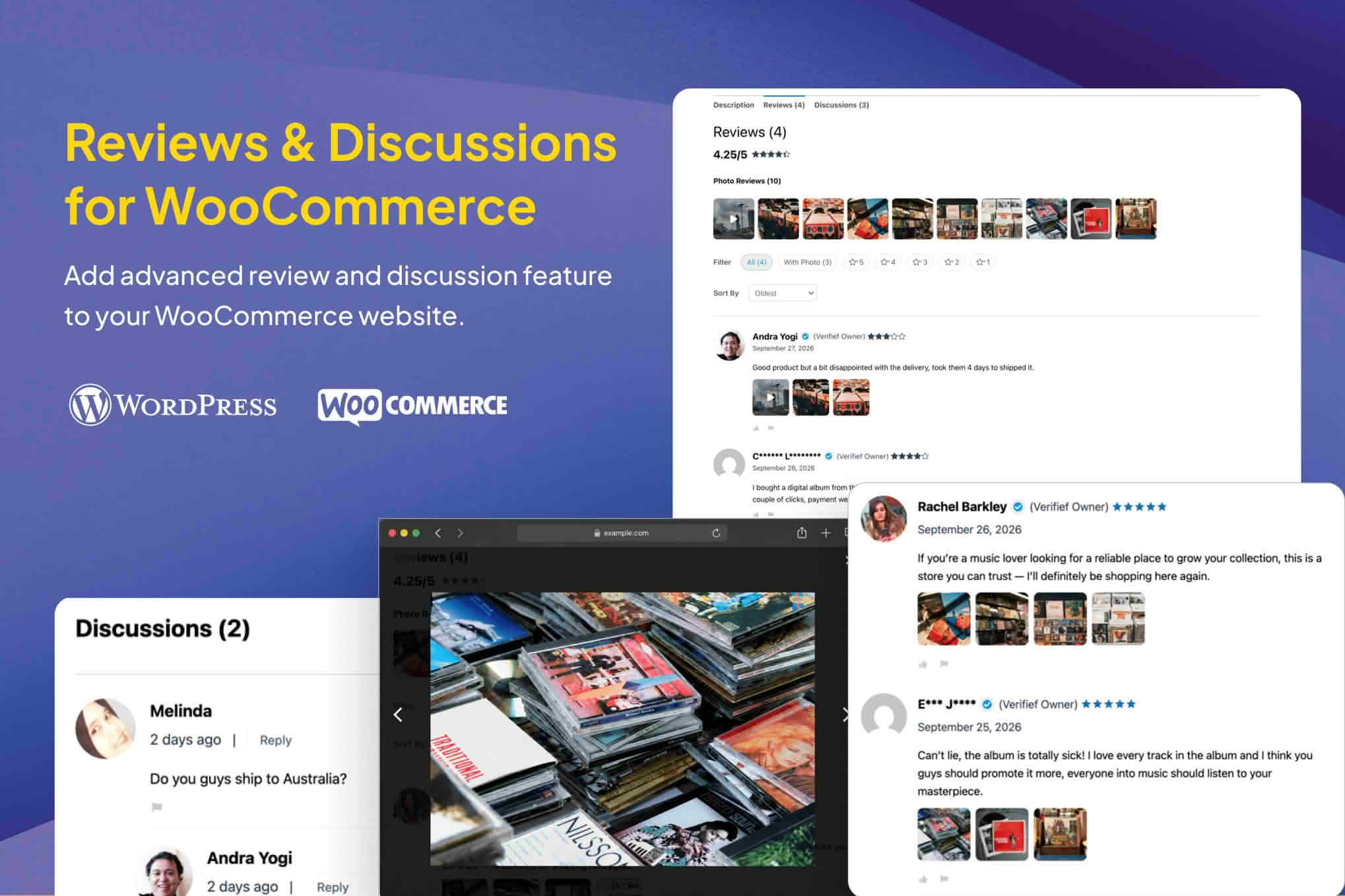
WooCommerce Photo & Video Reviews + Q&A Discussion covers two kinds of shopper-generated content on a product page: reviews that include photos or videos, and a discussion area where shoppers can ask and answer questions about an item. The name describes the combination, and this entry explains what each part is for, how stores usually manage it, and how to judge whether it suits a particular catalogue.
A written review describes an experience, while a photo or a short video shows how a product actually looks in daylight, at its real size, or in use. Shoppers who cannot handle an item before buying often rely on that kind of evidence, particularly for clothing, furniture, colored goods, and anything whose appearance depends on its surroundings.
Media also helps a store spot problems before they become complaints. A customer’s image can reveal a color difference, a fit problem, or a packaging detail that a short written review might leave out. Owners who read those uploads closely can use the findings to improve product descriptions, size guides, and product photography.
A question-and-answer area gives shoppers a place to ask about details that a product page does not cover, such as compatibility, dimensions, materials, or care instructions. Replies from the store team are useful, but answers from other buyers who own the item can be even more valuable, because they describe real use.
Public questions also reduce repetition. When a question and its answer sit on the product page, the same answer does not have to be typed into support email again and again. Shoppers who arrive later can find the information without contacting anyone, which can make the buying decision easier.
Any system that accepts photos, videos, and public questions needs rules. Store owners usually decide who may upload, which file types and sizes are acceptable, and whether a review must be approved before it is shown. Clear limits protect the server from very large files and help keep product pages loading at a reasonable speed.
Moderation is the other half of the job. Stores commonly check uploads for offensive content, personal information, copyrighted material, and posts that have nothing to do with the product. Questions need the same attention, because a public answer can reach many shoppers, and a wrong answer can mislead people who rely on it.
Response time also matters. A question that sits unanswered for weeks signals to later visitors that nobody is watching the page, while a prompt reply, even a short one, shows that the store is paying attention. Owners who cannot answer quickly can set expectations in the form itself, for example by stating how long a reply usually takes.
Privacy deserves attention too. Photos can show faces, vehicle registration numbers, or the inside of a home, and videos can capture background voices. Stores that serve customers under strict data protection rules should review how uploads are stored, how long they are kept, and how a customer can request their removal.
A simple written policy, linked from the review and question forms, sets expectations before anyone submits content. The policy can explain what is allowed, how submissions are reviewed, and whom to contact about a removal request.
Stores selling products where appearance or fit drives the decision are the clearest candidates. Apparel, footwear, home decor, craft supplies, and collectibles all fit that pattern, because a photo from another buyer can answer questions that the seller’s own images cannot.
Technical and consumer-electronics catalogues can also benefit from a question area, since shoppers often ask about compatibility and setup before they buy. A store with a steady flow of those questions may find that a public discussion area reduces repeated inquiries to the support desk.
A store with very few orders, or with a small range of products that are easy to explain in writing, may gain little from either feature. The decision is best based on traffic, support volume, and the kinds of questions the store already receives.
Stores that sell to a regional or niche audience may find that buyers with similar needs answer each other’s questions well, so a discussion area can build useful content over time without much staff effort.
Questions tend to cluster around a few topics, such as sizing, compatibility, and shipping times. A store that reviews its question history every month can see those clusters and answer them in the product description, which saves future shoppers from asking. The same review of photos can show which angles or lighting are most helpful, and that information can guide the next product shoot.
Replies from the store are a chance to show care for customers. Short, accurate answers that thank the asker and point to the relevant policy or specification tend to read well, while vague or defensive replies can do more harm than good. Owners who reply promptly also make the discussion area more useful to the next visitor.
A review request sent a few days after delivery is a common approach, because the buyer has had time to use the product. A message that explains what would help, such as a photo of the item in use or a note about fit, can prompt more specific responses than a generic request for a star rating.
Test on a separate copy of the site with real uploads, including a large video, a file that sits at the size limit, and a file that exceeds it. Confirm that each one is handled the way the store intends. Check that the review form and the question form work on phones, since many shoppers will try them there first.
Confirm that uploaded media displays cleanly in the theme’s product page and in any review summary the store uses. Images that are too large can slow the page, so consider how the theme sizes them, and check the result on a tablet as well as a desktop.
Look at the server’s upload limits before launch. Hosting environments can reject a file before a plugin ever sees it, so a quick test with a file near the intended maximum confirms the real ceiling. Hosting control panels and the server’s documentation usually show the relevant settings.
Shoppers take uploads more seriously when they know what a helpful photo looks like. A short guide that asks for a clear image in natural light, a shot that includes a sense of scale, and a video that runs for a few seconds rather than several minutes can improve the material that comes back. Stores can place that guide beside the upload field so that it is read at the moment it matters.
It also helps to say what should not be uploaded. Images of other people taken without consent, screenshots that show personal data, and clips containing music or logos the uploader does not own are common reasons for removal, so a clear list avoids disputes later.
A product with dozens of uploaded photos can overwhelm the page if every image appears at full size. Stores often show a small selection by default, with the rest reachable through a gallery or a link, so that the product description stays the focus. Checking how the theme handles image galleries and long review lists is part of the rollout, and it is worth doing before a popular product attracts a flood of uploads.
Questions raise a similar issue. A long thread can push the product details far down the page. Store owners who need to limit how much content appears at once should check the theme’s options and the plugin’s own settings before launch, and the page should still read clearly on a phone whichever arrangement is chosen.
WPC Photo & Video Reviews for WooCommerce, from WPClever, is listed on the vendor’s site with photo and video uploads for reviews, along with file limit and role-based permission controls. Customer Reviews for WooCommerce is another WordPress.org option for review collection, and Product Questions & Answers for WooCommerce is a WordPress.org option for the question side of a product page. Stores should compare the feature lists of each before choosing.


