

Updates for lifetime, unlimited sites, unlimited downloads, and regular updates.
$3.99
 BookmarkBookmarked
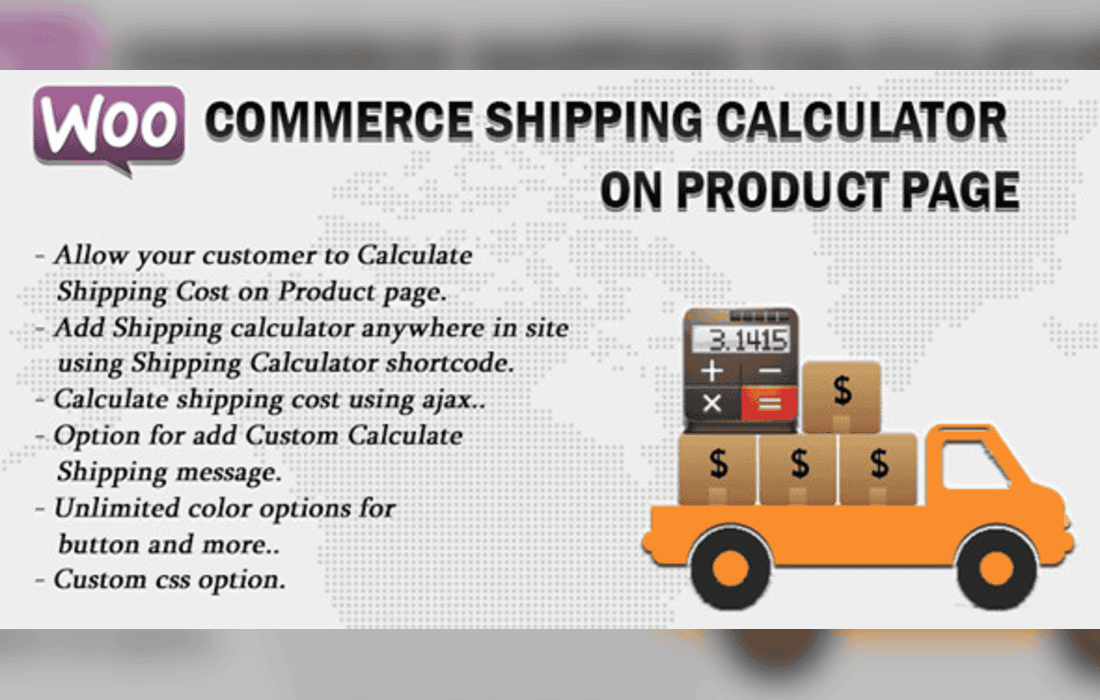
The Woocommerce Shipping Cost Calculator On Product Page plugin is a specialized tool designed to bridge the gap between shoppers and shipping expenses directly on individual product listings within a WordPress and WooCommerce environment. By allowing potential buyers to calculate shipping fees right where they make buying decisions, store owners can significantly reduce cart abandonment rates, improve user transparency, and boost overall conversion metrics. This comprehensive guide details the core capabilities, practical applications, setup expectations, and operational benefits of integrating this solution into your e-commerce ecosystem.
One of the leading causes of cart abandonment in online retail is unexpected shipping costs revealed late in the checkout process. Customers often add items to their cart, proceed through multiple steps, and only discover prohibitive delivery fees at the final payment screen, prompting them to leave the site entirely. The Woocommerce Shipping Cost Calculator On Product Page plugin addresses this friction point proactively. By bringing the shipping estimation tool to the product page itself, customers no longer need to add items to the cart, navigate to the cart page, or enter the checkout flow merely to discover how much it will cost to deliver the item to their doorstep.
The plugin is engineered to offer a seamless interactive experience for site visitors while remaining straightforward for store administrators to manage. Below are the prominent features that define its functionality:
Implementing a shipping calculator directly on product pages serves multiple strategic functions for e-commerce businesses of varying sizes and industries. Here is how different stores can leverage its capabilities:
High-Weight and Bulky Goods Stores
Stores that sell heavy machinery, oversized furniture, or industrial equipment face complex shipping logistics where delivery fees can often rival or exceed the cost of the product itself. For these merchants, transparency is mandatory. By using the Woocommerce Shipping Cost Calculator On Product Page plugin, buyers immediately understand the heavy freight charges associated with their location, building trust and managing expectations before any commitment is made.
International and Multi-Region Retailers
If your WooCommerce store ships globally or across vast domestic regions with widely varying shipping zones, customers frequently wonder if you deliver to their specific area. This plugin allows international visitors to quickly verify shipping availability and costs instantly, removing geographic uncertainty and encouraging cross-border purchases.
Reducing Customer Support Inquiries
Many online stores receive a high volume of emails and live chat messages asking simple questions like, “How much does it cost to ship this item to ZIP code X?” By empowering customers to find this information independently on the product page, store support teams are freed from answering repetitive logistics questions, allowing them to focus on more complex customer service tasks.
Deploying the Woocommerce Shipping Cost Calculator On Product Page plugin follows the standard WordPress plugin installation workflow. Store owners can upload the plugin archive via the WordPress dashboard, activate it, and immediately access its configuration settings panel.
Within the settings, administrators can typically customize the visual presentation of the calculator widget, choose where it appears relative to the product price and add-to-cart elements, and control which address fields (such as postcode or state) are mandatory for calculation. Because the plugin relies on your pre-configured WooCommerce shipping settings, minimal extra setup is required for the pricing logic itself; it automatically translates your existing shipping zones and calculation rules into the product page widget.
User experience (UX) is paramount in modern e-commerce. When shoppers encounter friction or hidden fees, trust erodes rapidly. The Woocommerce Shipping Cost Calculator On Product Page plugin champions user-centric design by respecting the visitor’s time. Instead of forcing a multi-step journey just to see a delivery fee, the plugin respects the exploratory nature of online shopping. A customer can browse multiple items, calculate shipping for each, and make informed purchasing decisions with absolute financial clarity.


