

Updates for one year, unlimited sites, auto updates, and regular updates.
$3.99
 BookmarkBookmarked
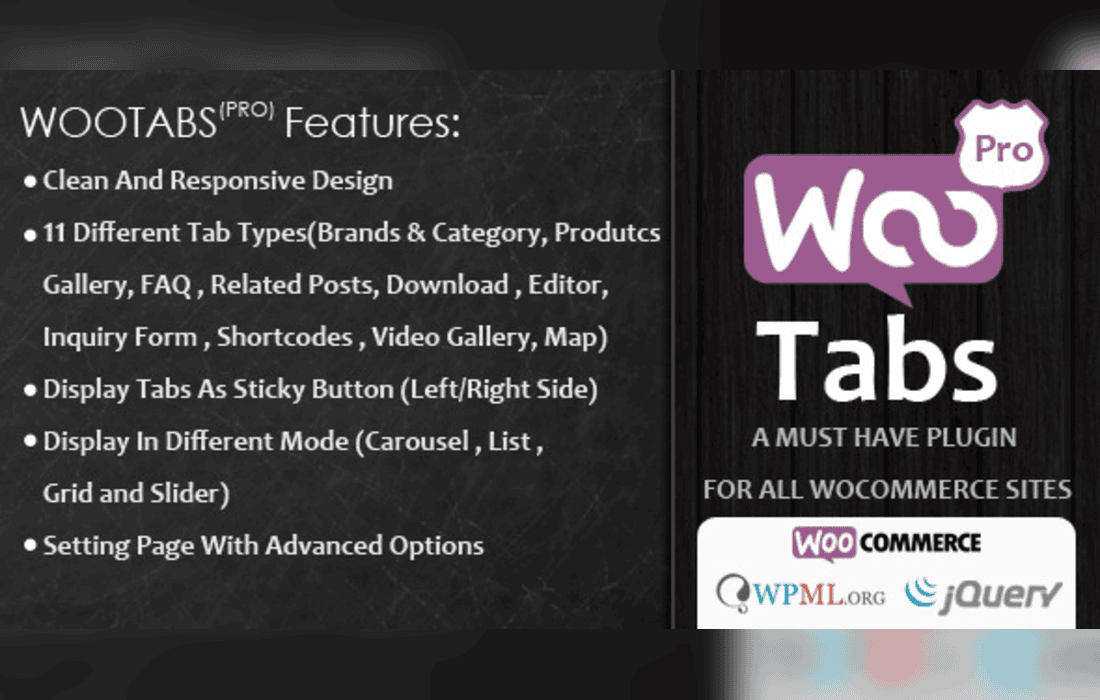
Managing e-commerce product pages effectively requires a careful balance between providing comprehensive information and keeping the user interface clean and intuitive. The Woocommerce Tabs Pro: Extra Tabs for Product Page plugin is designed precisely to help store owners achieve this balance. By enabling the addition of custom, flexible tabs to your WooCommerce product pages, this extension empowers you to present shipping policies, warranty details, specifications, video content, and custom FAQs without cluttering the main product description area. This detailed overview explores the core features, use cases, flexibility, and installation benefits of utilizing this plugin to enhance your online store’s user experience.
Out of the box, WooCommerce provides a standard set of tabs for single product pages: Description, Additional Information, and Reviews. While these cover the bare minimum required for an online store, modern e-commerce demands a richer presentation of product data. Store owners often find themselves trying to cram sizing charts, delivery information, care instructions, and promotional banners into the single long-form product description. This results in cluttered layouts that can overwhelm potential buyers and increase bounce rates.
The Woocommerce Tabs Pro: Extra Tabs for Product Page plugin solves this structural limitation by allowing administrators to introduce unlimited custom tabs globally across the entire store or selectively on a per-product basis. By segmenting your content into digestible, organized tabs, you guide the customer smoothly through the decision-making process, presenting relevant details exactly when and where they matter most.
To deliver a seamless administrative and front-end experience, the plugin comes packed with robust features tailored for flexibility and ease of use. Store managers do not need advanced coding skills to implement complex layouts inside their new product tabs.
The versatility of the Woocommerce Tabs Pro: Extra Tabs for Product Page plugin makes it suitable for a wide variety of industries and retail models. Here are some of the most effective ways store owners utilize extra tabs to improve conversions and customer satisfaction:
Technical Specifications and Downloads
If you sell electronics, machinery, or complex hardware, your customers will look for detailed technical data sheets, instruction manuals, and driver downloads. Instead of forcing users to scroll past marketing copy to find a PDF manual, you can dedicate a specific tab labeled “Downloads” or “Specifications” to host this documentation neatly.
Shipping and Return Policies
Reducing cart abandonment often relies on transparency regarding shipping times and return procedures. By creating a global tab dedicated to shipping information, customers can quickly verify delivery estimates and return windows right on the product page without navigating away to a separate FAQ page.
Customer Reviews and Interactive FAQs
While WooCommerce includes a basic review tab, you might want to integrate advanced third-party review systems, sizing calculators, or custom tabbed FAQs. Using the shortcode integration feature, you can place interactive elements inside your extra tabs to answer common pre-purchase questions instantly.
Managing an expanding product catalog requires administrative efficiency. The plugin integrates directly into the familiar WordPress dashboard and WooCommerce product editing screens, ensuring a gentle learning curve for store managers and content editors.
When configuring global tabs, administrators can set rules based on product categories, tags, or IDs, ensuring that only relevant products display specialized information. For example, a global tab for “Clothing Care Instructions” can be automatically mapped exclusively to the “Apparel” category, keeping irrelevant tabs off digital products or hardware items.
No reliable alternatives known.


