

Updates for one year, unlimited sites, auto updates, and regular updates.
$3.99
 BookmarkBookmarked
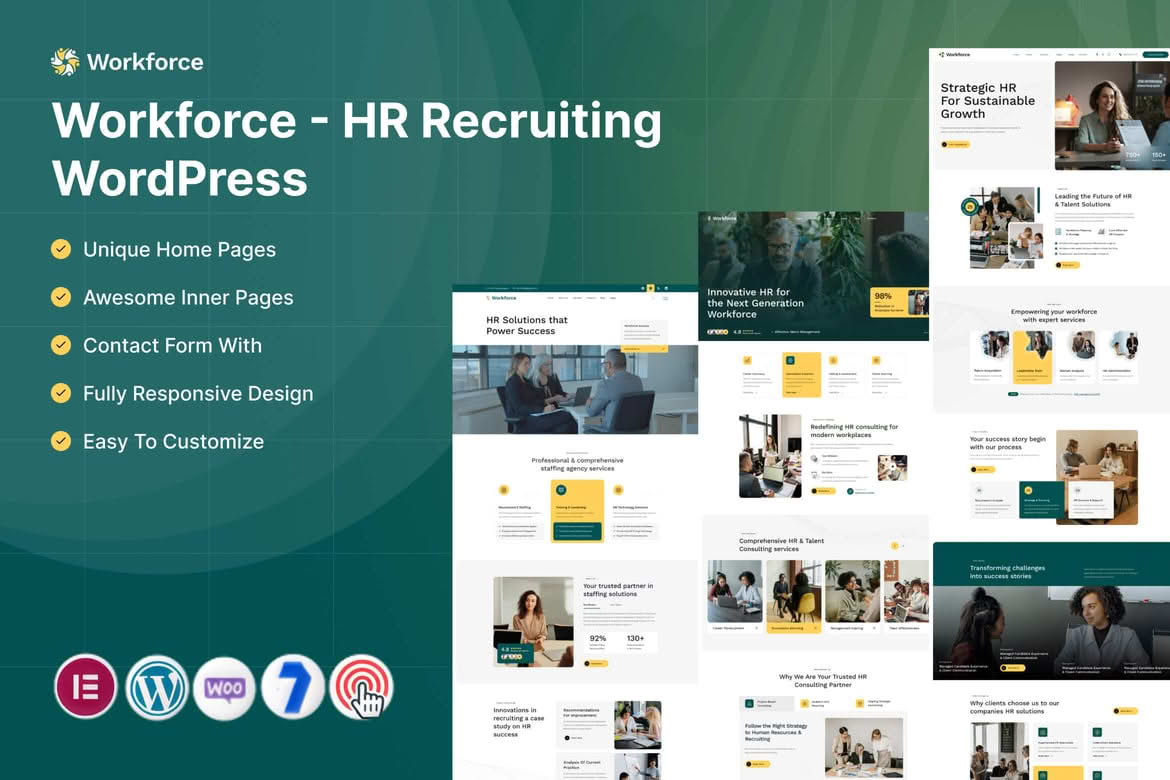
Workforce is an HR and recruiting WordPress theme built to help businesses of every size present open roles, attract strong candidates and keep hiring organized. It pairs a polished visual style with the editing flexibility of Elementor.
Hiring is a constant task for many organizations, and the company website is often the first place a candidate learns what it is like to work there. Workforce is designed to make that first impression clear and professional. Its user-friendly interface gives HR departments, recruitment agencies and consultancies a dependable structure for showing vacancies and describing company culture. The theme also suits advisers, agencies and consultants, so it serves businesses that offer HR services to clients as well as in-house teams.
Workforce offers a wide selection of starting points: three index home layouts, three video home layouts, three slider home layouts and three single-page layouts. The video options let a company open its home page with footage of its workplace or team, a direct way to show culture. Slider layouts suit businesses that want to rotate several messages, such as a recruitment drive alongside a company milestone. Layouts scale cleanly from desktop screens to tablets and small phones, and right-to-left support is included. The demo design uses Work Sans and GT Walsheim Pro typefaces.
An in-house HR department can use Workforce as its public face, showing open roles in clear sections, explaining what the company offers staff and presenting a short video about working life. The layout makes it easy for candidates to scan vacancies and learn more about the company behind them.
Recruitment agencies can use the theme to show the roles they fill, describe their sector expertise and invite candidates or clients to get in touch. Consultants and advisers can present their HR services so prospective clients see how the work is delivered before they call. Businesses of any size can use the layouts as a base and adapt the content to their own hiring needs.
Workforce works with Elementor, Elementor Pro, WooCommerce and WPML. Contact Form 7, MailChimp and Revolution Slider connect forms, mailing lists and banners to the rest of the site, and Bootstrap provides the underlying layout framework. Recruitment teams that already use these tools can build their hiring pages within the same environment.
Changes such as new colors, rewritten role descriptions and rearranged sections can be made in Elementor without writing code. The theme options panel manages global settings, and shortcodes let repeated components appear wherever they are needed. Developers who want to go further will find HTML, CSS, JavaScript and SASS files in the package, and a documentation file explains how the pieces fit together.


