

Updates for lifetime, unlimited sites, unlimited downloads, and regular updates.
$3.99
 BookmarkBookmarked
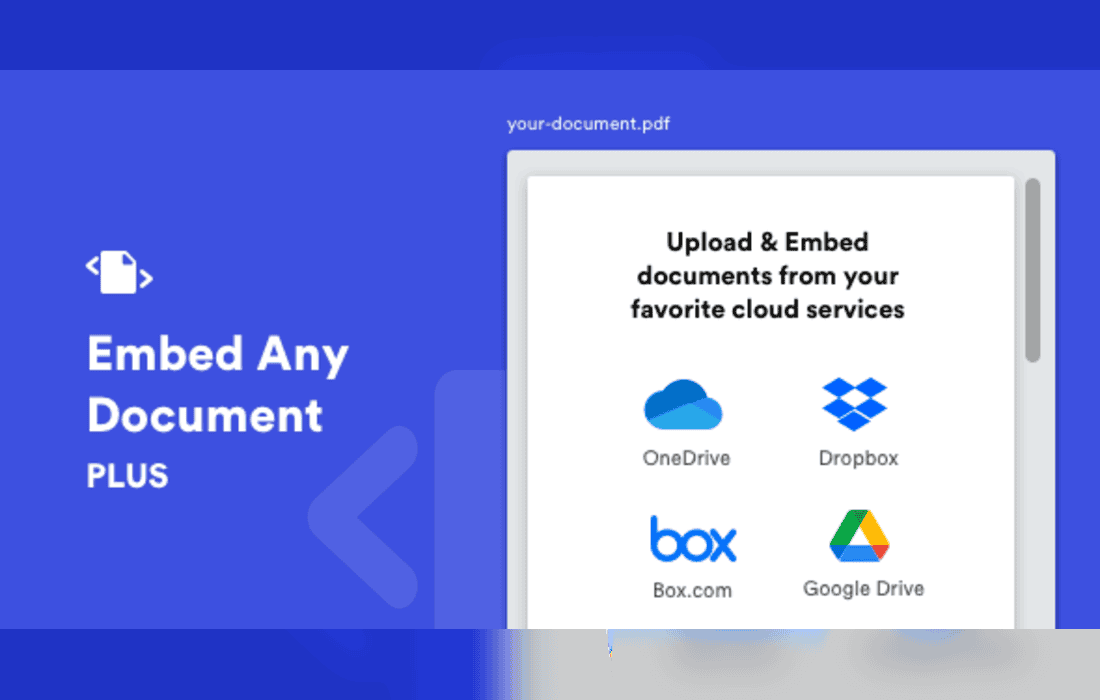
Embed Any Document Plus is a specialized WordPress plugin designed to streamline the process of displaying various document formats directly within your website’s pages and posts. By eliminating the need for users to download files or rely on external viewers, this tool enhances user engagement and ensures that your content remains accessible, professional, and seamlessly integrated into your site’s design.
The primary purpose of Embed Any Document Plus is to provide a robust bridge between your media library and your front-end content. Instead of forcing visitors to navigate away from your site or open third-party applications to view a file, the plugin renders the document directly in the browser. This is achieved through a clean, intuitive interface that allows site administrators to upload or select files from their WordPress Media Library and embed them with just a few clicks.
The plugin supports a wide array of file formats, ensuring that whether you are sharing corporate reports, academic papers, or creative portfolios, your documents are handled correctly. Commonly supported formats include Microsoft Word (.doc, .docx), Excel spreadsheets (.xls, .xlsx), PowerPoint presentations (.ppt, .pptx), and the ubiquitous Portable Document Format (.pdf). By standardizing the viewing experience across these diverse file types, the plugin maintains a consistent look and feel for your website visitors.
One of the most significant advantages of using Embed Any Document Plus is the improvement in user retention. When a user clicks a link to a file, they are often taken to a new tab or prompted to download a file to their local machine. This friction can lead to users abandoning the site entirely. By embedding the document, you keep the user within your ecosystem, allowing them to read the content immediately without any technical hurdles.
Furthermore, the plugin is designed to be responsive. In an era where mobile traffic often exceeds desktop traffic, it is critical that documents are readable on smaller screens. Embed Any Document Plus ensures that the viewing area adjusts to the device being used, providing a mobile-friendly experience that maintains the integrity of the document’s layout and text clarity.
For WordPress administrators, the plugin offers a high degree of control over how documents are presented. The integration process is typically handled through a dedicated button within the WordPress editor, which opens a modal window allowing for quick file selection. Once a file is selected, administrators can configure various display settings, such as the width and height of the viewer, to ensure it fits perfectly within the layout of the specific page or post.
The plugin also prioritizes ease of use by requiring minimal technical knowledge. There is no need to write custom code or manage complex shortcodes manually, as the plugin handles the generation of the necessary embed code automatically. This makes it an ideal solution for content creators, bloggers, and business owners who want to focus on their content rather than the technicalities of web development.
The versatility of this plugin makes it suitable for a variety of professional and personal websites. Below are some common scenarios where Embed Any Document Plus proves to be an essential tool:
Embed Any Document Plus is built to be compatible with the standard WordPress environment. It integrates smoothly with the Block Editor (Gutenberg) as well as the Classic Editor, ensuring that users can continue using their preferred workflow. Because the plugin relies on established web standards for document rendering, it is generally lightweight and does not significantly impact page load times, which is a crucial factor for SEO and user experience.
Security is also a consideration when handling document uploads. The plugin respects the standard WordPress file upload permissions, meaning that only authorized users with the appropriate roles can upload documents to the media library. This ensures that your site remains secure while still providing the functionality needed to manage your document library effectively.
While the plugin offers a “plug-and-play” experience, it also provides enough flexibility for users who need a more tailored look. By adjusting the dimensions of the viewer, you can ensure that the document occupies the right amount of space on your page. Whether you want a full-width viewer for a detailed report or a smaller, compact viewer for a sidebar or a brief summary, the plugin provides the necessary settings to achieve your desired layout.
The plugin also focuses on accessibility, ensuring that the embedded documents are presented in a way that is compatible with modern web browsers. By leveraging the browser’s native capabilities or optimized rendering engines, the plugin ensures that text remains selectable and searchable within the viewer, which is a significant benefit for users who need to find specific information within a long document.
If you are looking for similar functionality, the following plugins are well-regarded within the WordPress ecosystem for their document embedding capabilities:


