

Updates for lifetime, unlimited sites, unlimited downloads, and regular updates.
$3.99
 BookmarkBookmarked
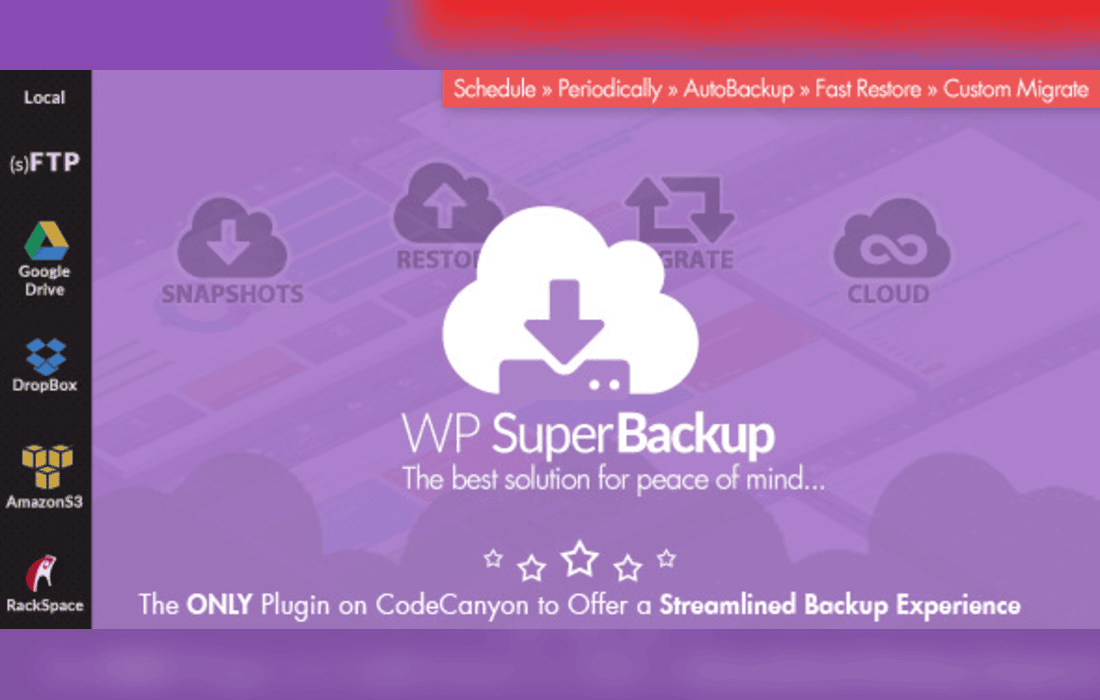
Super Backup & Clone – Migrate for WordPress is a comprehensive backup, restoration, and migration tool designed to help website owners protect their digital assets and seamlessly transfer data across different servers or domains. Website maintenance and security are critical components of running a successful online presence, and having a reliable backup system ensures that data loss, hacking attempts, or failed updates never result in permanent damage. This plugin offers a wide array of advanced features tailored to simplify the complex processes of backing up databases and files, cloning existing sites for staging purposes, and migrating WordPress installations without technical hurdles.
The plugin is packed with tools that cater to both beginners and advanced developers who require granular control over their WordPress site backups and migrations. Below are the primary features that define its functionality.
Automated and Scheduled Backups
Consistency is key when it comes to data protection. Super Backup & Clone allows users to set up automated backup schedules tailored to their specific needs. Whether a website requires hourly, daily, or weekly backups, the system runs silently in the background, ensuring that the latest version of the site is always preserved without requiring manual intervention.
Cloud Storage Integration
Storing backups on the same server where the WordPress installation resides can be risky, especially if the server experiences a catastrophic hardware failure. To mitigate this risk, Super Backup & Clone supports integration with various popular cloud storage providers. Users can safely offload their backup archives to external platforms, ensuring that their data remains safe and accessible even if the primary web host goes offline.
Migration and Cloning Made Simple
Moving a WordPress website from a local development environment to a live server, or switching from one hosting provider to another, can traditionally be a stressful and error-prone task. This plugin streamlines the process with dedicated migration and cloning tools. With just a few clicks, users can duplicate their entire website-including themes, plugins, uploads, and the database-to a new destination, maintaining absolute structural and functional integrity.
Advanced Restoration System
In the event of a compromised website, a crashed server, or a broken update, the ability to restore a site quickly is invaluable. Super Backup & Clone features a robust restoration wizard designed to bring a website back to a fully functional state with minimal downtime. The system handles large files efficiently, preventing common timeout issues that often plague standard WordPress restoration processes.
Multi-Site and Multisite Compatibility
Managing network installations requires specialized tools. This plugin offers dedicated support for WordPress Multisite networks, allowing network administrators to manage backups and migrations across multiple sub-sites or sub-directories from a centralized dashboard.
Understanding how Super Backup & Clone – Migrate for WordPress fits into everyday web management scenarios helps highlight its true value. Here are the most common situations where this plugin proves indispensable.
Pre-Update Safety Nets
Before applying major core, theme, or plugin updates, smart administrators always create a backup. This plugin allows users to take a quick snapshot of their site immediately before running updates. If an update breaks the layout or causes fatal errors, rolling back to the pre-update state takes only a few moments.
Staging and Development Workflows
Web developers frequently need to test new designs or functional implementations without disrupting the live user experience. Using the cloning capabilities of Super Backup & Clone, developers can instantly duplicate a live production site into a staging environment, make necessary changes, and then migrate the refined version back to the live server safely.
Disaster Recovery and Hacking Mitigation
Security vulnerabilities can lead to defaced websites or malicious code injections. Having a clean, uninfected backup stored in a secure cloud repository allows webmasters to wipe compromised installations and restore a healthy version of their site swiftly, minimizing potential business losses and maintaining visitor trust.
The plugin interface is engineered to provide clarity and ease of use. Navigating through backup logs, scheduling tasks, and initiating migrations is handled through a clean, intuitive dashboard embedded directly within the WordPress admin panel. Status indicators keep users informed about ongoing processes, while detailed error logs assist in troubleshooting should any server-level constraints arise during heavy backup operations.
No reliable alternatives known.


