

Updates for lifetime, unlimited sites, unlimited downloads, and regular updates.
$3.99
 BookmarkBookmarked
The WooCommerce Product Size Guide plugin is a specialized tool designed to enhance the shopping experience for online retailers by providing customers with clear, accessible, and customizable sizing information. By reducing uncertainty regarding product dimensions, this plugin helps minimize return rates and increases customer confidence, ultimately leading to higher conversion rates for apparel, footwear, and equipment-based e-commerce stores.
In the competitive world of online retail, sizing remains one of the most significant barriers to purchase. Customers often hesitate to buy clothing or gear because they cannot physically try on the items. The WooCommerce Product Size Guide addresses this by allowing store administrators to create detailed, professional-looking size charts that are displayed directly on the product page. This ensures that shoppers have all the necessary data to make an informed decision without needing to navigate away from the product they are viewing.
Customizable Size Charts
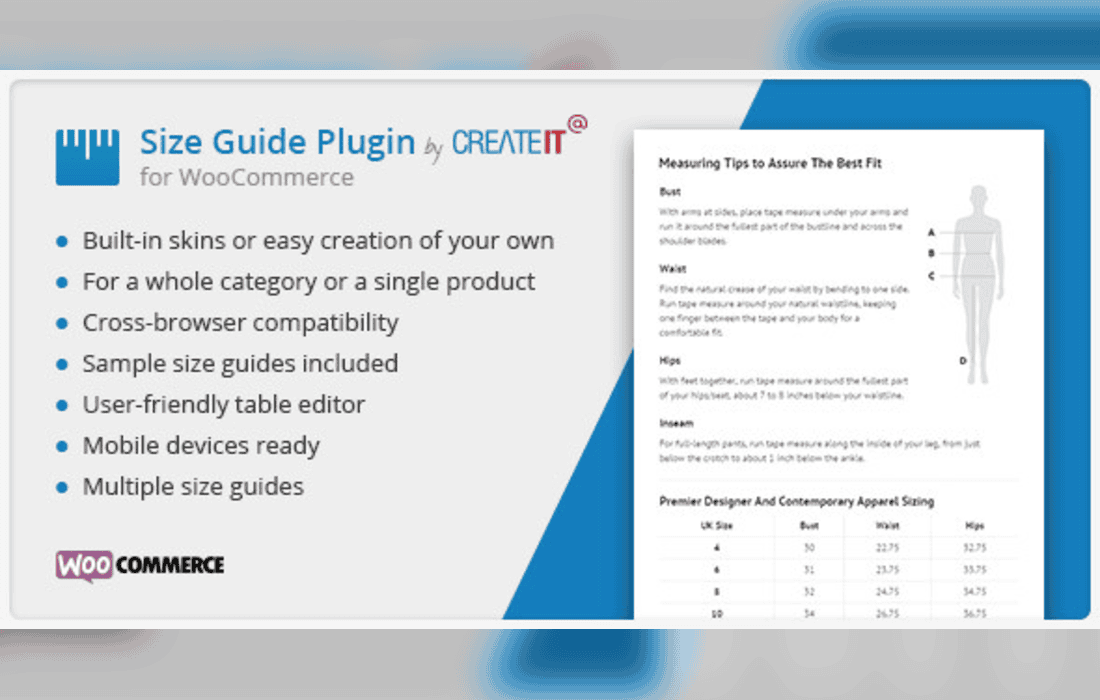
The plugin offers a flexible interface for building size charts. Store owners can define rows and columns to match the specific requirements of their inventory. Whether you are selling shirts that require chest and sleeve measurements or technical gear that requires weight and height specifications, the table builder allows for complete customization of the layout and content.
Global and Product-Specific Assignments
Efficiency is a priority for store managers. The plugin supports both global size guides, which can be applied to entire categories or specific product types, and individual size guides for unique items. This dual approach allows administrators to set up a default chart for all shirts in a “Men’s Apparel” category while overriding it with a specific chart for a limited-edition jacket that may have a different fit.
Responsive Design
With a significant portion of e-commerce traffic originating from mobile devices, the WooCommerce Product Size Guide is built to be fully responsive. The charts automatically adjust their layout to fit smaller screens, ensuring that the data remains readable and user-friendly regardless of whether the customer is browsing on a desktop computer, a tablet, or a smartphone.
Visual Integration
The plugin integrates seamlessly into the WooCommerce product page layout. Administrators can choose how the size guide is presented, typically through a clean, clickable button or link that opens the chart in a modal window or a tab. This keeps the product page uncluttered while ensuring the information is only a single click away for the interested buyer.
Reducing Return Rates
Returns are a major operational cost for online businesses. By providing accurate sizing information, the plugin helps customers select the correct size the first time. When shoppers have access to precise measurement tables, the likelihood of ordering the wrong size decreases significantly, which saves the business money on logistics and improves overall customer satisfaction.
Enhancing Brand Trust
A professional size guide signals to the customer that the retailer is organized and cares about the user experience. By providing clear, easy-to-read charts, the store establishes a sense of transparency. This level of detail helps build trust, as customers feel more comfortable purchasing from a store that provides the necessary tools to ensure a proper fit.
Streamlining Product Management
For stores with large catalogs, managing individual product descriptions can be tedious. The plugin’s ability to assign guides based on categories or tags allows administrators to scale their operations. Once a size guide template is created, it can be applied to hundreds of products instantly, ensuring consistency across the entire store without the need for manual data entry on every single product page.
The plugin is designed to be user-friendly, requiring no advanced coding knowledge to implement. Once installed, the administrator can access a dedicated settings panel within the WordPress dashboard. From here, they can create new charts, edit existing ones, and manage the display settings. The intuitive interface allows for quick adjustments, making it easy to update sizing information as new product lines are introduced or as inventory changes.
If you are exploring other options for your WooCommerce store, the following plugins are well-regarded in the WordPress ecosystem for similar functionality:
In conclusion, the WooCommerce Product Size Guide is an essential asset for any online store dealing in physical goods where fit is a factor. By prioritizing the customer’s need for information, it bridges the gap between the digital storefront and the physical product, fostering a more confident shopping experience that benefits both the retailer and the consumer.


