

Updates for one year, unlimited sites, auto updates, and regular updates.
$3.99
 BookmarkBookmarked
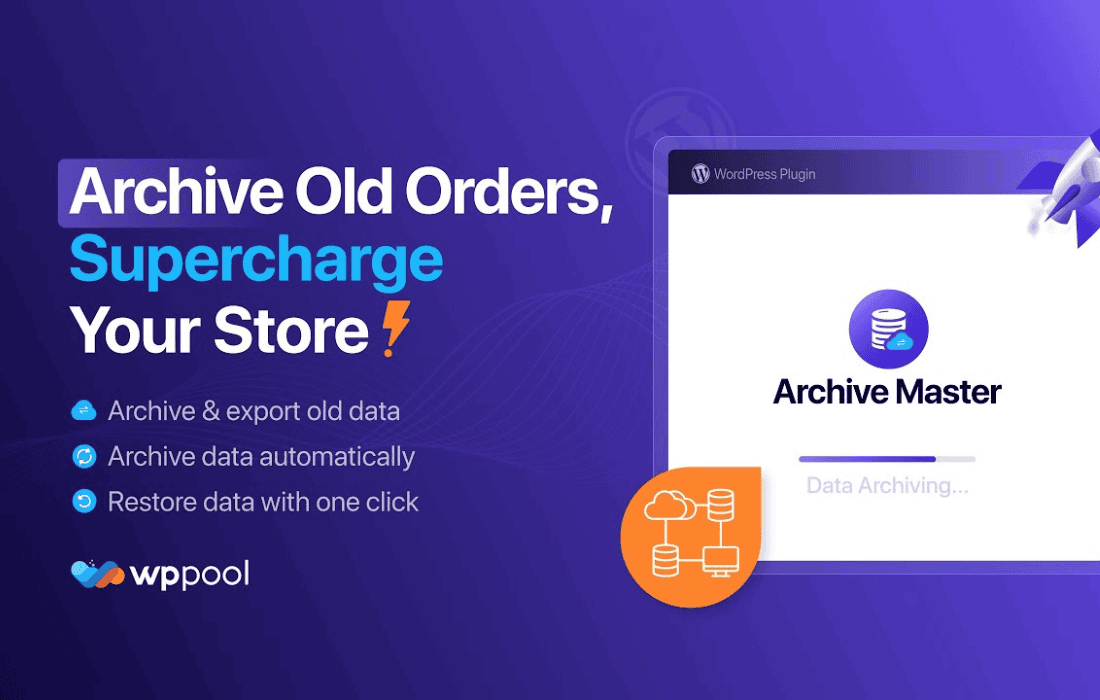
 Archive Master Pro is a comprehensive WordPress plugin designed to revolutionize how website administrators manage, organize, and display their historical content. By providing advanced tools for categorization, custom layout generation, and performance-optimized retrieval, this plugin ensures that your site’s archives remain accessible, visually appealing, and SEO-friendly, regardless of how much content you have published over time.
As a WordPress site grows, the default archive pages often become cluttered, difficult to navigate, and inefficient. Visitors frequently struggle to find older posts, and search engines may find it challenging to crawl deep archives effectively. Archive Master Pro addresses these pain points by offering a suite of administrative tools that transform standard, chronological lists into structured, user-centric content hubs. Whether you are running a high-traffic news portal, a personal blog with years of history, or a niche resource site, this plugin provides the necessary infrastructure to keep your content relevant and discoverable.
Advanced Filtering and Sorting
Archive Master Pro introduces a sophisticated filtering engine that allows users to sort content by multiple parameters simultaneously. Beyond the standard date-based archives, administrators can enable filtering by custom post types, categories, tags, and even custom taxonomies. This granular control ensures that users can drill down into specific topics without being overwhelmed by unrelated entries.
Customizable Layout Templates
One of the standout features of the plugin is its library of pre-built archive templates. Users can choose from grid layouts, masonry styles, list views, or timeline-based designs. These templates are fully responsive, ensuring that your archives look professional on mobile devices, tablets, and desktop computers. Furthermore, the plugin supports custom CSS injection, allowing developers to fine-tune the appearance to match their specific brand identity.
Performance Optimization
Handling large volumes of posts can put a strain on database queries, leading to slower page load times. Archive Master Pro utilizes advanced caching mechanisms and optimized query structures to ensure that archive pages load quickly, even when dealing with thousands of entries. By reducing the load on the server, the plugin helps maintain a smooth user experience and contributes positively to Core Web Vitals metrics.
SEO-Friendly Architecture
Archive pages are often overlooked in SEO strategies, yet they represent a significant opportunity to capture long-tail search traffic. Archive Master Pro includes built-in SEO enhancements, such as automatic meta-tag generation for archive pages, customizable breadcrumb navigation, and clean URL structures. These features help search engine crawlers understand the hierarchy of your content, leading to better indexing and potentially higher rankings for archive-related search queries.
News and Media Portals
For news websites, the ability to quickly retrieve past articles is critical. Archive Master Pro allows editors to create “Topic Hubs” where readers can explore historical coverage of specific events or subjects. By organizing content into logical, searchable archives, media sites can increase page views and keep readers engaged for longer periods.
Educational and Resource Sites
Sites that host tutorials, documentation, or educational materials benefit immensely from structured archives. The plugin’s ability to categorize content by difficulty level, topic, or series allows students and researchers to navigate complex information architectures with ease. The timeline view, in particular, is excellent for showing the evolution of a subject over time.
Portfolio and Creative Showcases
Creative professionals can use the plugin to organize their past projects. By utilizing the masonry layout and custom taxonomy filtering, photographers, designers, and agencies can create a portfolio archive that is both aesthetically pleasing and easy to filter by project type, client, or year of completion.
The plugin is designed with a user-friendly interface that requires no coding knowledge for basic setup. Upon installation, administrators are guided through a configuration wizard that helps define the primary archive settings. From there, users can manage individual archive pages through a dedicated dashboard. The plugin integrates seamlessly with the standard WordPress editor and popular page builders, allowing for easy placement of archive shortcodes or blocks anywhere on the site.
Customization Options
The primary philosophy behind Archive Master Pro is that content should not be “buried” simply because it is old. By providing the tools to surface historical content, the plugin helps site owners maximize the ROI of their content creation efforts. When old posts are easily accessible, they continue to generate traffic, attract backlinks, and provide value to new visitors long after their initial publication date. This creates a sustainable content ecosystem where the value of your site compounds over time rather than diminishing.
If you are exploring other options for archive management, the following plugins are well-regarded in the WordPress ecosystem:
Archive Master Pro stands out as a robust solution for WordPress users who prioritize content discoverability and site organization. By combining powerful filtering, flexible design options, and performance-focused architecture, it provides a comprehensive toolkit for managing the lifecycle of your content. Whether you are looking to improve your SEO, enhance user experience, or simply clean up a cluttered site, this plugin offers the functionality required to turn your archives into a valuable asset for your website.


