Updates for one year, unlimited sites, auto updates, and regular updates.
$3.99
 BookmarkBookmarked
 The plugin is activated, Use the following key when prompted: 43AC798A2DA21A4A7C5B29C0BA38B6AC
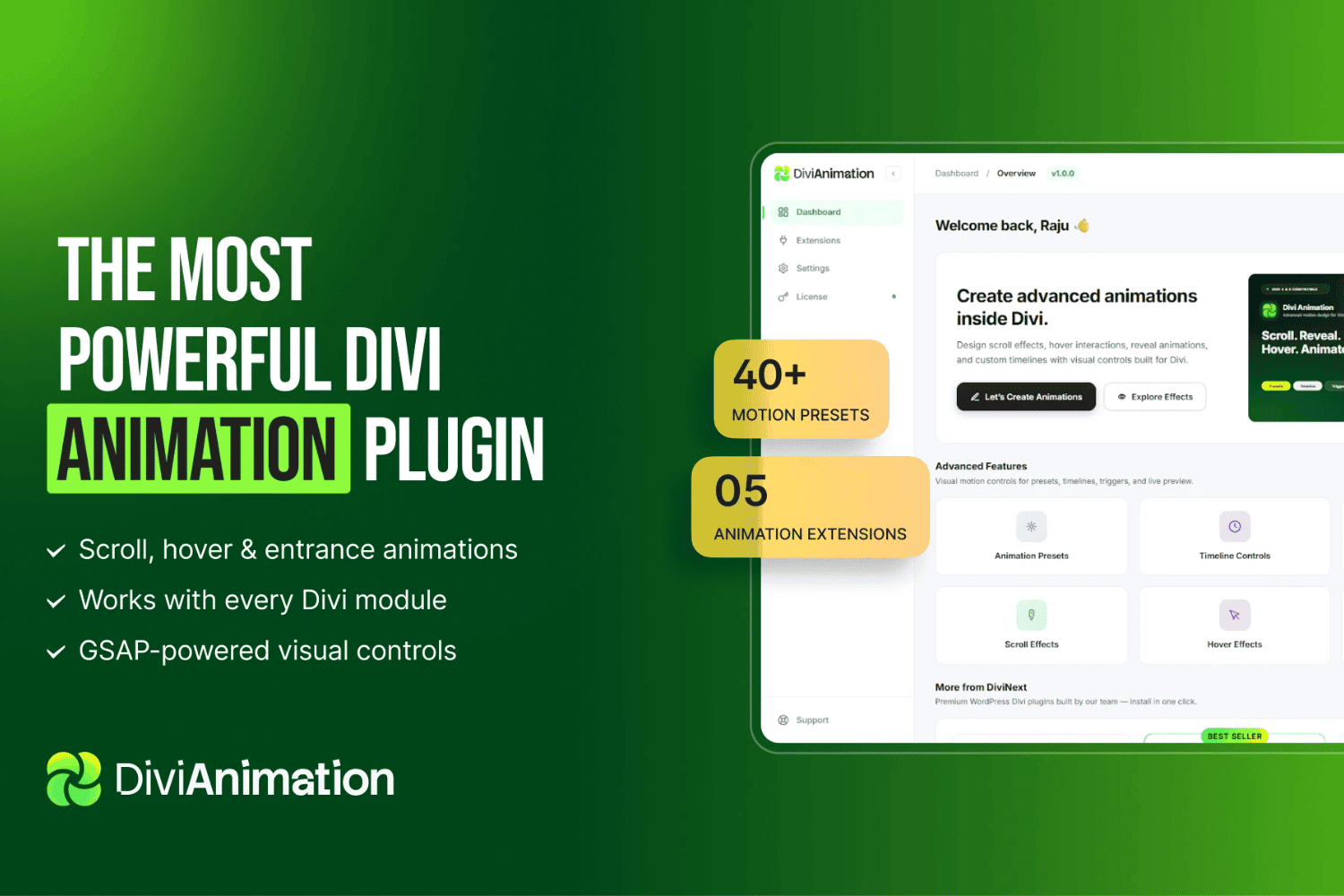
The Divi Animation plugin is a specialized extension designed to enhance the visual capabilities of the Divi Builder by providing a comprehensive suite of motion effects. By integrating seamlessly into the existing Divi ecosystem, this tool allows web designers and developers to apply sophisticated animations to any module, row, or section without requiring custom CSS or complex JavaScript coding. It serves as a bridge between static web design and dynamic user engagement, ensuring that professional-grade motion graphics are accessible to users of all skill levels.
At its heart, the Divi Animation plugin functions by extending the standard settings interface found within the Divi Builder. Once installed, users will notice additional animation options within the Design tab of their modules. This native integration ensures that the workflow remains intuitive, allowing designers to toggle between standard Divi settings and advanced animation parameters without leaving the visual builder environment.
The plugin is engineered to be lightweight, ensuring that the addition of motion effects does not compromise the overall performance or loading speed of the website. It utilizes optimized CSS transitions and hardware-accelerated animations, which are critical for maintaining a smooth user experience across various devices, including mobile phones and tablets.
The plugin offers a robust set of features that cater to both subtle design enhancements and bold, attention-grabbing effects. These features are designed to provide granular control over how elements behave as the user interacts with the page.
The application of motion design is not merely aesthetic; it serves a functional purpose in guiding user attention and improving site navigation. The Divi Animation plugin is particularly effective in several common web design scenarios.
Improving Conversion Rates
By applying subtle animations to call-to-action buttons or lead generation forms, designers can draw the user’s eye to critical areas of the page. A gentle pulse or a slide-in effect can significantly increase the click-through rate of a button, as it creates a visual hierarchy that prioritizes the most important actions for the visitor.
Storytelling and Narrative Flow
Modern web design often relies on storytelling to keep visitors engaged. The plugin allows for the sequential reveal of content, which mimics the experience of reading a book or watching a presentation. By staggering the appearance of text blocks and images, designers can control the pace at which information is consumed, ensuring that the user remains focused on the narrative arc of the landing page.
Adding Polish to Portfolio Sites
For creative professionals, a portfolio site needs to reflect a high level of attention to detail. The use of sophisticated entrance animations for project thumbnails or gallery items can elevate the perceived quality of the work. The Divi Animation plugin provides the necessary tools to create a premium, high-end feel that distinguishes a portfolio from standard, static websites.
Compatibility is a primary concern for any WordPress plugin, and Divi Animation is built with the latest standards in mind. It is fully compatible with the latest versions of the Divi theme and the Divi Builder plugin. Because it relies on standard web technologies, it is also highly compatible with modern browsers, ensuring that animations render consistently across Chrome, Firefox, Safari, and Edge.
Furthermore, the plugin is designed with responsiveness in mind. Users can define different animation behaviors for different screen sizes. For instance, a complex animation that looks great on a desktop might be simplified or disabled on a mobile device to ensure that the site remains readable and easy to navigate on smaller screens. This level of control is essential for maintaining a mobile-first design strategy.
While the Divi Animation plugin offers a wide array of possibilities, it is important to use motion effects judiciously. Over-animating a page can lead to a cluttered user experience and may distract visitors from the core content. To maximize the effectiveness of the plugin, consider the following best practices:
The Divi Animation plugin is an essential tool for any Divi user looking to move beyond the limitations of static layouts. By providing a user-friendly interface for complex motion design, it empowers designers to create immersive, professional, and highly engaging websites. Whether you are looking to add subtle polish to a corporate site or create a high-energy experience for a creative portfolio, this plugin offers the flexibility and performance required to bring your vision to life.