

Updates for lifetime, unlimited sites, unlimited downloads, and regular updates.
$3.99
 BookmarkBookmarked
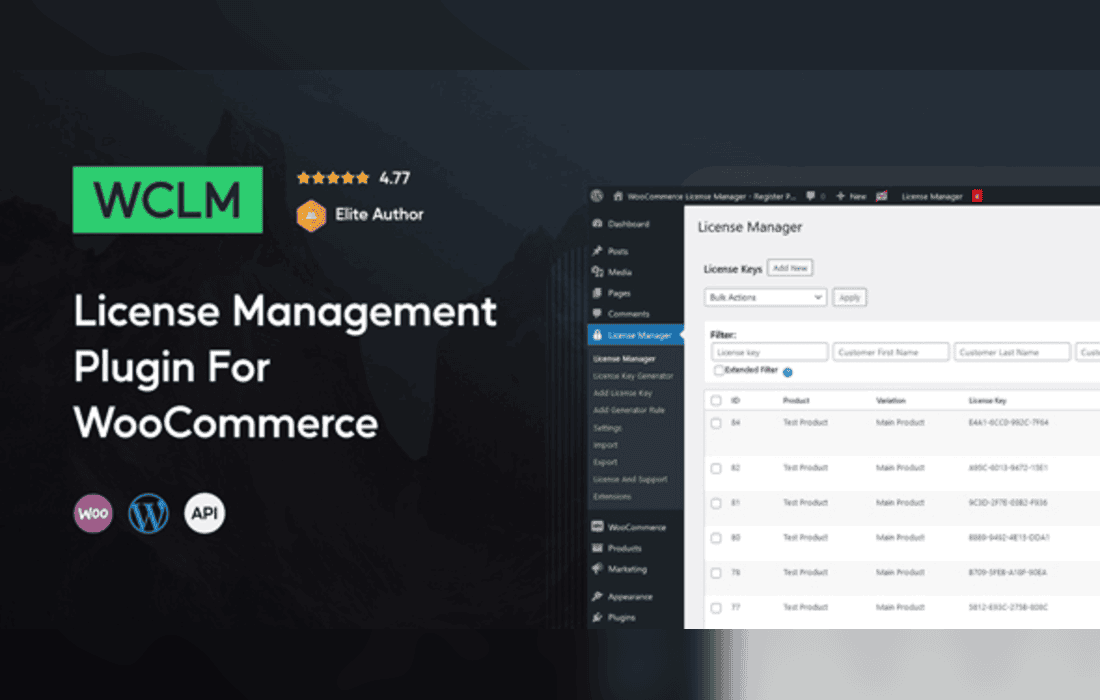
WooCommerce License Manager is designed for stores that sell digital products which need a code, key or credential before a customer can use them. Store owners can offer license keys, activation codes, digital credentials and software downloads from inside WooCommerce, and the plugin handles key inventory, delivery and the messages customers receive. It also provides an API that software can use to check whether a key is valid, activate it on a device and deactivate it when that device is no longer in use.
Every key lives in the plugin’s own table rather than being scattered through order data. Emails and PDF invoices read from that table, while order metadata keeps copies so that other tools depending on order fields continue to work. Variations of a single product can draw from separate key pools, which means one product page can offer several editions of the same software without mixing up their codes.
Keys are encrypted before they are saved, using two secret keys that the site owner chooses. Protected key retrieval and authenticated API access are part of the design, and the plugin includes defenses against SQL injection. Those protections matter because a leaked key can be shared or resold, so choosing strong secret keys and storing them safely is worth the effort.
Stock can arrive in several forms. Store owners can import keys from TXT or CSV files, enter them by hand one at a time, or upload ZIP archives of images when a key is a picture, such as a printed voucher or a QR code. Imported keys can carry an optional expiration date, and multi-line keys are supported for codes that do not fit on a single line.
When you do not have a list ready, the built-in generator can create keys for you. It builds each code from a custom prefix and suffix, then splits the characters into chunks according to settings you define. Those chunk settings keep large batches uniform from one run to the next, so a long run of codes looks consistent from start to finish.
Keep an eye on how many unused keys remain in each pool, particularly for variations that sell quickly. Import in batches rather than one enormous file, because smaller batches make it easier to trace a problem back to its source. Label the source file for each batch in your own records, so you can explain where any code came from if a customer asks. Agree in advance who is responsible for restocking, so a product page does not go quiet on a busy weekend.
Delivery runs automatically once an order reaches the status you have chosen. The plugin works with WooCommerce’s native order statuses and with custom statuses your store may already use, so key release can follow payment confirmation, a manual approval step or any other stage that marks an order as complete for your business. That flexibility lets the plugin fit the workflow you already have rather than forcing you to rebuild it around the delivery feature.
Customers can see their keys in several places. A key can appear on the thank-you page after checkout, in the buyer’s order history, in the delivery email and through the REST API. Store staff can view keys on the admin order screens. If you prefer that codes never travel through email, a setting displays them on the website instead. Keys can also be sent as images, which suits gift cards and QR codes.
Sometimes an order needs attention after checkout, and administrators have direct control over the keys attached to it. You can resend a key email, replace or remove a key on an order, or add keys to an order that has already been placed. A single purchase can include several keys. Some keys can be set to repeat delivery, and the admin view shows how many uses each of those keys allows. Email templates use shortcodes for the customer’s name, the site name, the key and the order details, so messages can be personalized without editing code.
A delivery email works best when it is short and specific. Open with the product name and the order number, then present the key on its own line so it is easy to copy. Keep marketing material out of the delivery message, since the customer is usually looking for one thing. If the key is shown on the thank-you page as well, the wording on both should match, so the customer does not wonder which version is correct. Test each template with a sample order before you rely on it.
Buyers feel more comfortable when they know what they will receive before they pay. A product description that explains whether the buyer gets a single key, several keys or a software package saves questions later. If the product uses variations, describe how each variation’s delivery differs, because the customer chooses the variation at checkout and expects the matching item. Describe any expiry period plainly as well, so nobody is surprised when a key stops working.
Keys can carry an expiration date or a validity period, and the admin interface tracks each one. An option keeps the status of expired keys current automatically. Keys older than a number of days you define can also be deleted automatically, which can stop older records from piling up. Administrators can mark a key as expired through the Private API, and software packages can stay downloadable after a key expires when you turn on that option.
The API can activate, deactivate and validate keys, and it reports each key as valid, invalid or expired. Device identifiers are supported, including when a key is deactivated, so each release can be matched to a specific device. The API also includes a check for activation limits.
Because emails and PDF invoices read their key information from the plugin’s table, they reflect the stored key. Order metadata keeps its own copies for compatibility, so it is worth checking an order’s details after a manual change. Keeping this in mind helps when a customer asks for a second copy of an invoice or a reprint of a key email.
The REST API brings activation and key management together in one place. Developers can activate, deactivate and validate keys, read activation limits and status, fetch the software packages that a key entitles the holder to download, check whether a purchase grants access and manage installations. Status lookups return valid, invalid or expired.
Version 3 and version 2 are both available, and version 2 accepts GET requests. Version 1 is switched off by default on new installations. Named endpoints cover the current user’s keys, the details of a single key, the keys that are still available and the creation of new keys. A Private API adds administrator-level actions beyond the standard routes, such as expiring a key.
Software packages and supporting files can be attached to each product and to each variation, with version information recorded for every release. Customers who hold a valid key can retrieve the packages linked to their past orders or request them through the API. Because variations can draw from separate key pools, separate code sets or separate release versions, one product page can serve several editions of the same software while each edition keeps its own inventory.
Digital download stores can pair each purchase with a key and a matching package. Subscription credentials and access codes are both listed as use cases, which makes the plugin a fit for businesses that issue credentials alongside a sale. Merchants who sell gift cards can send each card as an image, while shops that hand out QR codes can deliver them the same way. Because keys can be imported from spreadsheets, a store that already tracks codes in CSV files can move them into WooCommerce without retyping them one by one.
The plugin supports WooCommerce 5.x through 10.x and WordPress 4.9.x through 7.0.x. It is compatible with WooCommerce High-Performance Order Storage. It is not designed for WordPress multisite installations, so a network setup needs a different plan. Because key delivery touches checkout, order status and email, trial the whole chain on a copy of your store before you rely on it for live sales.
WooCommerce License Manager gives a digital store one place to hold its keys, control how those keys reach customers and let connected software confirm activations. With order-level controls and expiry tools in place, the delivery process stays visible from purchase through to activation.


