

Updates for one year, unlimited sites, auto updates, and regular updates.
$3.99
 BookmarkBookmarked
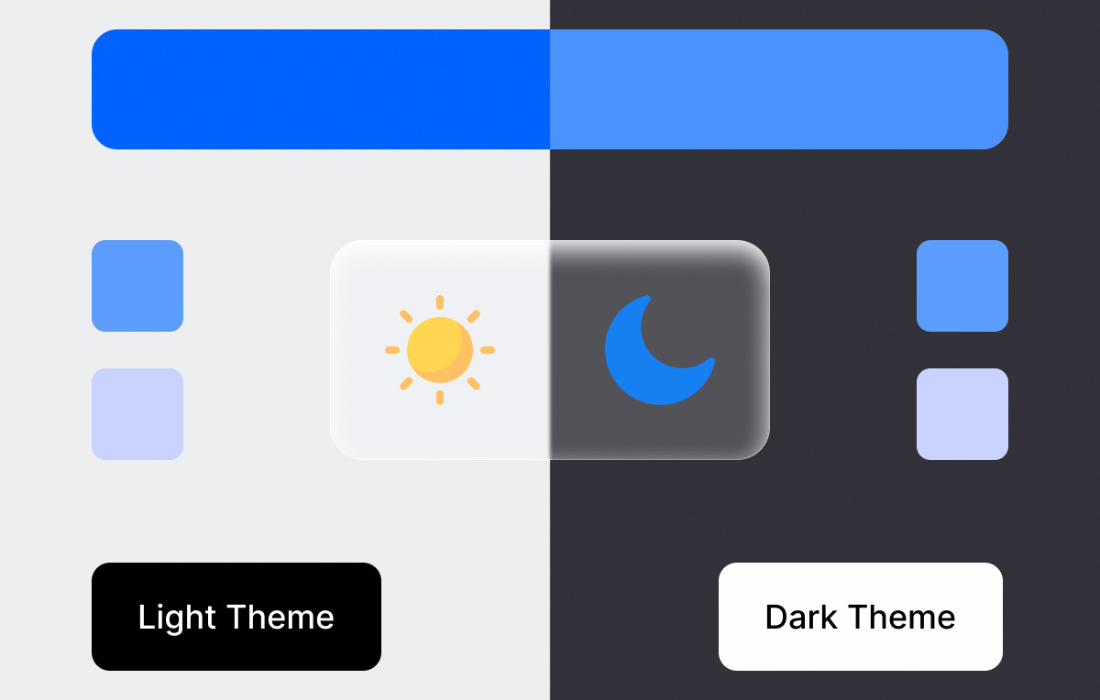
 Dark Reader Pro for WordPress is a specialized accessibility and user-interface plugin designed to provide website visitors with an automated, high-quality dark mode experience. By dynamically generating dark themes for any website, it eliminates the need for manual CSS adjustments, ensuring that users can browse content comfortably in low-light environments or according to their personal visual preferences.
In the current digital landscape, user experience is defined by flexibility and accessibility. Many users now prefer dark mode interfaces to reduce eye strain, minimize blue light exposure, and conserve battery life on mobile devices equipped with OLED screens. Dark Reader Pro addresses this demand by offering a seamless integration that respects the user’s system settings while maintaining the integrity of the website’s original design.
The primary strength of Dark Reader Pro lies in its intelligent engine. Unlike traditional dark mode plugins that require developers to write custom CSS for every element on a page, this plugin utilizes an automated algorithm to invert colors, adjust brightness, and modify contrast levels across the entire site.
Accessibility is a cornerstone of professional web development. By providing a dark mode option, site owners make their content more accessible to users with visual impairments, such as photophobia or light sensitivity. Dark Reader Pro allows for a more inclusive browsing experience, ensuring that users are not forced to navigate high-contrast, bright white interfaces that may cause discomfort.
Dark Reader Pro provides a robust settings panel that allows site administrators to control how the dark mode is presented to the end user. This level of control is essential for maintaining brand consistency while providing utility.
Global vs. Per-Page Settings
Administrators can choose to enable dark mode globally across the entire site or restrict it to specific pages, posts, or custom post types. This is particularly useful for websites that have specific sections, such as a dashboard or a documentation portal, where dark mode is highly beneficial, while keeping marketing pages in their original design.
User-Controlled Toggles
The plugin supports the inclusion of a floating toggle button or a menu item that allows visitors to switch between light and dark modes manually. This puts the power in the hands of the user, allowing them to decide when they want to engage with the dark theme. The plugin can also be configured to automatically detect the user’s operating system preference, switching to dark mode if the user has set their device to a dark theme.
One of the common concerns with dynamic theme plugins is the potential impact on page load speeds. Dark Reader Pro is engineered with performance in mind. By utilizing efficient scripts that run client-side, the plugin minimizes the load on the WordPress server. The processing happens within the user’s browser, ensuring that the initial server response time remains unaffected. This approach is critical for maintaining high Core Web Vitals scores, which are essential for SEO and user retention.
The versatility of this plugin makes it suitable for a wide range of WordPress installations.
Dark Reader Pro is designed to work with the vast majority of WordPress themes and page builders. Because it operates by injecting dynamic styles into the browser, it does not conflict with the underlying PHP code of the theme. Whether you are using a block-based theme, a classic theme, or a popular page builder like Elementor or Beaver Builder, the plugin functions as an overlay that adapts to the structure of the page.
A common misconception is that dark mode plugins will ruin the aesthetic of a carefully designed website. Dark Reader Pro includes features to protect specific elements from being inverted. If a particular brand color or a specific logo must remain in its original state, administrators can use CSS selectors to exclude these elements from the dark mode transformation. This ensures that the site remains recognizable and on-brand, even when the user has opted for the dark theme.
If you are exploring options for dark mode functionality on your WordPress site, there are several other established solutions available.
Dark Reader Pro represents a significant enhancement for any WordPress site looking to prioritize user comfort and modern design standards. By automating the complex task of color inversion and providing granular control over the user experience, it allows site owners to cater to the growing preference for dark interfaces without the need for extensive development work. Whether the goal is to improve accessibility, reduce eye strain, or simply provide a more modern browsing experience, the plugin offers a robust, performant, and highly customizable solution that fits seamlessly into any WordPress environment.


